Quick Operation
Copying
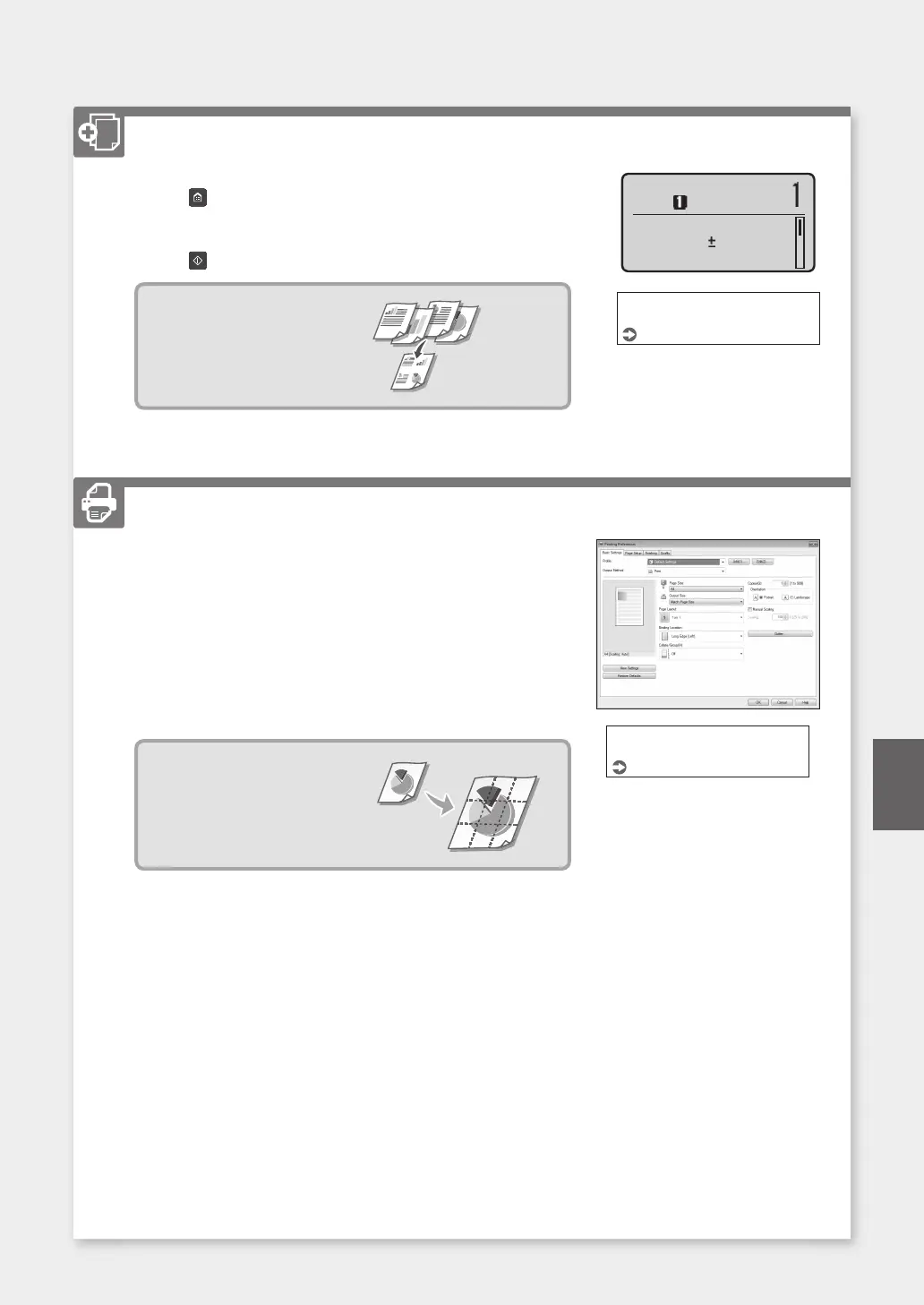
1. Place the original.
2. Press
, and then select <Copy>.
3. Specify the copy settings, as necessary.
4. Enter the desired number of copies.
5. Press
.
Useful copy settings
■
N on 1
■
Enlarging or reducing
■
Copying ID cards
Number of Copies:
Density: 0
Original Type: Text/
Copy: Press Start
100% LTR
For details
"Copying" in the User's Guide
Printing
1. Open the document to print, and select the print function of the
application.
2. Select the printer driver for the machine, and select [Preferences] or
[Properties].
3. Specify the paper size.
4. Specify the paper source and paper type.
5. Specify the print settings, as necessary.
6. Select [OK].
7. Select [Print] or [OK].
Useful print settings
■
N on 1
■
Collated Printing
■
Poster Printing
For details
"Printing" in the User's Guide
23
En









 To Next Page