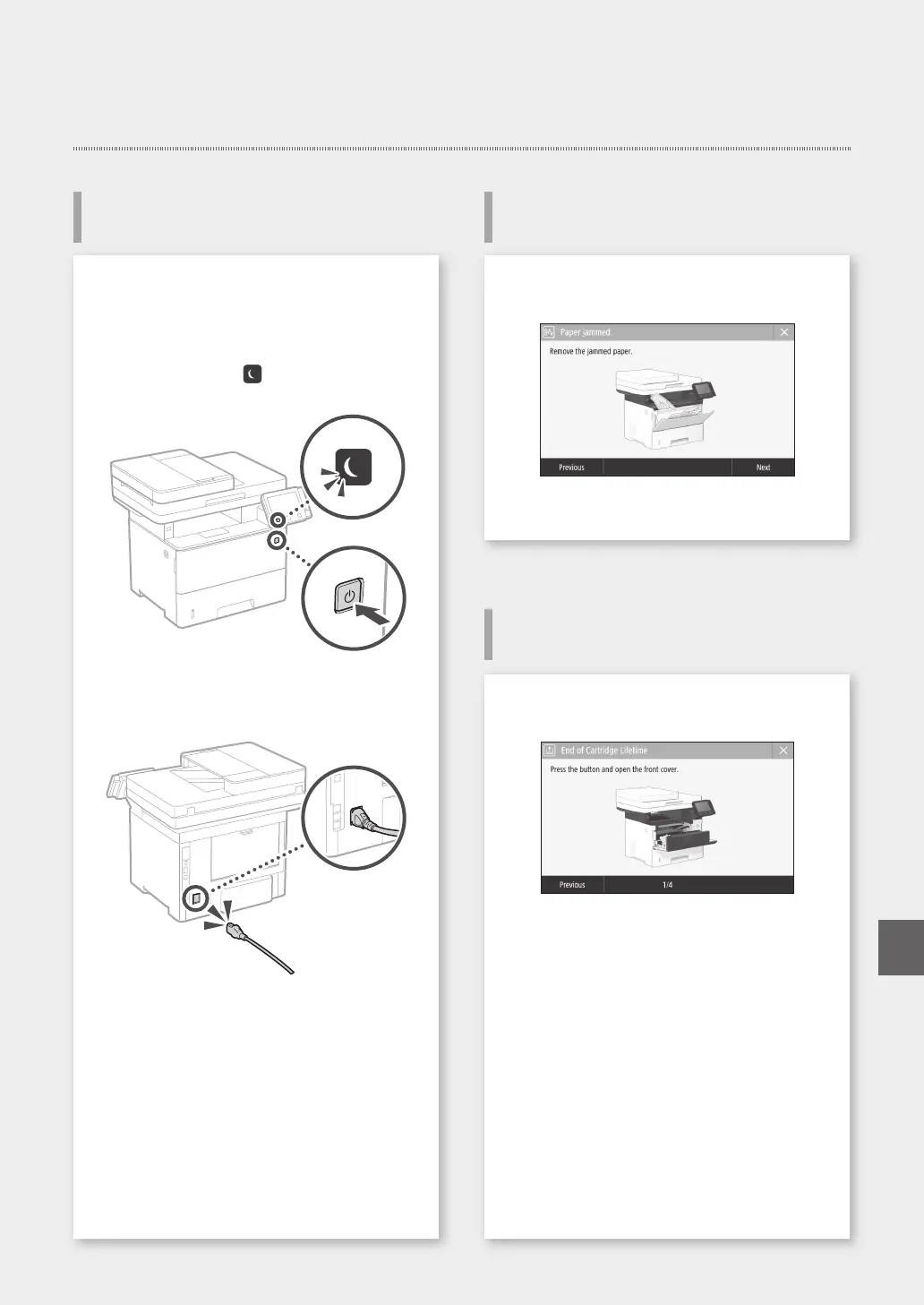
Clear the paper jams, according to the on-screen
instructions.
Check the following.
• Is the power turned ON?
• Is the machine out of sleep mode?
If both the display and
are not lit, press the
power switch.
• Is the power cord connected correctly ?
If the problem persists, see the User's Guide.
If a Problem Has Occurred
25
The Machine Does Not Seem to
Work
Paper Jams Have Occurred
Replacing the Toner Cartridge
Replace the toner cartridge, according to the on-
screen instructions.
Model number of replacement toner
cartridge
• Canon Cartridge 056 L
• Canon Cartridge 056
• Canon Cartridge 056 H
Quick Operation
En










 To Next Page