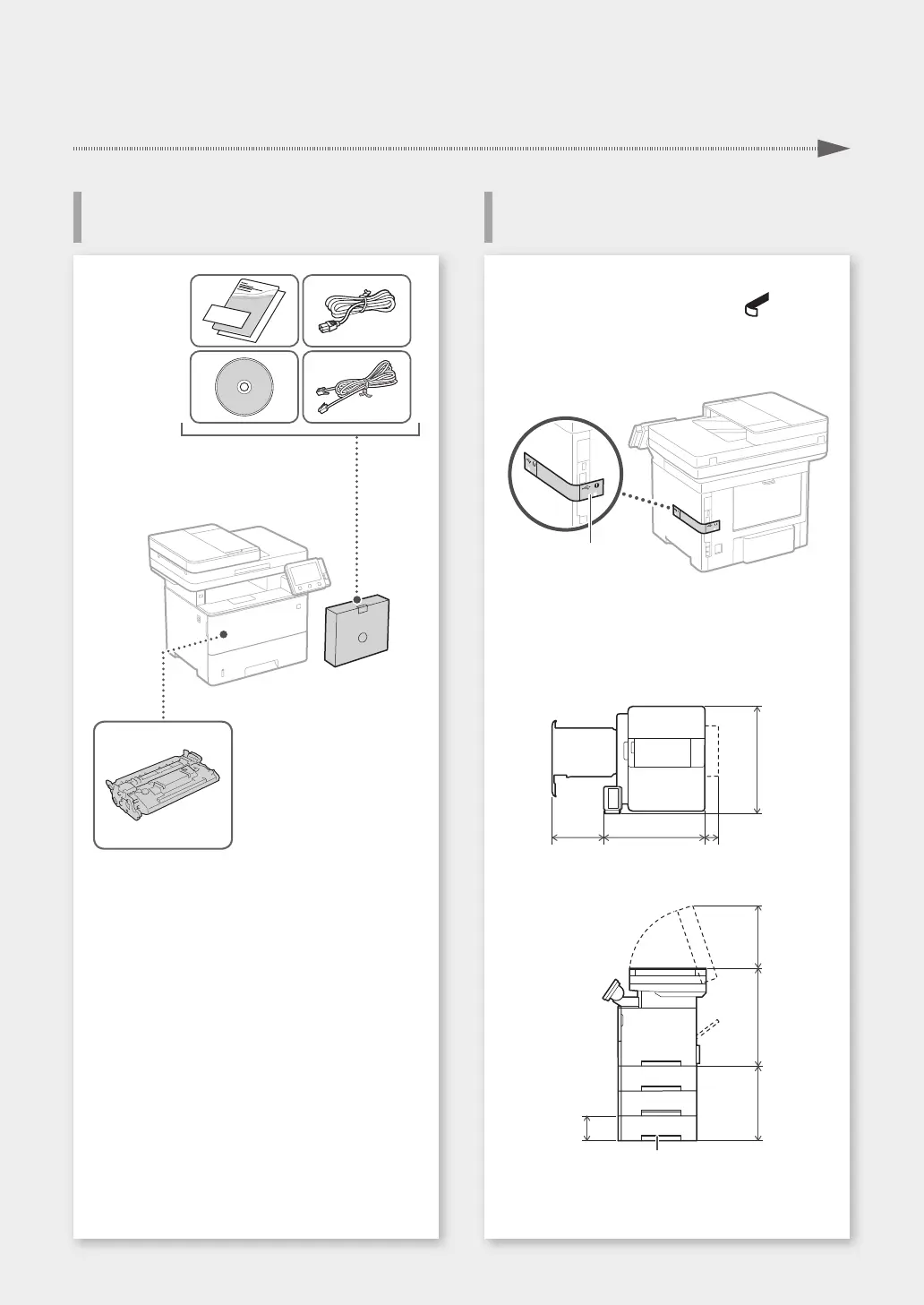
Before starting the installation
• Remove all of the tape.
• Do not remove the sticker that covers the USB
port.
Sticker
Installation requirements
Provide a space of 4" (100 mm) or more around
the machine.
14 5/8"
(370 mm)
18 1/4"
(464 mm)
2 3/4"
(71 mm)
19 1/2"
(494 mm)
10 3/4"
(272 mm)
17 3/4"
(452 mm)
15 3/8"
(390 mm)
5 1/8"
(130 mm)
Paper feeder (optional)
Toner cartridge (included with the machine)
3
Installation of the Machine
Installing the MachineItems Included with the Machine
Quick Setup










 To Next Page