Setting Description Procedure
<Entry Tone> Conrmation sound each time a key on the
operation panel or button on the display is
pressed
Select <On> (produce a tone) or
<Off> (not produce a tone).
<Invalid Entry Tone> Sound produced when an invalid key
operation is performed, such as when you
enter a number outside the valid setting
range
<Restock Supplies Tone> Sound produced when a toner cartridge is
almost empty
<Warning Tone> Sound produced when a paper jam or other
error occurs
<Job Done Tone> Sound produced when an operation such
as copying or scanning is complete
<Energy Saver Alert> Sound produced when the machine enters
or exits sleep mode
<Original in Feeder Detection Tone> Sound produced when an original is loaded
in the feeder
4
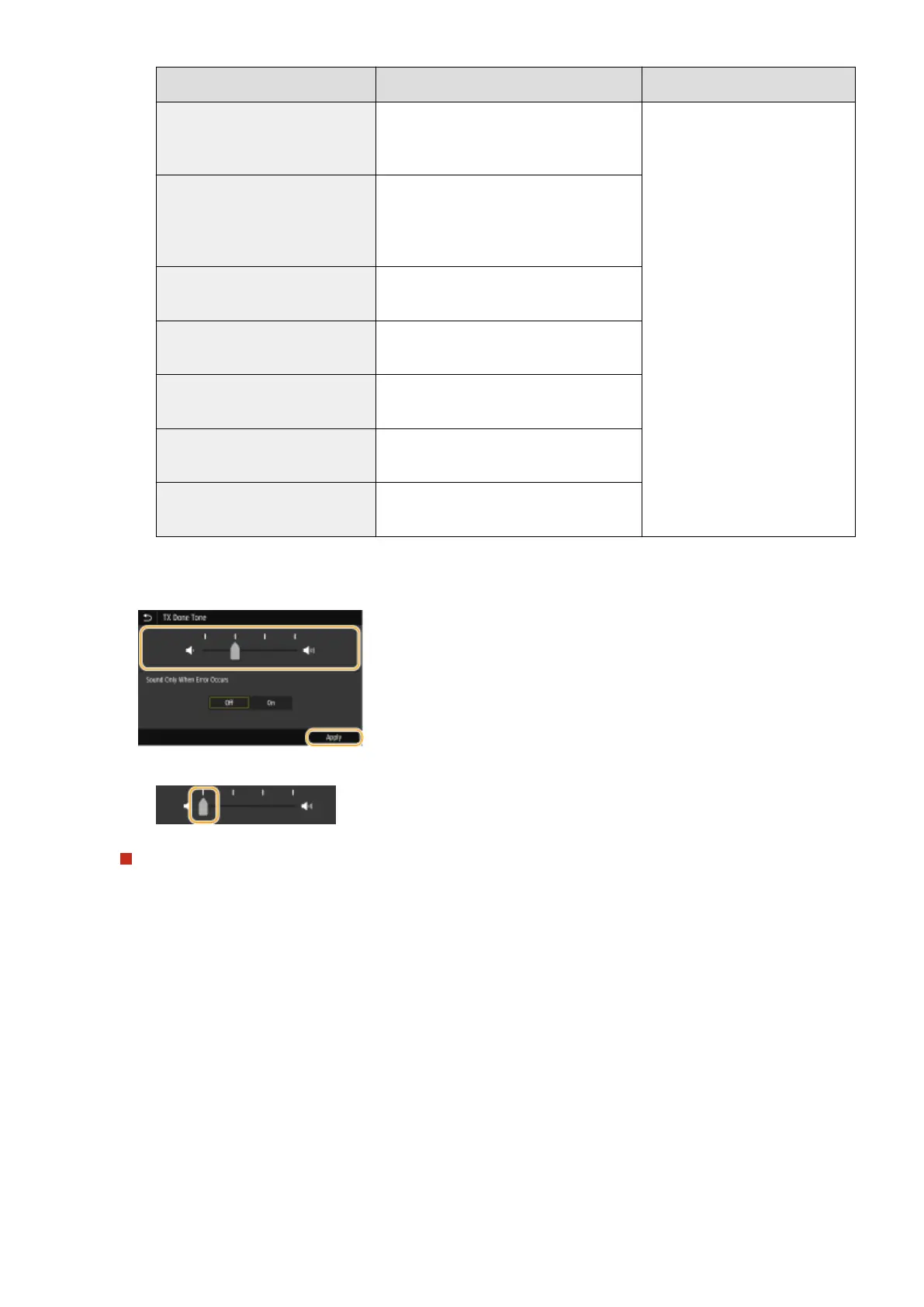
Adjust the volume, select <Apply>.
● To mute the sound, move the cursor all the way to the left.
End sound only for error
In <Sound Only When Error Occurs>, select <On>, and select <Apply>.
Basic Operations
179









 To Next Page