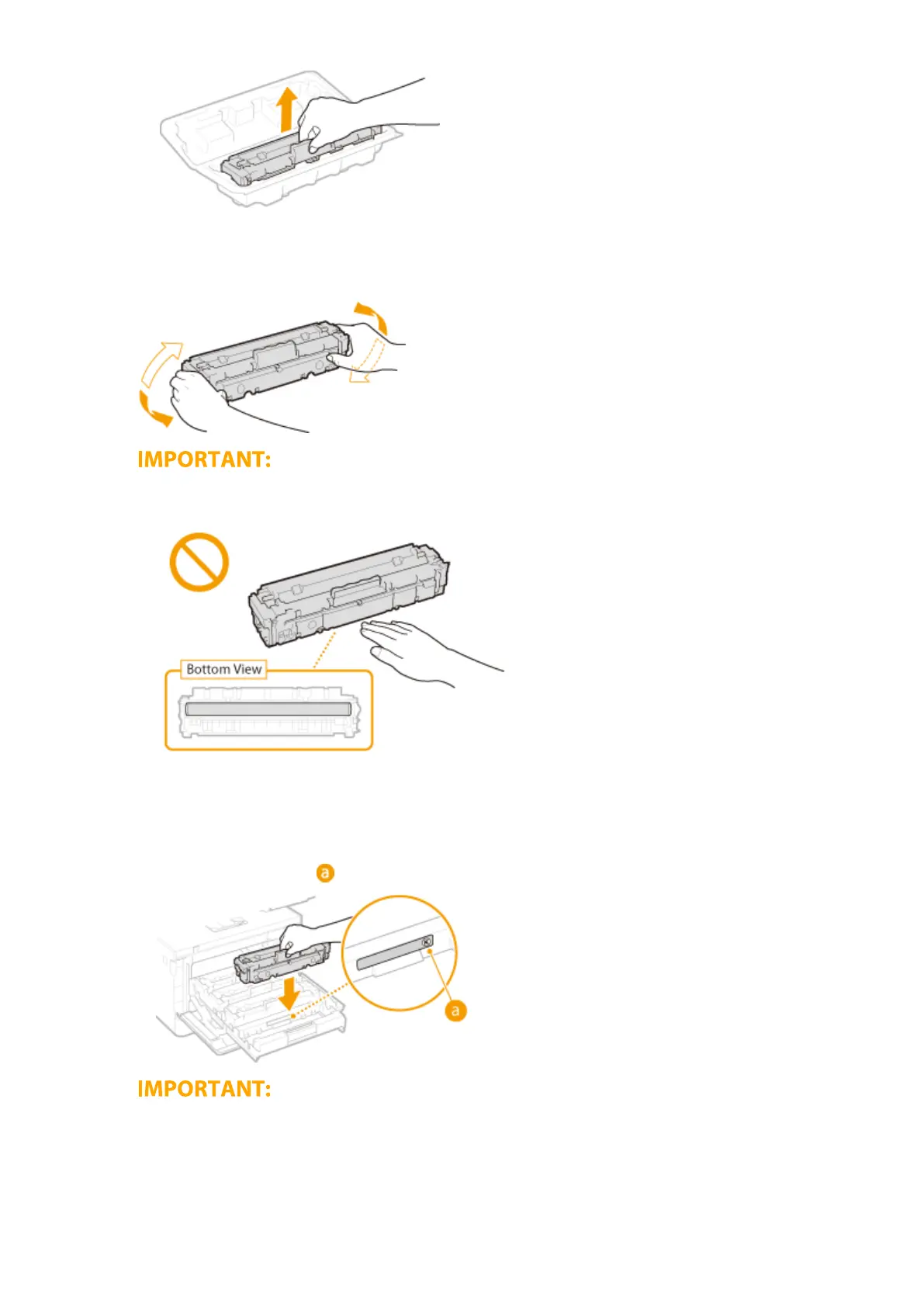
5
Shake the toner cartridge 5 or 6 times as shown below to evenly distribute the toner
inside the cartridge.
● Do not touch the surface of the drum on the bottom of the toner cartridge.
6
Install the toner cartridge.
● Each toner cartridge color has its own slot in the toner cartridge tray, and this tray is indicated with a
corresponding color label (
). Place the toner cartridge into the slot that corresponds to its color.
● The bottom surface of the toner cartridge is exposed; therefore, be careful not to bump the toner
cartridge against the slot frame when inserting it into the slot.
7
Push the toner cartridge tray back in, and close the front cover.
Maintenance
588









 To Next Page