<Menu> <Function Settings> <Receive/Forward> <Common Settings> <Set Fax/I-Fax
Inbox> <Fax Memory Lock Settings> Select <Off> in <Use Memory Lock> <Apply>
Checking/Forwarding/Deleting Documents in Memory
You can check an outline of each document stored in memory, including sender fax numbers and number of pages
sent. You can also select and forward a document stored in memory, and delete an unnecessary document, if any.
1
Select <Status Monitor>.
2
Select <RX Job>.
3
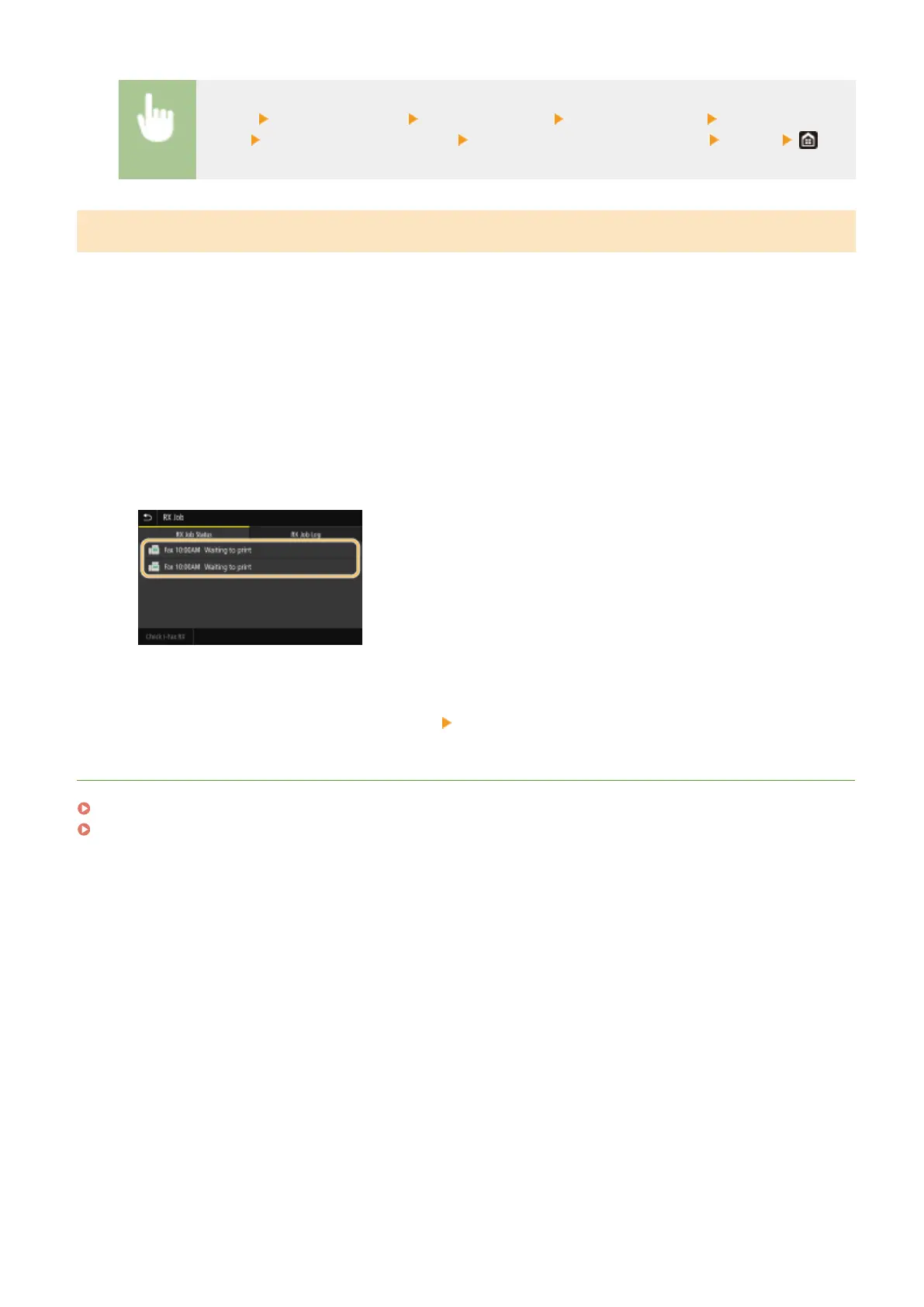
In the <RX Job Status> tab, select the document you want to check/forward/delete.
➠
Displays detailed information about the document.
● To forward the document, select <Forward>, and specify the appropriate destination.
● To delete the document, select <Delete> <Yes>.
LINKS
Receiving Faxes(P. 226)
Checking Status and Log for Sent and Received Documents(P. 242)
Faxing
239









 To Next Page