2
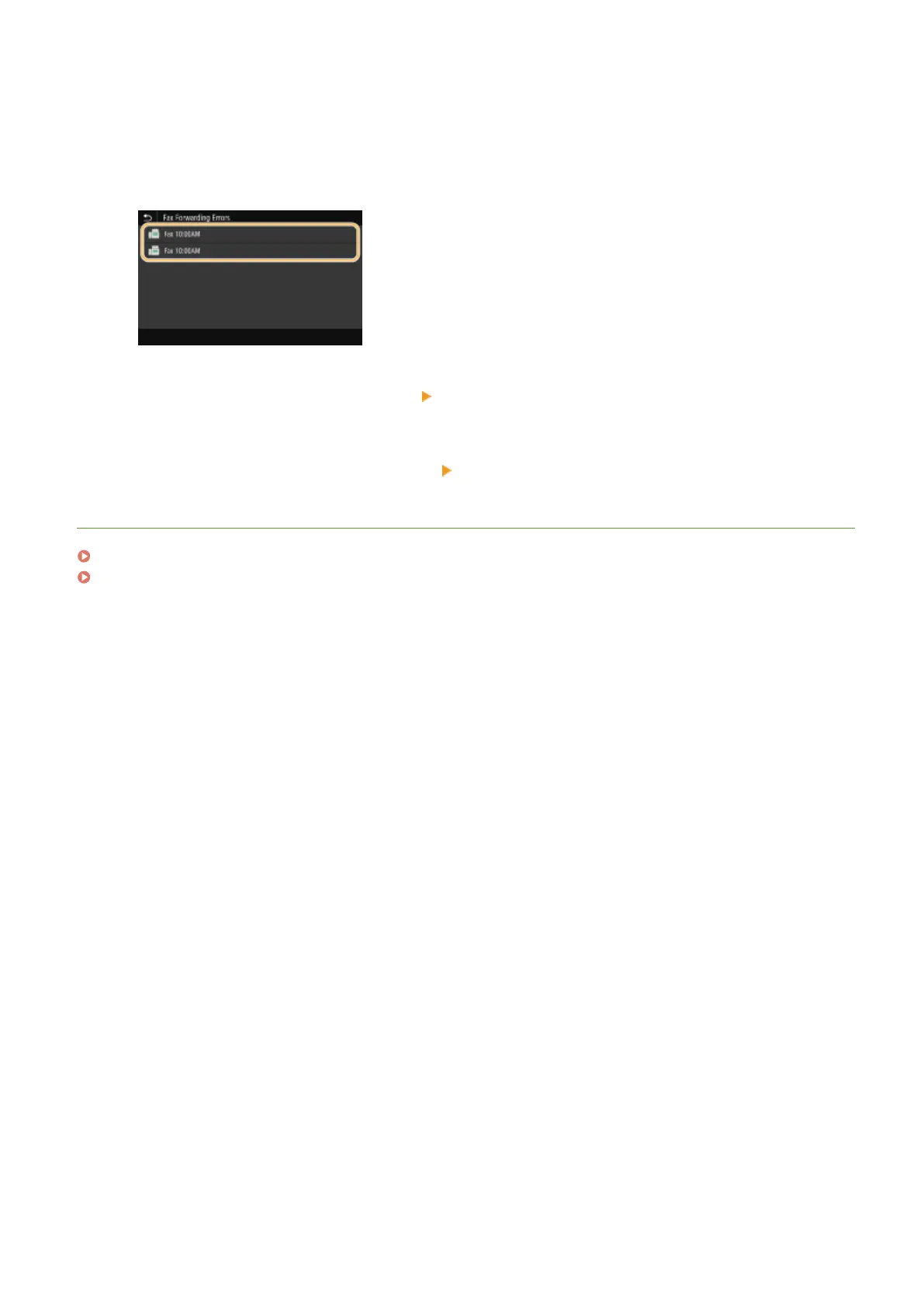
Select <Fax Forwarding Errors>.
3
Select the document you want to print/resend/delete.
➠ Displays detailed information about the document.
● To print the document, select <Print> <Yes>.
● To resend the document, select <Forward>, select the check box for the target destination, and then
select <Apply>.
● To delete the document, select <Delete>
<Yes>.
LINKS
Receiving Faxes(P. 226)
Checking Status and Log for Sent and Received Documents(P. 242)
Faxing
241









 To Next Page