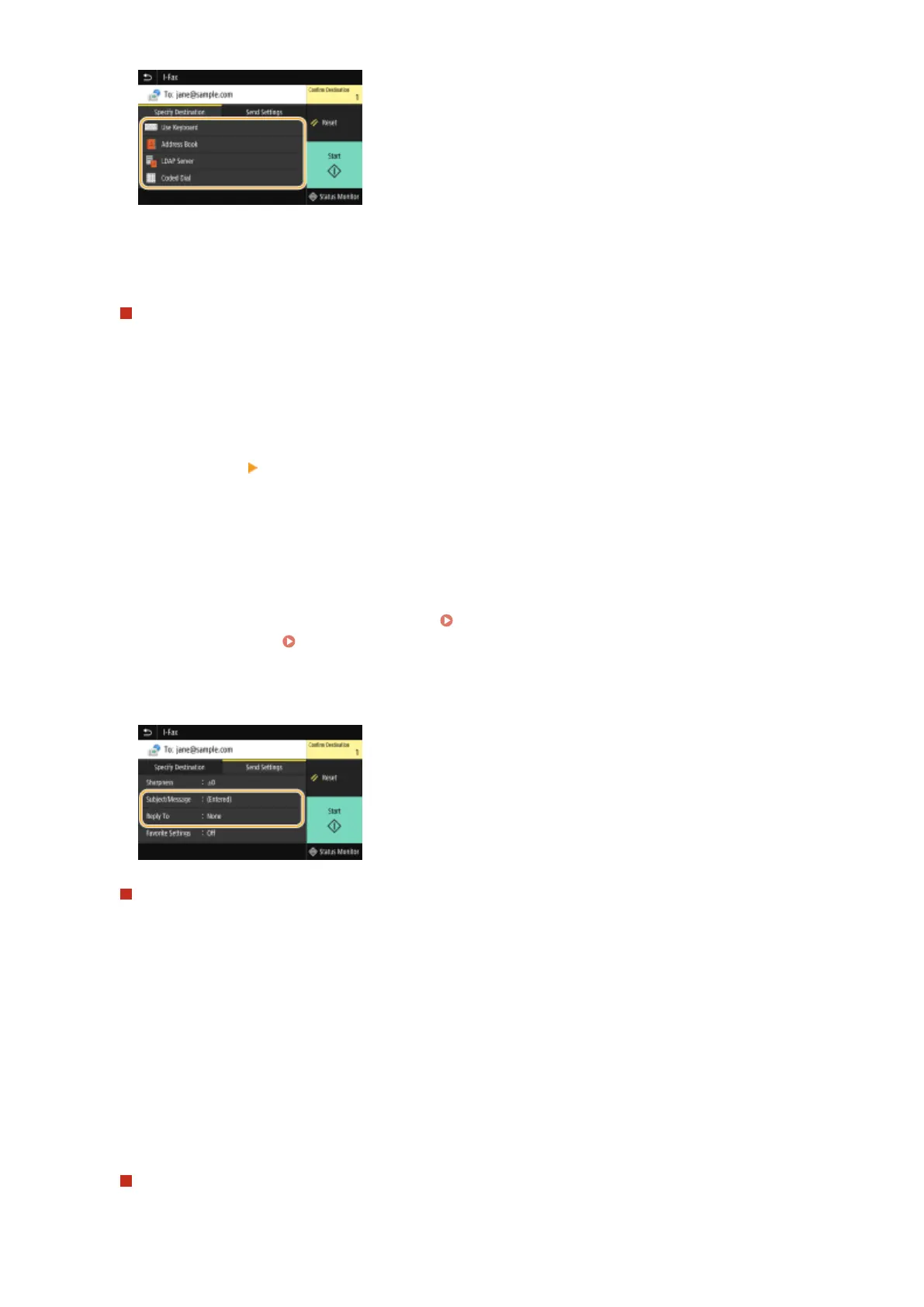
● If you selected <LDAP Server> or <Specify Myself as Destination>, the destination is specied in the <To>
eld.
● <Cc> and <Bcc> addresses can only be selected using <Address Book> or <Coded Dial>.
To delete destinations
If you specied multiple destinations, you can delete destinations as necessary.
1
Select <Conrm Destination>.
2
Select the check box for the destination to be deleted, and select <Remove from Dest.>.
● If you select the Group check box, you can view the destinations registered in the group by selecting
<Details>
<Destination>.
3
Select <Yes>.
6
Specify the scanning settings as necessary.
● For more information about each setting, see Sending Data by E-Mail/Saving Data to a Shared Folder or
FTP Server(P. 291) or Scanning Clearly(P. 303) .
7
Specify the subject, message, and reply-to address for the e-mail as necessary.
To specify subject/message
1
Select <Subject/Message> in the <Send Settings> tab.
2
Select <Subject>
3
Enter the subject, and select <Apply>.
4
Select <Message>.
5
Enter the message, and select <Apply>.
6
Select <Apply>.
To specify reply-to address
Specify the reply-to address when you want to notify the recipient of an e-mail address different from that of
the machine as the reply-to address. Select the target reply-to address from the destinations registered in the
Faxing
252









 To Next Page