● By setting <Prioritize Driver Settings When Printing> to <On>, you can print from the paper source specied
in the printer driver, regardless of the paper settings on the machine. <Prioritize Driver Settings When
Printing>(P. 493)
1
Open a document in an application and display the print dialog box.
2
Select the printer driver for this machine, and click [Preferences] or [Properties].
3
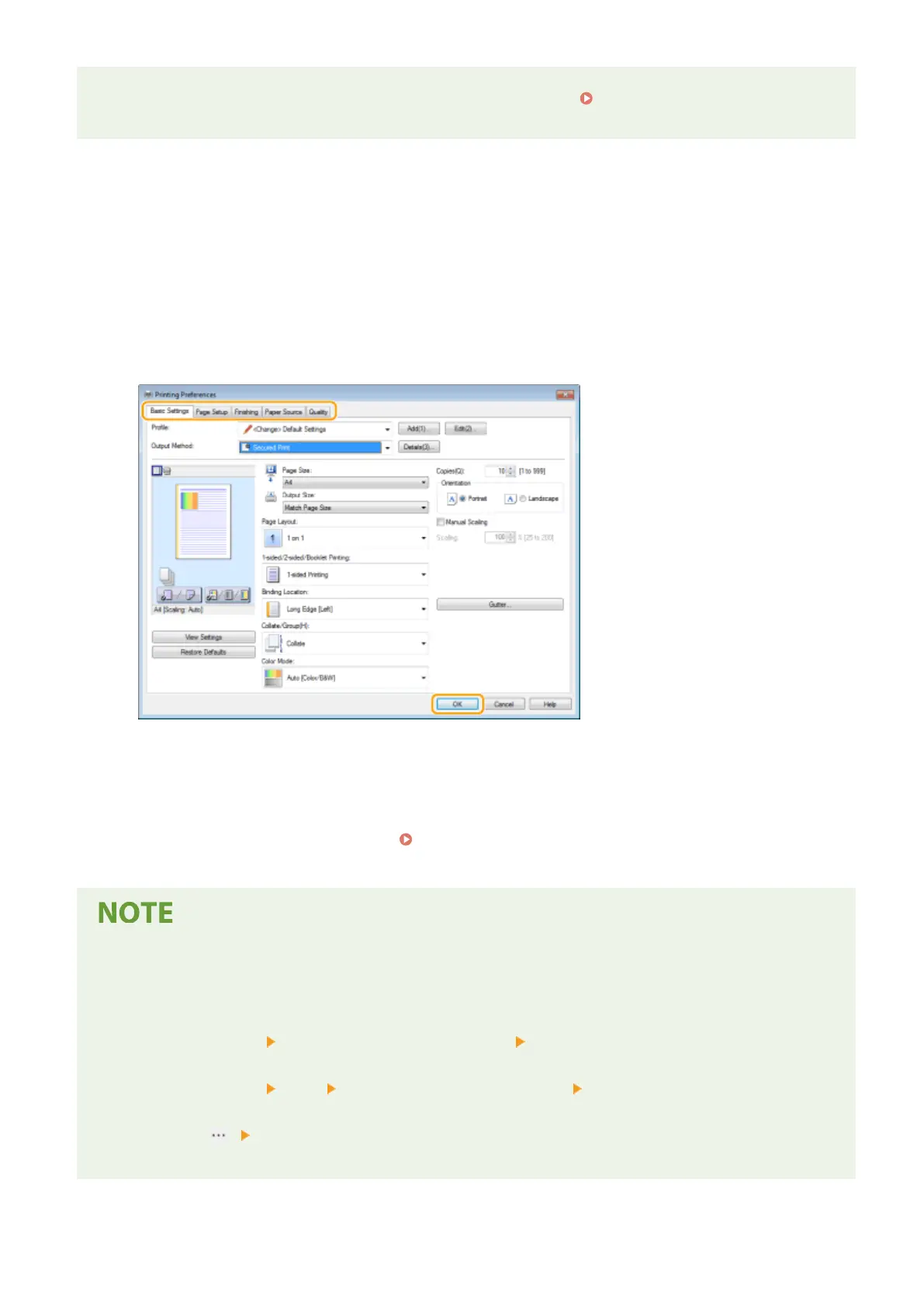
Specify the print settings as necessary, and click [OK].
● Switch the tab according to the settings.
4
Click [Print] or [OK].
➠
Printing starts.
● If you want to cancel printing, see Canceling Prints(P. 261) .
When printing from the Windows Store app in Windows 8/10/Server 2012
● Display the charms on the right side of the screen and use the procedure shown below.
Windows 8/Server 2012
Tap or click [Devices] The printer driver for this machine [Print]
Windows 8.1/Server 2012 R2
Tap or click [Devices] [Print] The printer driver for this machine [Print]
Windows 10
Tap or click [ ] [Print]
- f you print using this method, only a limited number of print settings are available.
Printing
259









 To Next Page