Specifying Orientation of Your Original
You can specify portrait or landscape orientation.
<Original Orientation> Select the original orientation
Scanning 2-Sided Originals
The machine can automatically scan the front and back sides of originals in the
feeder.
● The machine cannot scan both sides of originals automatically when the originals are placed on the platen
glass.
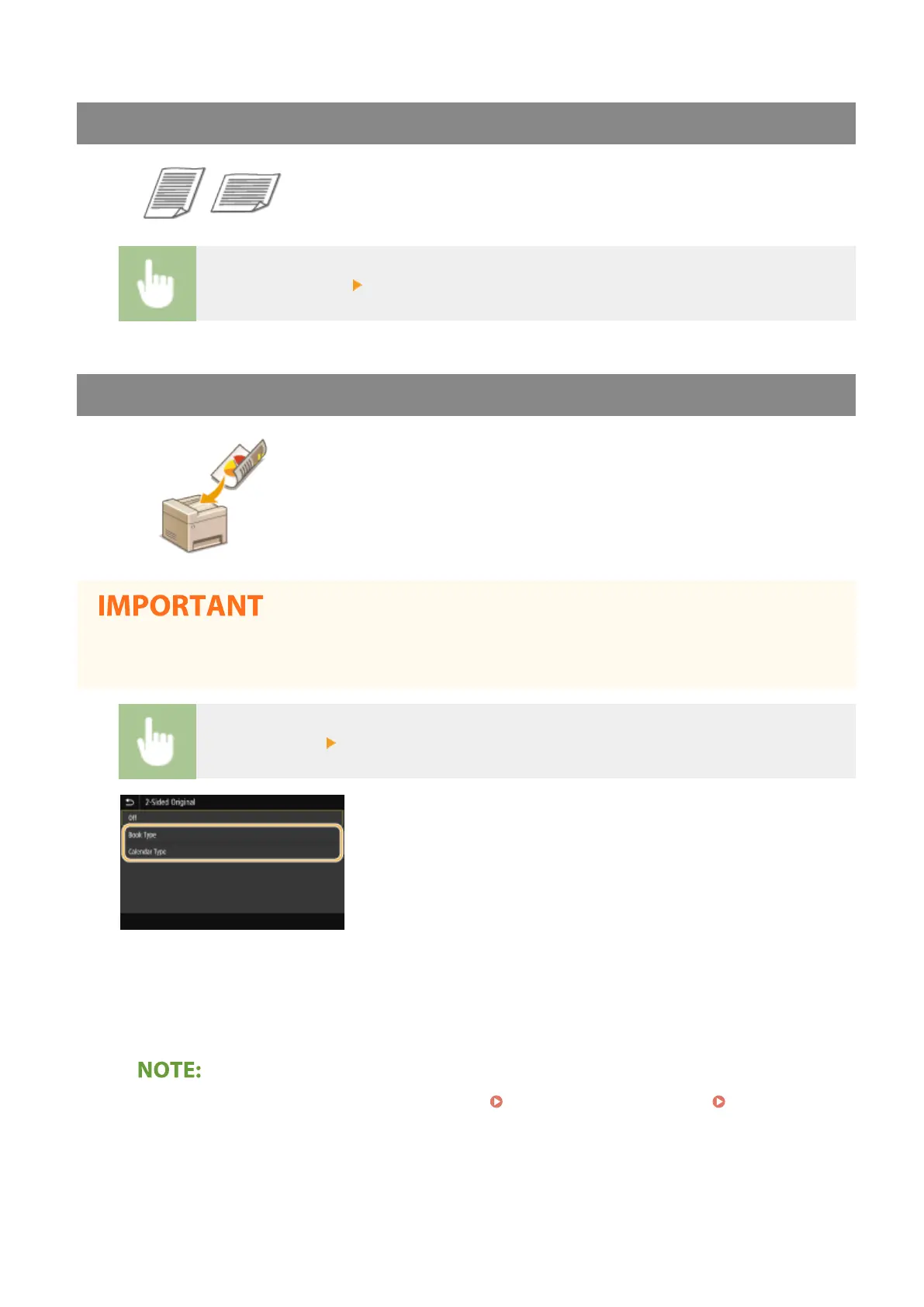
<2-Sided Original> Select <Book Type> or <Calendar Type>
<Book Type>
Select for originals whose images on the front and back sides face the same direction.
<Calendar Type>
Select for originals whose images on the front and back sides face in opposite directions.
● For information about other scan settings, see Scanning Clearly(P. 303) or Adjusting Balance
between File Size and Image Quality(P. 312) .
5
Select <Start>.
➠ Scanning of the original starts.
Scanning
289









 To Next Page