<USB>
Select a page description language so that the machine is detected as a printer that is compatible with that
language when it is connected to a computer via USB.
<UFR II>
<UFR II (V4)>
<PCL6>
*1
<PS>
*1
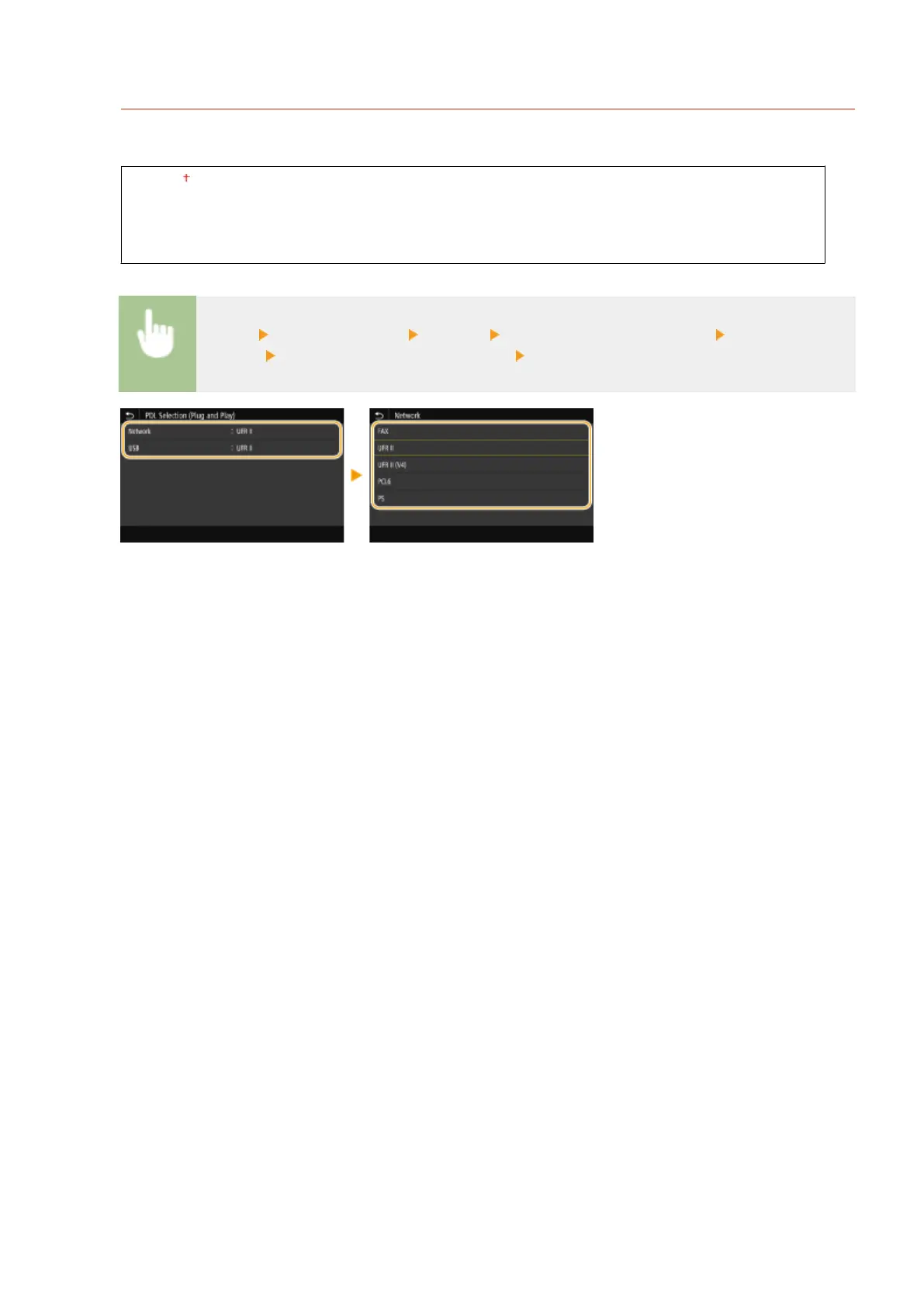
<Menu> <Function Settings> <Printer> <PDL Selection (Plug and Play)> Select <Network>
or <USB> Select a page description language Restart the machine
<FAX>
Detects and connects the machine as a fax device.
<UFR II>
Detects and connects the machine as a UFR II printer.
<UFR II (V4)>
Detects and connects the machine as a UFR II printer that is compatible with XML Paper Specication (XPS).
<PCL6>
Detects and connects the machine as a PCL6 printer.
<PS>
Detects and connects the machine as a PS printer.
Setting Menu List
535









 To Next Page