27
Configuring Manually (Using the Wireless Setup
Assistant)
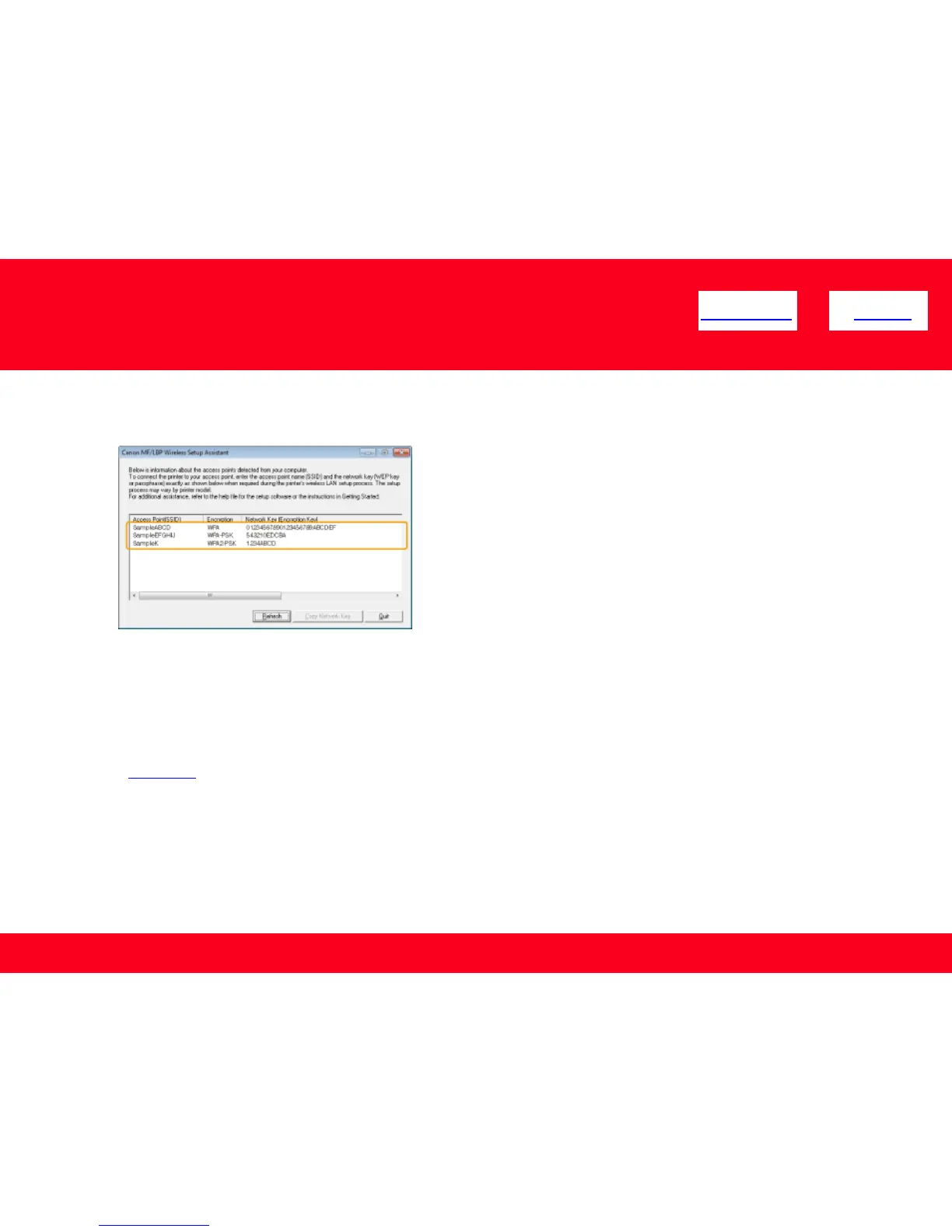
If multiple access points are displayed
Write down all of the displayed SSIDs
<< Previous Next >>
When wireless LAN routers or access points are not displayed
Click [Refresh]
When information is not displayed even after clicking [Refresh], check that the settings for the computer and
wireless LAN or access point are complete.
Click Here to return to the selection page.











 To Next Page