28
Configuring Manually (Selecting Access Points)
From the list of access points searched by the imageCLASS device, select a wireless LAN router or an access point
to be connected and enter a network key for connection.
Selecting Access Point
For selecting access points, WEP 802.11 authentication system is set to <Open System>, while WPA/WPA2 is set
to Auto> (either AES-CCMP or TKIP)
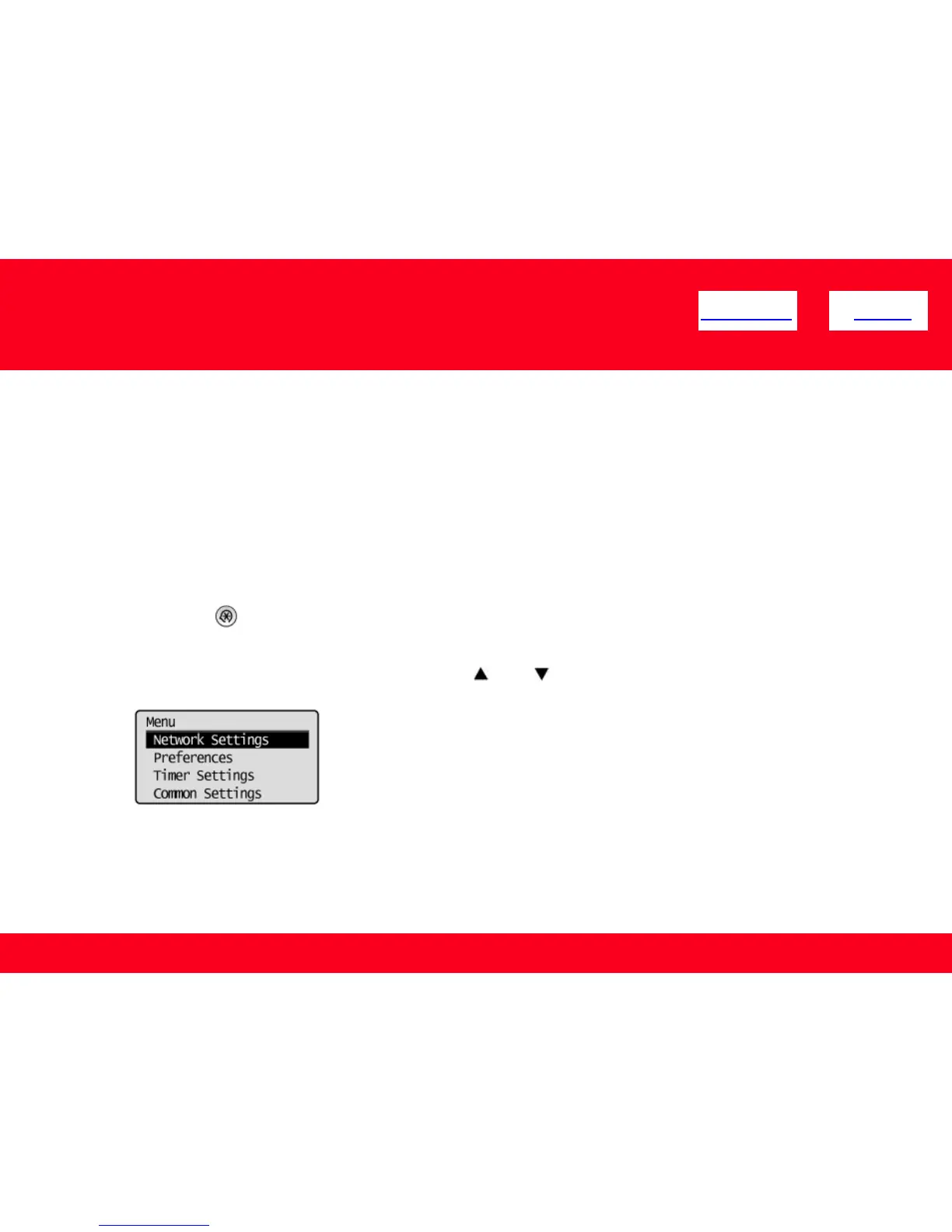
1. Press [ ] (Menu).
2. Select <Network Settings> using [ ] or [ ] and press [OK].
<< Previous Next >>











 To Next Page