38
Configuring Manually (Manually Entering SSID)
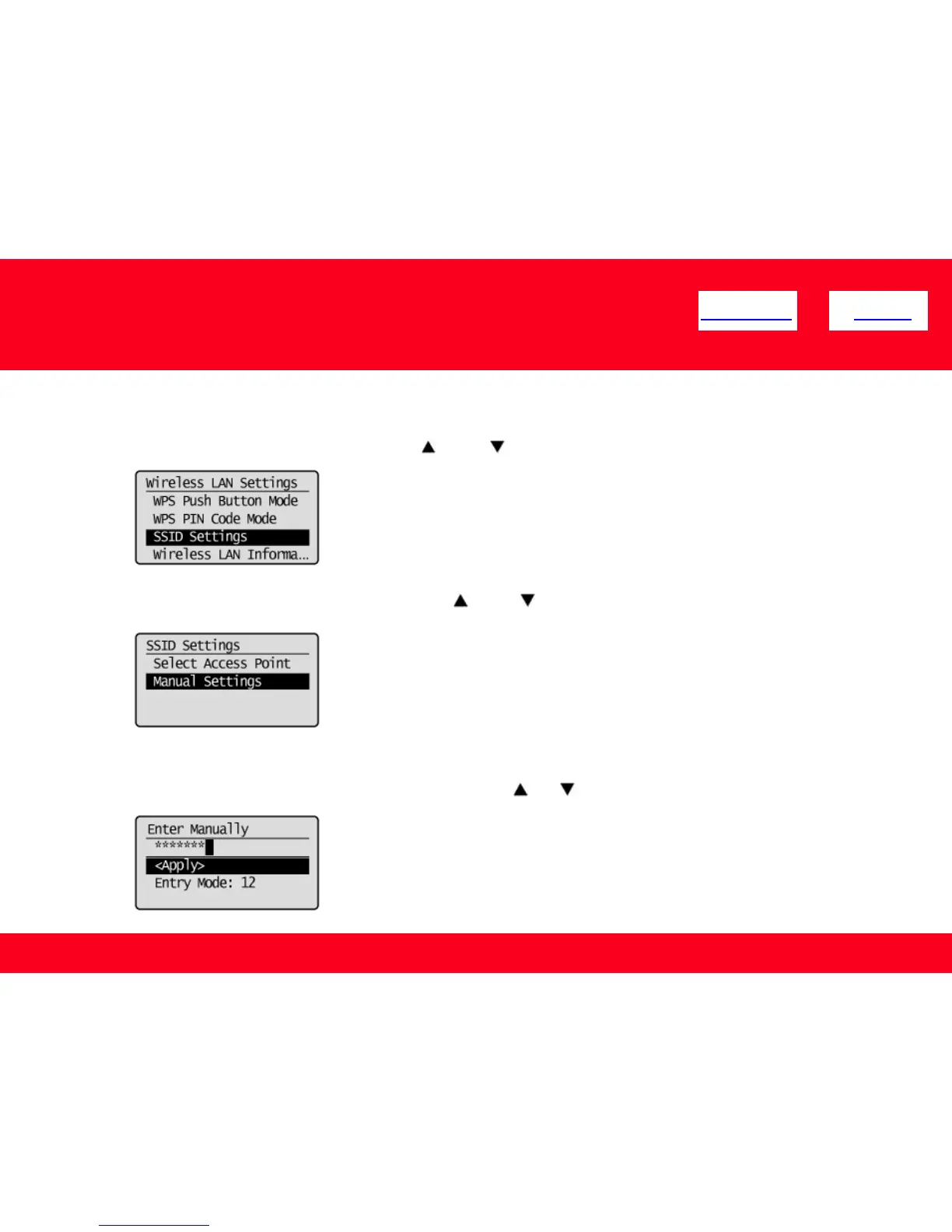
5. Select <SSID Settings> using [ ] or [ ], and then press [OK].
<< Previous Next >>
6. Select <Manual Settings> using [ ] or [ ], and then press [OK].
7. Enter the SSID that you have written down.
After entering it using the numeric keys, select <Apply> using [ ] or [ ], and then press [OK].











 To Next Page