39
Configuring Manually (Manually Entering SSID)
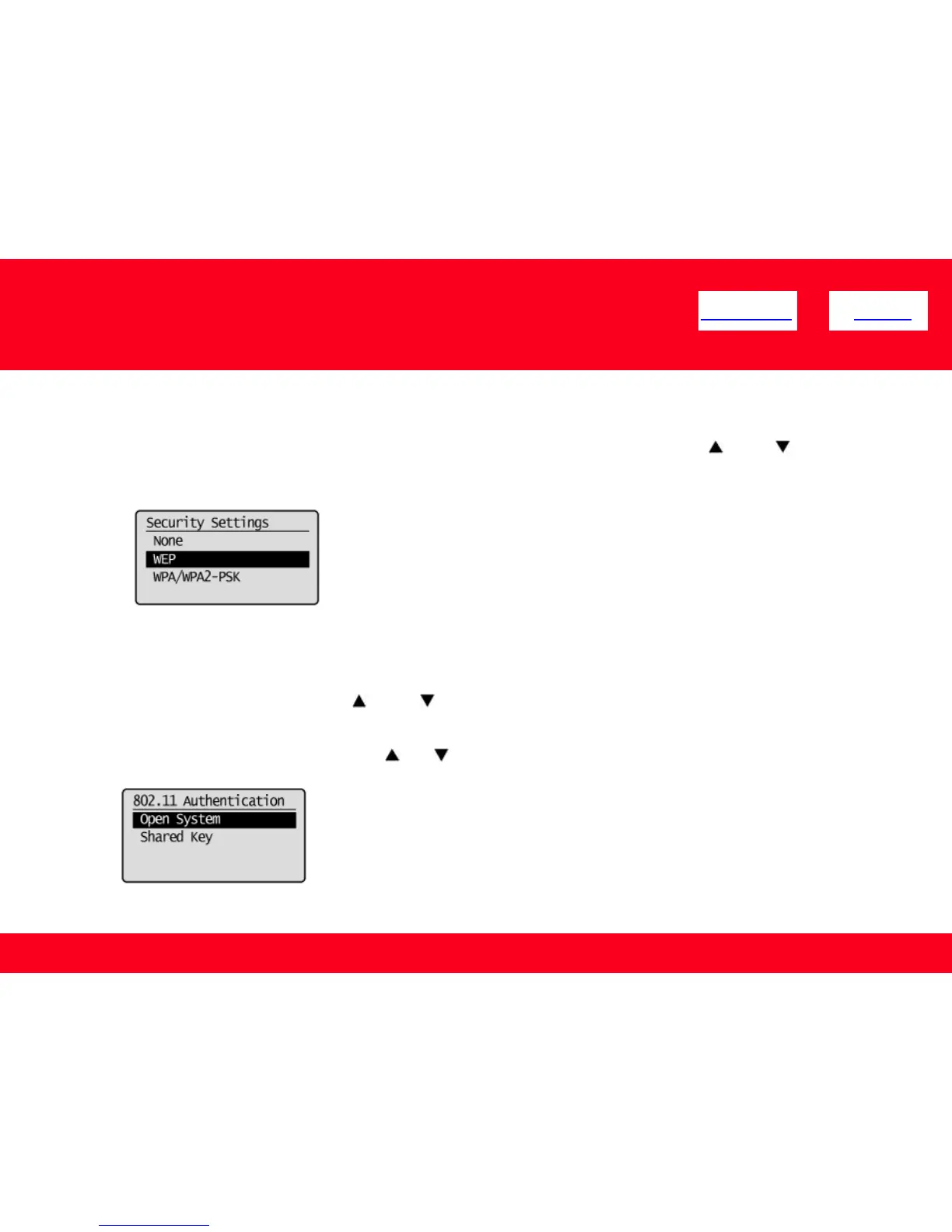
8. Select encryption types that you have written down using [ ] or [ ],
and then press [OK].
<< Previous Next >>
9. Select the authentication method or encryption type that you have
written down using [ ] or [ ], and then press [OK].
When the type of encryption is WEP
1. Select the authentication method with [ ] or [ ] , and then press [OK].
In case of <None>, go to step 12.











 To Next Page