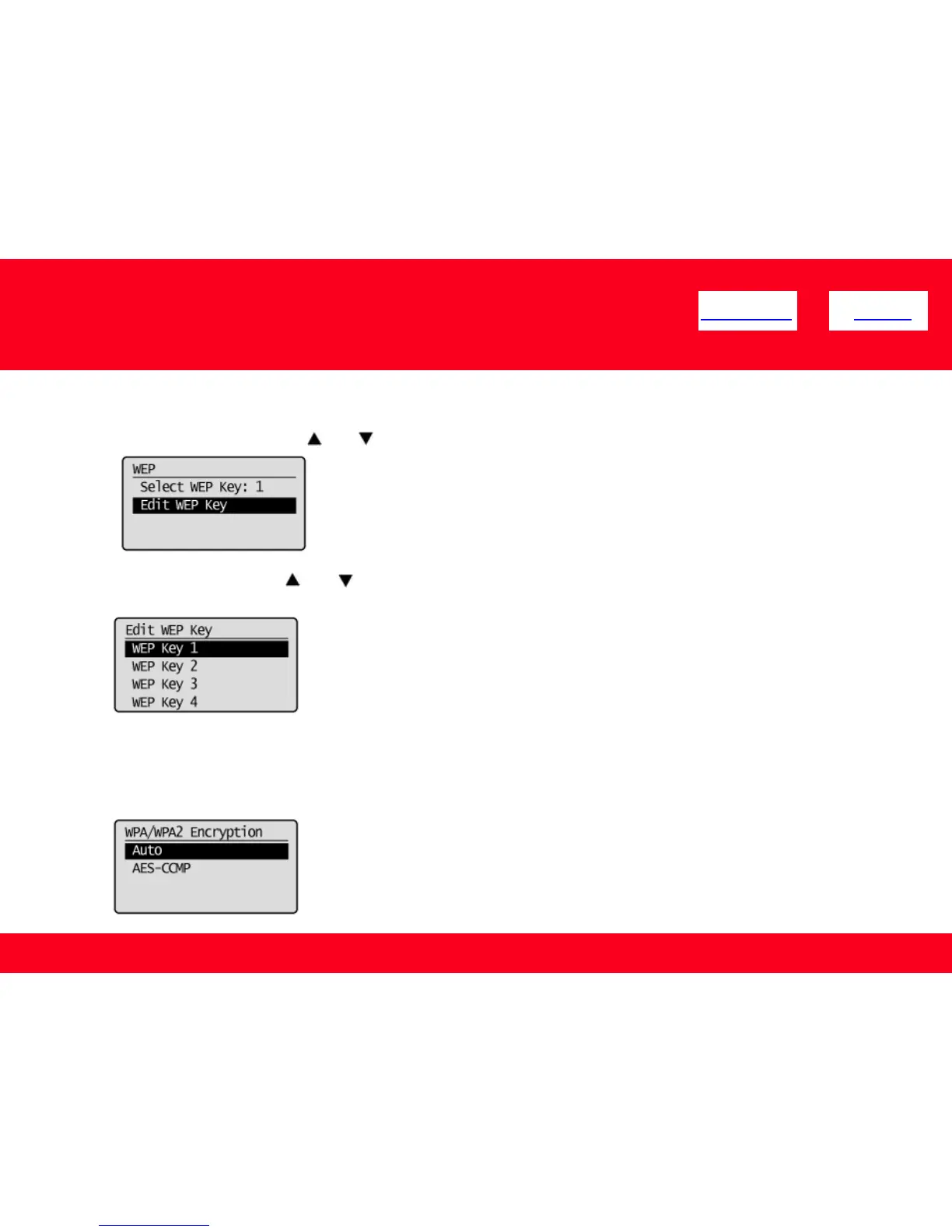
3. Select the WEP key using [ ] or [ ] , and then press [OK].
* Select the key number to be used for encryption which you wrote down earlier.
40
Configuring Manually (Manually Entering SSID)
<< Previous Next >>
When the type of encryption is WPA/WPA2-PSK
• Auto (AES-CCMP or TKIP)
• AES-CCMP
2. Select <Edit WEP Key> using [ ] or [ ]. And then press [OK].











 To Next Page