1
Setting Up the Machine to Suit Your Purposes
Available Features
: available : not available
Copy Print
2-sided
Printing
Fax
(PC Fax)
USB Scan
Network
Scan
Remote UI ADF (1-sided) ADF (2-sided)
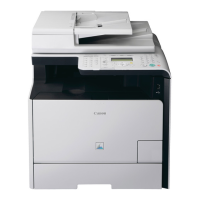
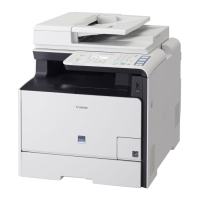
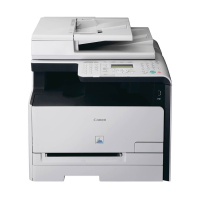
MF8350Cdn
Preface
1
Installing the Machine
2
Configuring and Connecting the Fax
3
Connecting to a Computer and
Installing the Drivers
4
Appendix
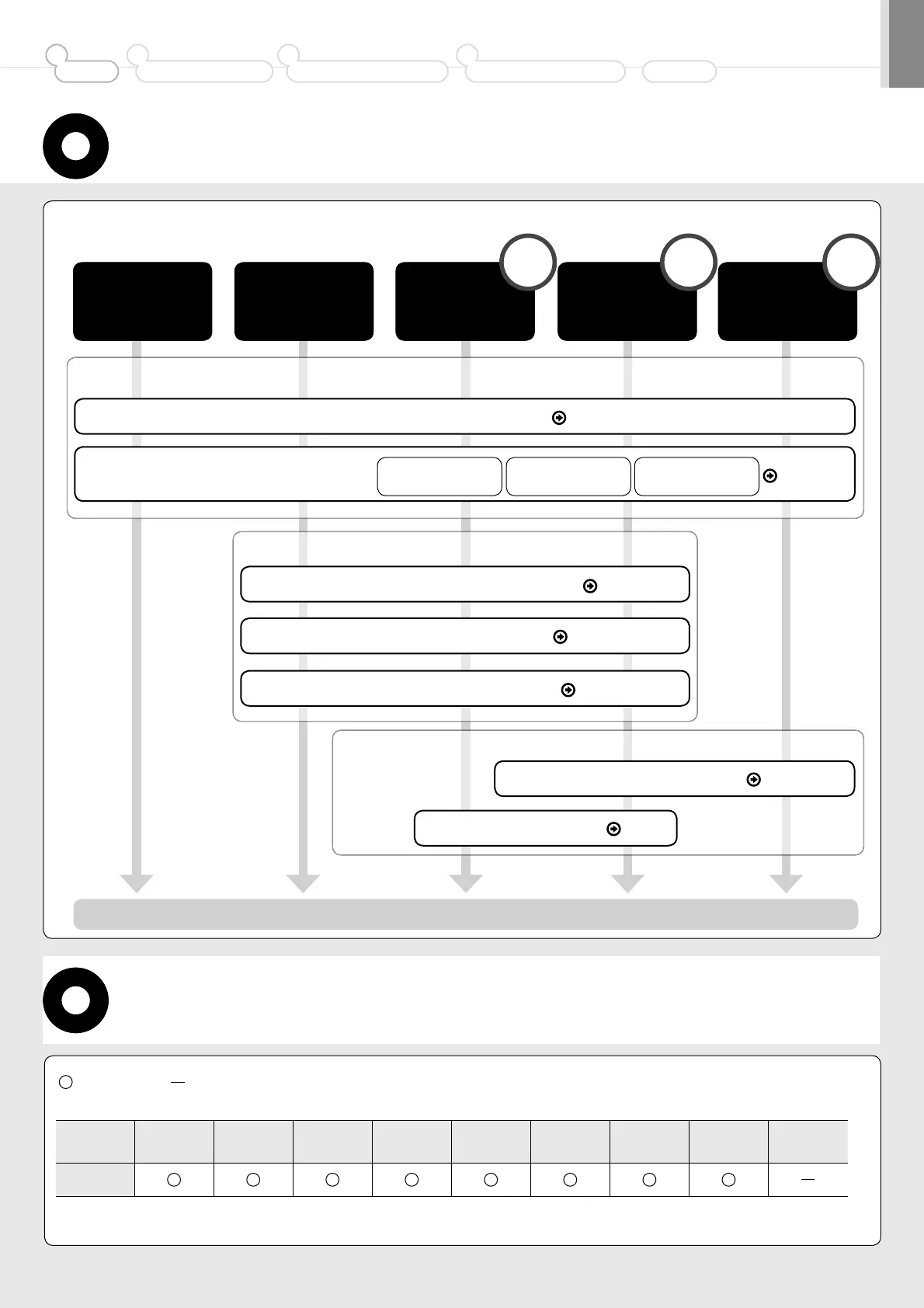
Determine which machine functions (Copy, Print, Fax, PC Fax, Scan, Remote UI) you intend to use, and make the settings
according to the flowchart below.
Required Operations
Connecting the Power Cord P. 3
Registering the Sender Information
P. 6
Fax Settings
The settings are now complete.
Selecting the Receive Mode P. 7
Connecting a Telephone Line
P. 8
Turning the Power ON and
Specifying the Initial Settings
Language Settings
Date and Time
Settings
Color Correction
P. 3
Installing the Software P. 11
Connecting to a Network P. 10
Settings in a Computer
Copy Fax
Settings from
a Computer
Print
Scan
PC Fax
Print
Scan
PC Fax
Required Operations
Remote
UI
Network
Connection
USB
Connection






 To Next Page