TROUBLESHOOTING 143
Inspecting the system
If checking cable and board connections does not fix the problem, consider inspecting the
system component by component (see Tabl e 5 ) and verifying that each hardware component
is properly installed and configured before you decide to replace costly components.
If a component in the system you are servicing does not meet a condition listed in Tab le 5 and
it is not clear how to fix the problem (for example, if the system hangs before reaching Idle),
locate the behavior in Table 6 on page 149 to see the suggested action(s) for solving the
problem.
TABLE 5: Verifying the system
Conditions to verify Part and additional page references
When the problem occurs, verify the following:
• Power cable is connected properly to the imagePRESS Server and
to the power outlet.
• The imagePRESS Server is powered on.
• Chassis fans are operating.
• At least one LED on the network connector is lit.
• All external cables required are present, in correct connectors, well-seated.
• Cables, cable connectors, and mating connectors appear undamaged.
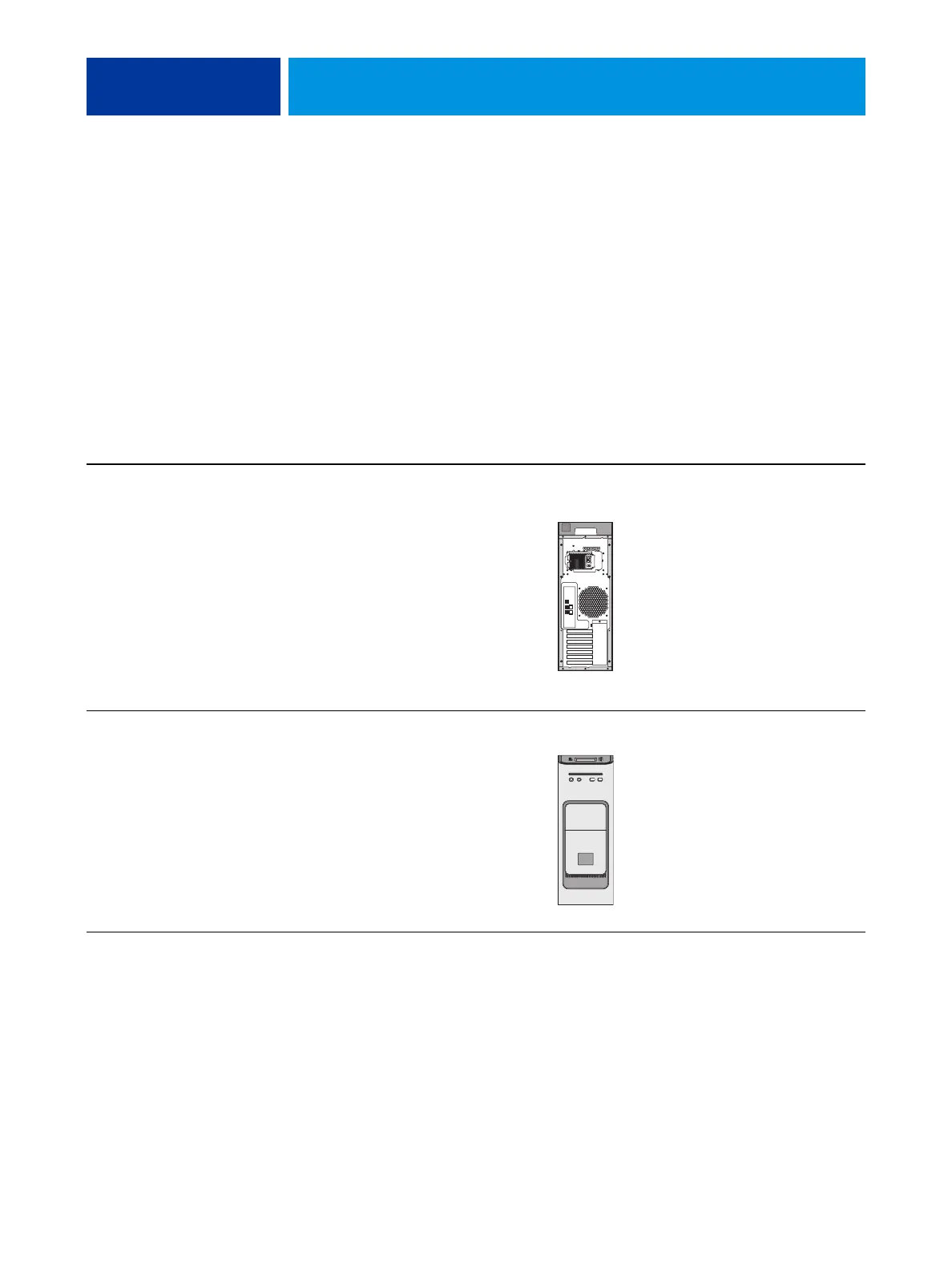
Back panel external connectors, chassis fans, and
power connector, page 141
If the problem occurs at power up or reboot, verify the following:
• Control Panel LCD lights up and logo displays.
• DVD drive is present and no media is in the drive.
• DVD drive accepts inserted media.
• No error messages or system hangs occur on the Control Panel before Idle.
DVD drive, page 128



 To Next Page