To Next Page


A
Austin EvansAug 7, 2025
What to do if a Service Call Message appears on Canon Printer?
- PPamela CarterAug 8, 2025
If a Service Call Message appears on your Canon Printer indicating a malfunction, restart the machine.

What to do if a Service Call Message appears on Canon Printer?
If a Service Call Message appears on your Canon Printer indicating a malfunction, restart the machine.
What to do if Canon Printer does not operate normally after restart?
If your Canon Printer does not operate normally even after you restart it, turn OFF the main power and disconnect the power cord from the wall outlet.
What to do if Canon Printer displays a service call message for the optional finisher?
If your Canon Printer displays a service call message indicating a malfunction of the optional finisher, set the machine to the Limited Functions Mode.
What to do if a service call message is displayed on my Canon All in One Printer?
If a service call message appears on your Canon All in One Printer, the first step is to restart the machine. If the message relates to a malfunction with an optional finisher, you can set the machine to Limited Functions Mode to continue operation.
What to do if my Canon All in One Printer is not operating normally after restart?
If your Canon All in One Printer is not operating normally after a restart, turn OFF the main power and disconnect the power cord from the wall outlet.
 General
| Brand | Canon |
|---|---|
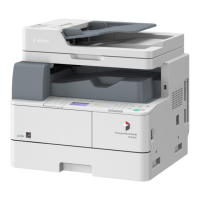
| Model | imageRUNNER 1740i |
| Category | All in One Printer |
| Language | English |