Specifications
General Specifications
Printing resolution (dpi) 9600* (horizontal) x 2400 (vertical)
* Ink droplets can be placed with a pitch of 1/9600 inch at minimum.
Interface USB Port:
Hi-Speed USB *1
LAN Port:
Wireless LAN: IEEE802.11n / IEEE802.11g / IEEE802.11b *2
*1 A computer that complies with Hi-Speed USB standard is required. Since
the Hi-Speed USB interface is fully upwardly compatible with USB 1.1, it can
be used at USB 1.1.
*2 Setup possible through WPS (Wi-Fi Protected Setup), WCN (Windows
Connect Now) or Cableless setup.
USB and LAN can be used at the same time.
Print width 8 inches/203.2 mm
(for Borderless Printing: 8.5 inches/216 mm)
Operating environment Temperature: 41 to 95 °F (5 to 35 °C)
Humidity: 10 to 90 % RH (no condensation)
* The performance of the printer may be reduced under certain temperature
and humidity conditions.
Recommended conditions:
Temperature: 59 to 86 °F (15 to 30 °C)
Humidity: 10 to 80 % RH (no condensation)
* For the temperature and humidity conditions of papers such as photo paper,
refer to the paper's packaging or the supplied instructions.
Storage environment Temperature: 32 to 104 °F (0 to 40 °C)
Humidity: 5 to 95 % RH (no condensation)
Power supply AC 100-240 V, 50/60 Hz
Power consumption Printing: Approx. 10 W *1
Standby (minimum): Approx. 1.8 W *1*2
OFF: Approx. 0.2 W
*1 Wireless LAN is active.
*2 The wait time for standby cannot be changed.
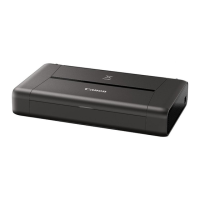
External dimensions Approx. 12.7 (W) x 7.3 (D) x 2.5 (H) inches
Approx. 322 (W) x 185 (D) x 62 (H) mm
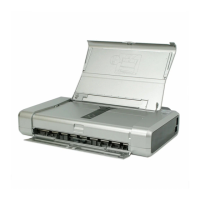
* With the Paper Support and Paper Output Slot Cover retracted.
Weight Approx. 4.3 lb (Approx. 2.0 kg)
* With the Print Head and ink tanks installed.
262





 To Next Page