3
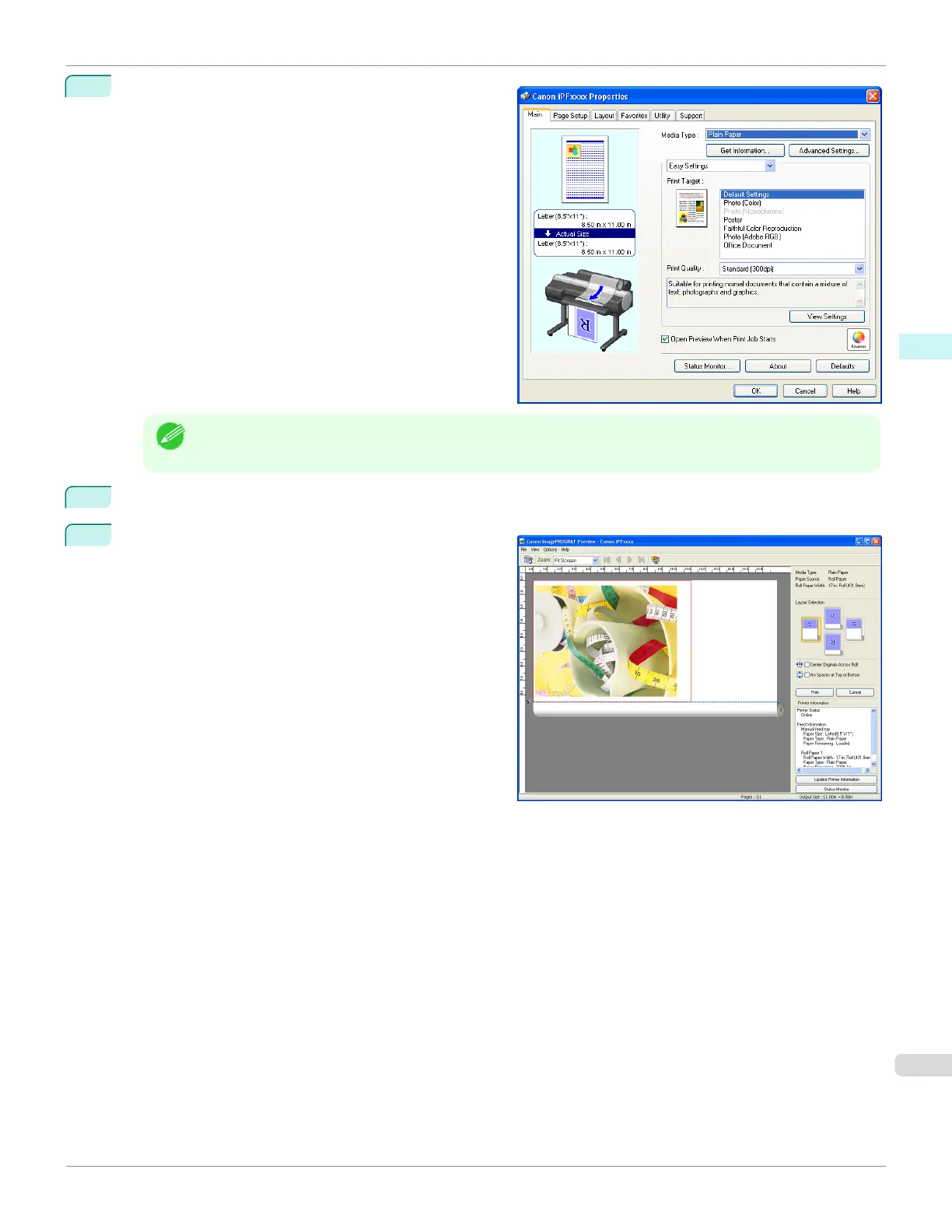
On the Main sheet, click on the Open Preview When
Print Job Starts check box.
Click the OK button to save the settings.
Note
• Your printer is depicted in the lower-left area of this screen.
4
On the Print dialog box in the apllication software, click the Print button.
5
Preview main window is displayed.
iPF780
Starting Preview
User's Guide
Windows Software Preview
191














 To Next Page