2
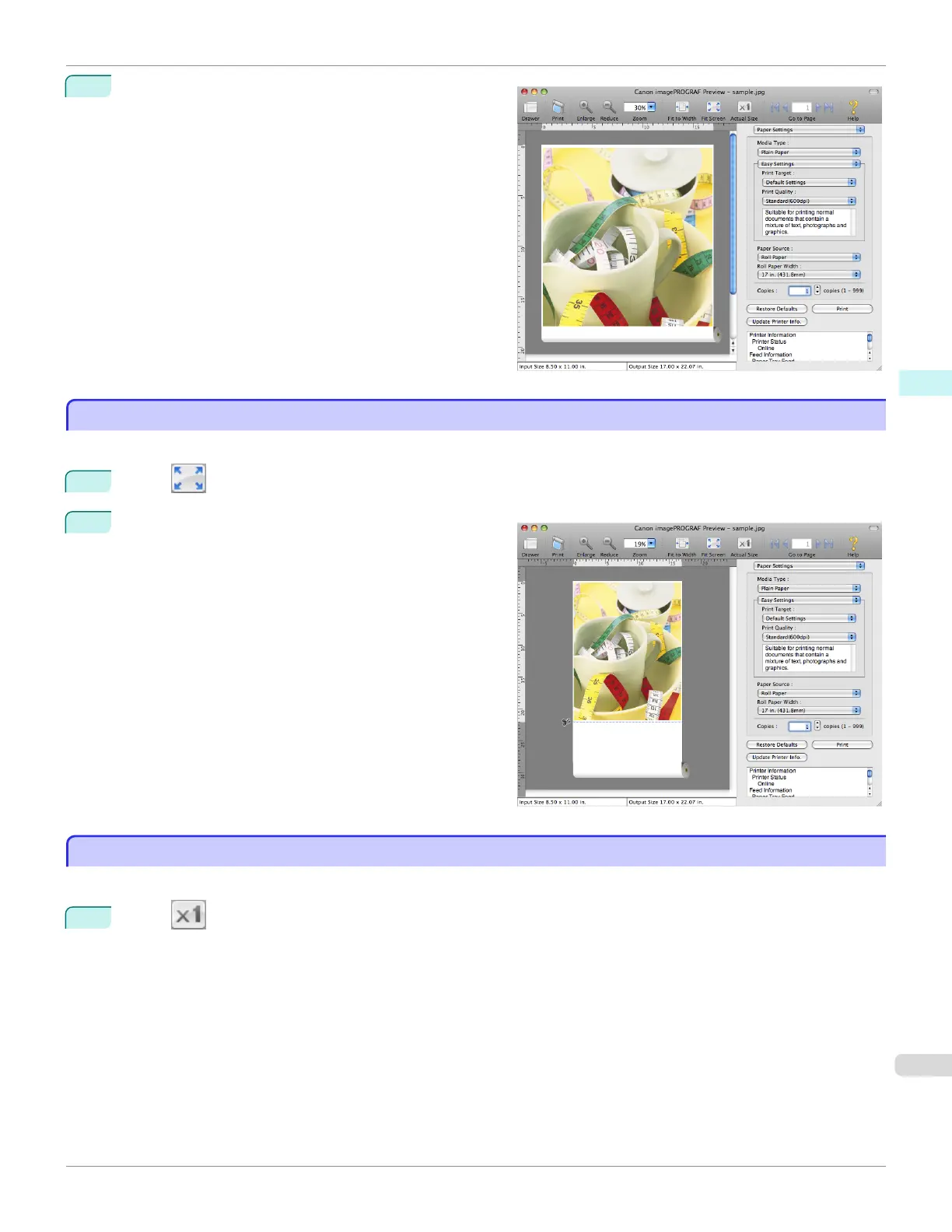
Fitting to the width of the paper, it is displayed.
Display with All
Display with All
In the preview area, you can display all.
1
Select Fit Screen from the tool bar.
2
All is displayed.
Display with Actual Size
Display with Actual Size
In the preview area, you can display the actual size.
1
Select Actual Size from the tool bar.
iPF780
Display with All
User's Guide
Mac OS Software Preview
315














 To Next Page