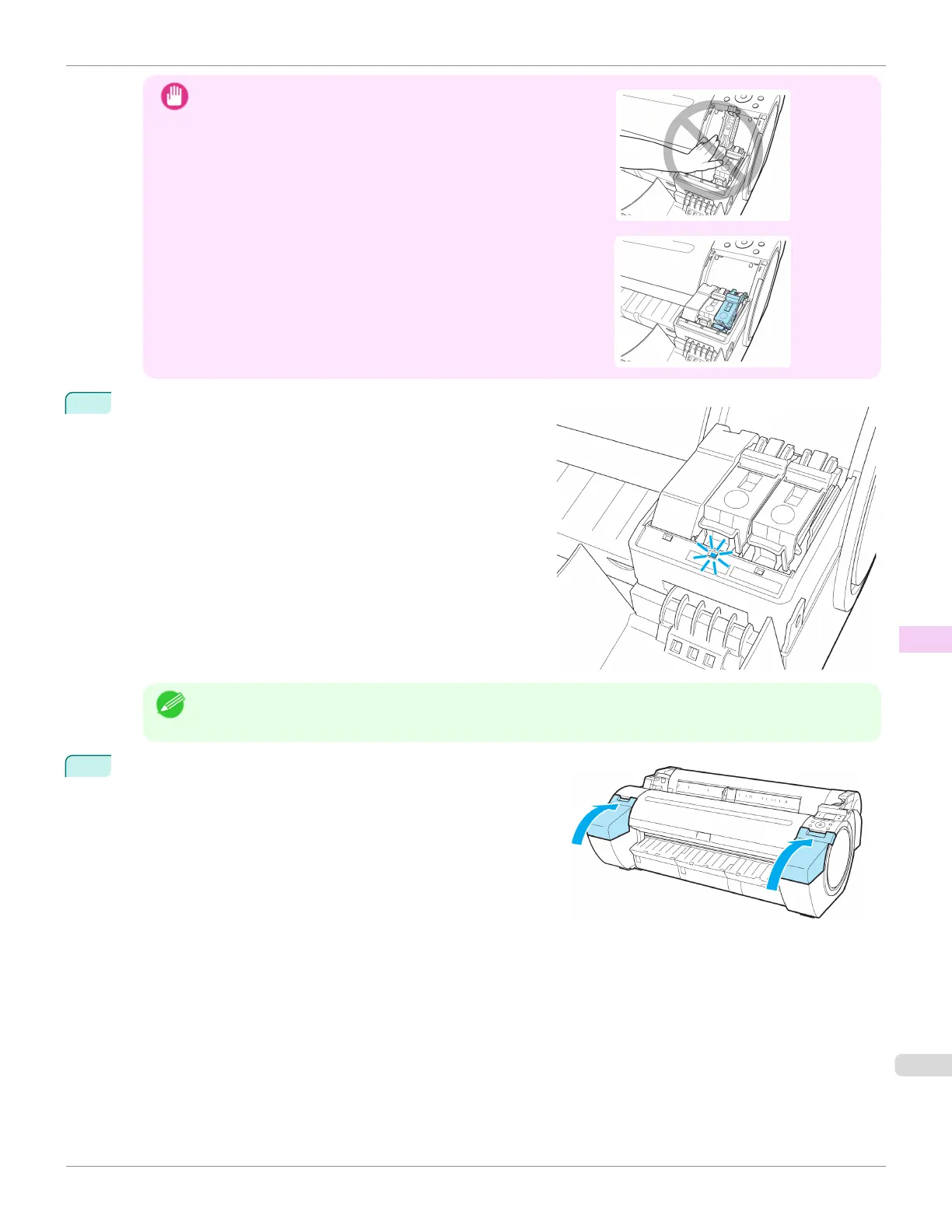
Important
•
Do not push the Ink Tank in by hand.
Forcing the Ink Tank into the holder may damage the printer.
•
If a 130 ml (4.4 fl oz) ink tank is installed facing the wrong direc-
tion, the rotating part of the Ink Tank Lock Lever come out of
place.
If this happens, open the Ink Tank Lock Lever to return it to the
proper position.
5
Make sure the Ink Lamp is lit in red.
Note
• If the Ink Lamp is not lit, reinstall the tank.
6
Close the Ink Tank Cover.
iPF780
Replacing Ink Tanks
User's Guide
Maintenance and Consumables Ink Tanks
543














 To Next Page