Chapter 1
1-82
If electrical units are powered with ink leaked onto them, the units may damage.
Never connect the power cord when ink has leaded onto the electrical units.
1.7.2.2 Ink Tank
0012-6292
iPF810 / iPF820
1. Unpacking the Ink Tank
Do not unpack the ink tank until you are ready to install it.
When installing the ink tank, be sure to shake it slowly 7 to 8 times before unpacking it. Otherwise, the ink ingredients may precipitate and degrade the print quality.
To prevent foreign matter from entering the ink port, installed the unpacked ink tank in the printer immediately.
2. Handling the Ink Tank
To prevent foreign matter from entering the ink flow path and causing ink suction and printing problems, never touch the ink port and contacts of the ink tank.
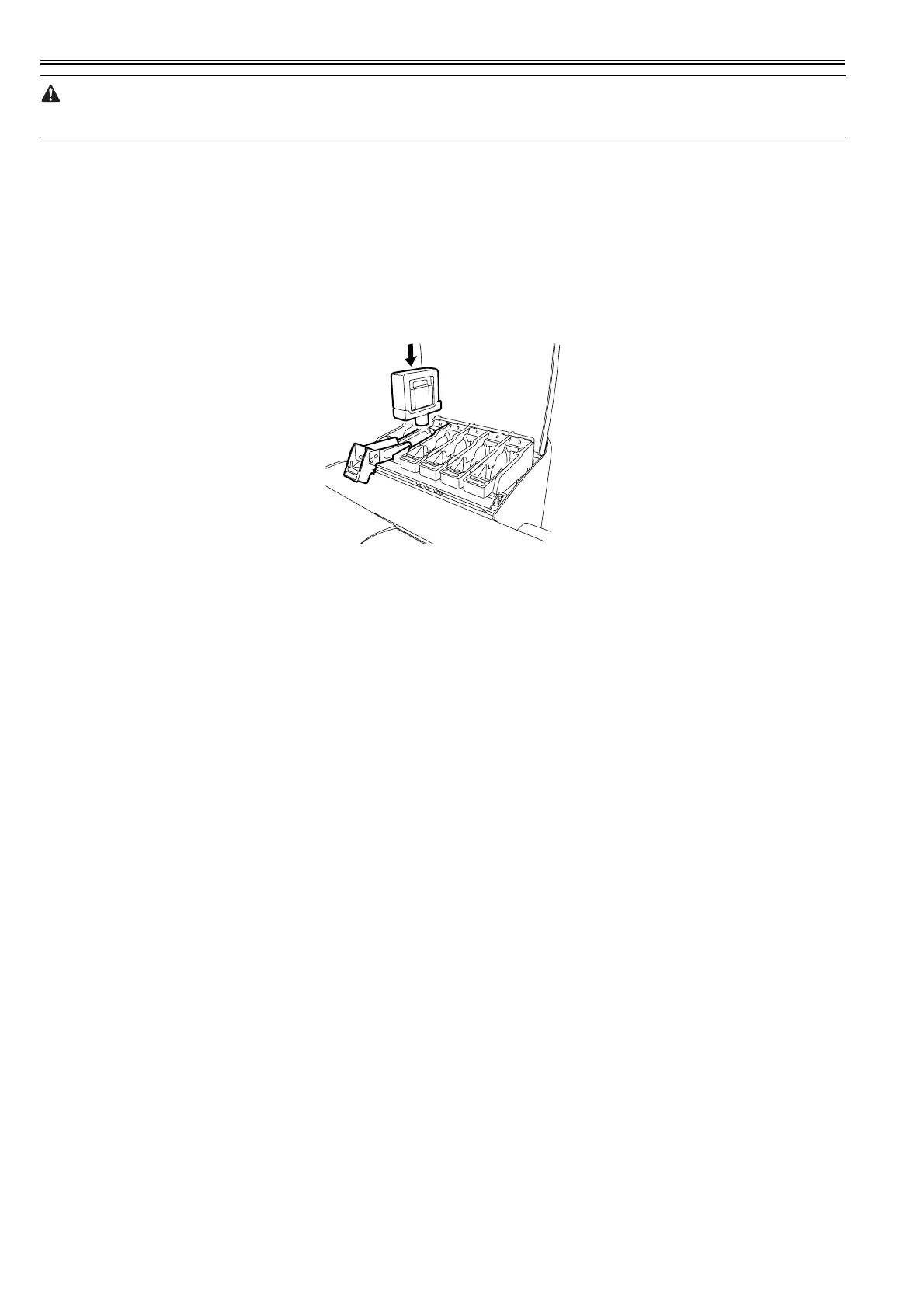
When you press down the ink tank cover, the needle enters the ink port, allowing ink to flow between the printer and ink tank.
Do not raise or lower the ink tank cover except when replacing the ink tank.
F-1-47



 To Next Page