13
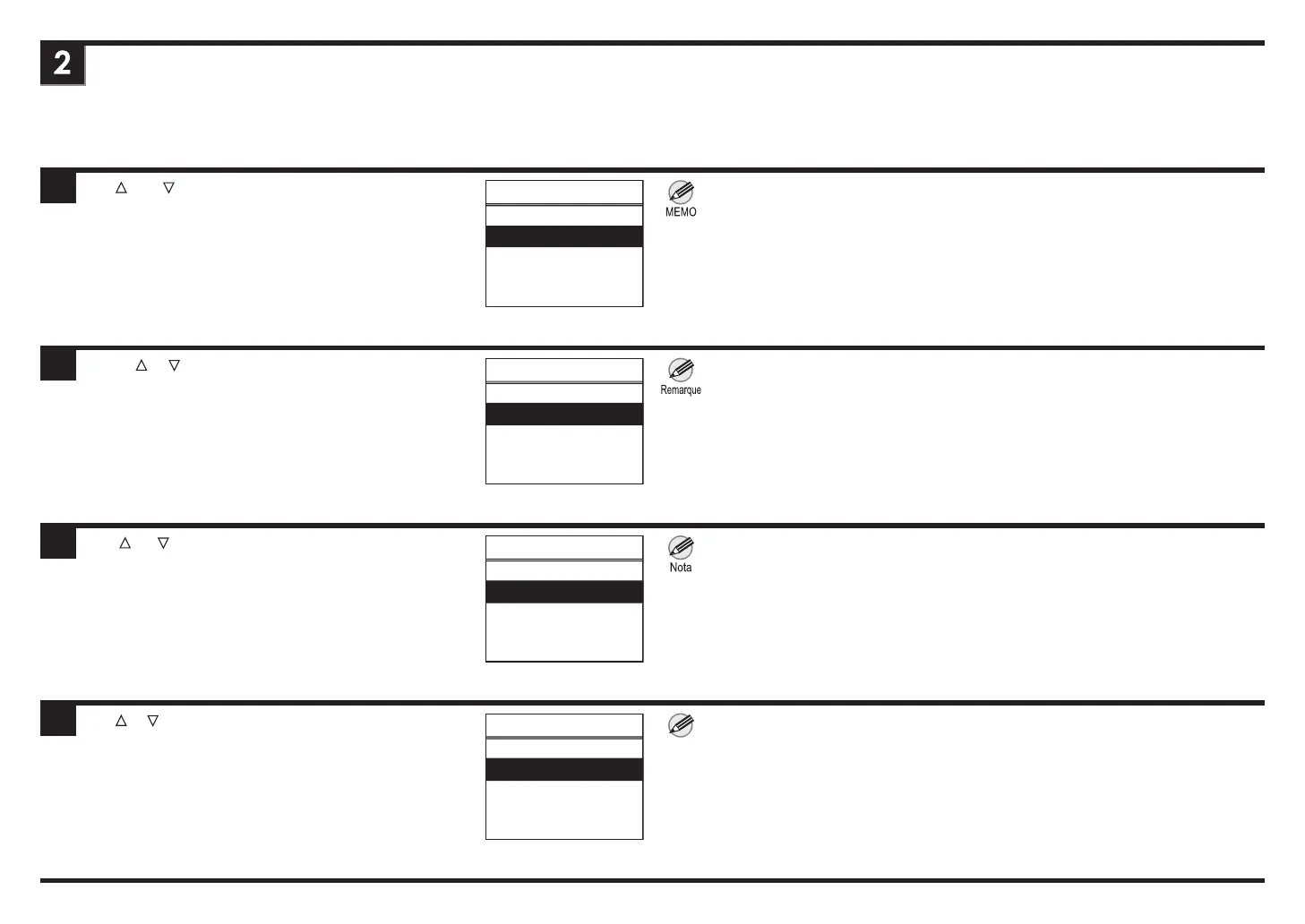
Use ▲ and ▼ to select the items you want to view and then
press the OK button.
Utilisez
▲ et ▼ pour sélectionner les éléments que vous sou-
haitez afcher, puis appuyez sur le bouton OK.
Use
▲ y ▼ para seleccionar los elementos que desea
visualizar y, a continuación, pulse el botón OK.
Use ▲ e ▼ para selecionar os itens que deseja visualizar e
pressione o botão OK.
ENG
FRA
ESP
POR
㻝㻛㻞
Load Roll Paper
Navigate
Eject Paper
Roll Pap.Feeding
Roll Pap.Cutting
Load Cut Sheet
㻝㻛㻞
Charg. pap. roul.
㻺㼍㼢㼕㼓㼡㼑㼞
Retirer papier
Alim. pap. roul.
Coup. pap. roul.
Charg.feuil.déc.
㻝㻛㻞
Carg. rollo pap.
Navegar
Expulsar Papel
Carg. rollo pap.
Corte rollo pap.
Carg. hoja corte
㻝㻛㻞
CarregPapelRolo
Navegar
Ejetar papel
Alim c/PapEmRolo
Corte PapelRolo
CarFolhaCortada
• If you select roll paper on the iPF840 series or iPF850 series, you also need to then
select Roll 1 (Upper) or Roll 2 (Lower).
• Si vous sélectionnez le papier en rouleau sur l'imprimante série iPF840 ou iPF850,
vous devez également faire de même pour sélectionner Roul 1 (Sup) ou Roul 2 (Inf).
• Si selecciona rollo de papel en la serie iPF840 o iPF850, también tiene que seleccionar
Rollo 1(Superior) o Rollo 2(Inferior).
• Se você selecionou papel em rolo na série iPF840 ou na série iPF850, também é ne-
cessário selecionar o Rolo 1(superior) ou Rolo 2(inferior).
Nota














 To Next Page