iPF8400S Basic Guide
71
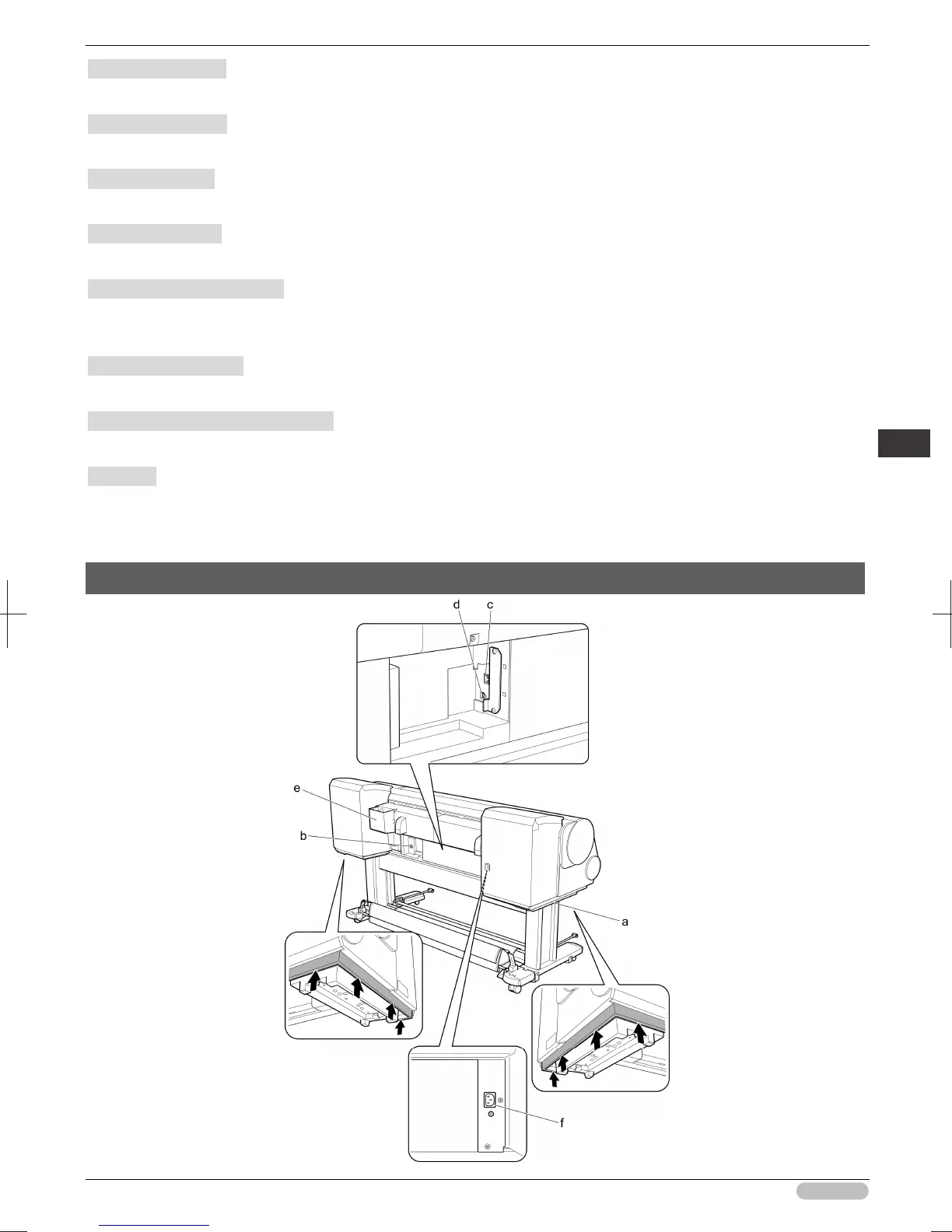
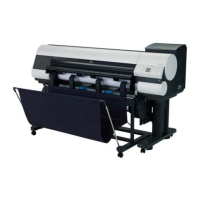
Printer Parts Printer parts
i Holder Stopper
Secure rolls on the Roll Holder with this part.
j Ink Tank Cover
Open this cover to replace an Ink Tank. (See "Ink Tank Cover (Inside).")
➔
P.74
k Control Panel
Use this panel to operate the printer and check the printer status. (See "Control Panel.")
➔
P.60
l Release Lever
Releases the Paper Retainer. Lift this lever toward the front of the printer when loading paper.
m Maintenance Cartridge
Absorbs ink used for maintenance purposes such as head cleaning. (Replace the cartridge when it is
full.)
n Carrying Handles
When carrying the printer, have six people hold it by these handles under both sides.
o Maintenance Cartridge Cover
Open this cover to replace the Maintenance Cartridge.
p Stand
A stand that holds the printer. Equipped with casters to facilitate moving it. (See "Stand.")
➔
User's
Guide
Back





 To Next Page