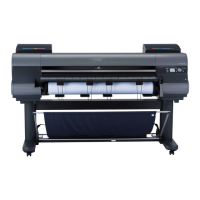
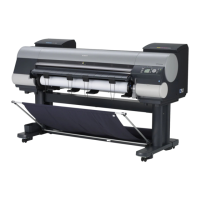
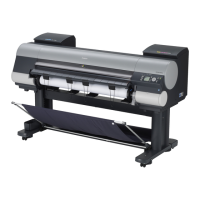
iPF8400S Basic Guide
7
Preface Manuals for this printer
Manuals for this printer
Manuals for this printer ..................................................................................................................................... 7
Viewing the Electronic manuals ........................................................................................................................ 7
About This User Manual ................................................................................................................................. 10
Manuals for this printer
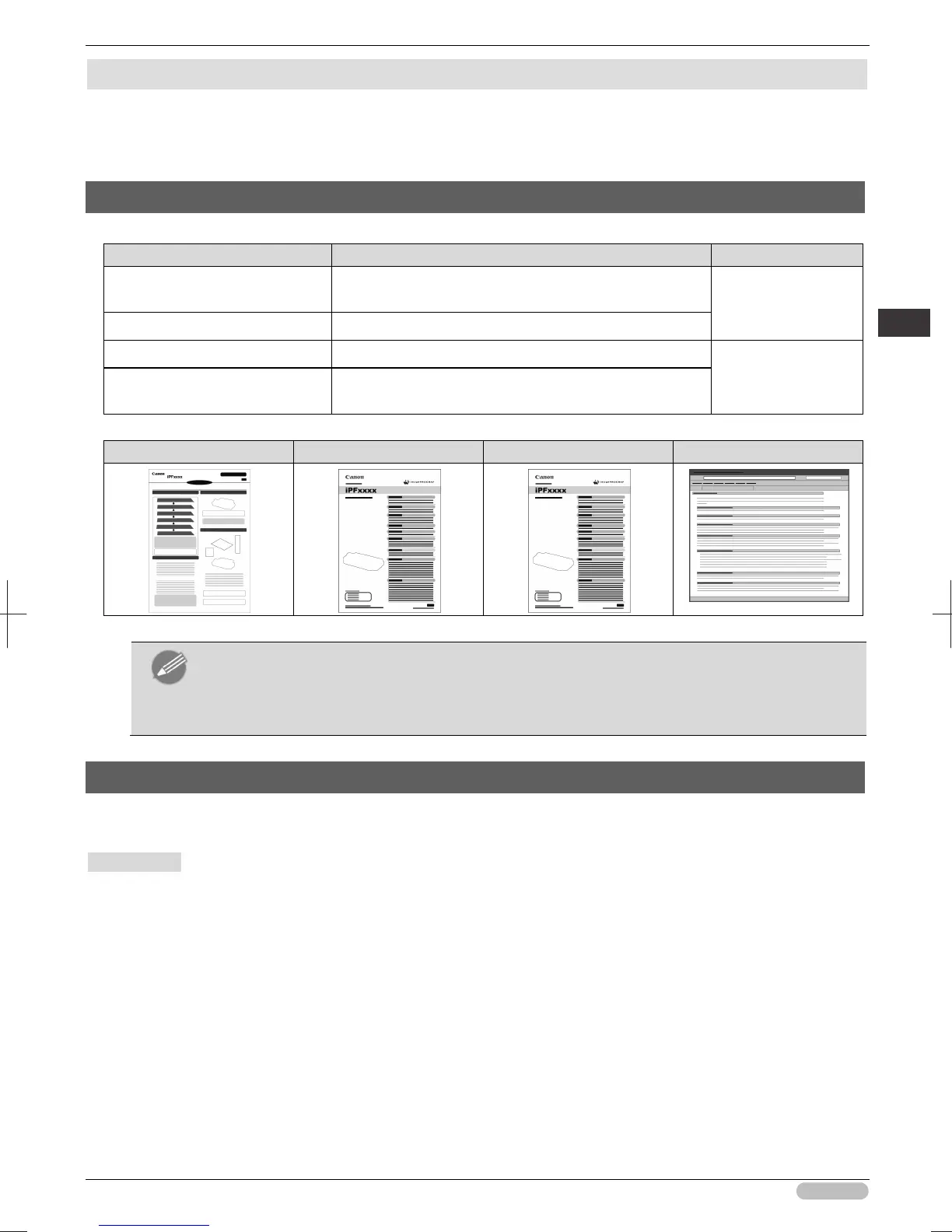
This printer has the following manuals.
Name Contents Medium
Setup Guide Instructions for unpacking and setting up the printer, and for
installing the software and electronic manuals.
Printed Manuals
Basic Guide Descriptions of basic printer operations.
User's Guide Detailed instructions for using the printer. Electronic manuals
Paper Reference Guide This guide describes about the types and specifications of
the available media on the printer.
Setup Guide Basic Guide User's Guide Paper Reference Guide
Note
• The Electronic manuals are not included with this product.
To view the Electronic manuals, display the various manuals on the website from the links in
the software installed on your computer.
For this, the computer needs to be connected to the Internet.
Viewing the Electronic manuals
To view the Electronic manuals, display the various manuals on the website from the links in the
software installed on your computer.
• Windows
The basic instructions for displaying the Electronic manuals from the printer driver are as follows.
1
Install the software.
Note that the driver installation procedure varies depending on the type of connection.
(See "Installing the Software (Windows).")
➔
P.86
2
Click
start
>
Printers and Faxes
(or
Printer
,
Devices and Printers
).





 To Next Page