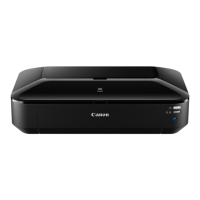
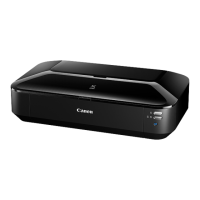
iX6500 series
Service Manual
(iX6510 / iX6520 / iX6530 / iX6540 / iX6550 / iX6560 / iX6580)
Revision 0
QY8-13DG-000
COPYRIGHT©2011 CANON INC. CANON iX6500 series 032011 XX 0.00-0
Scope
This manual has been issued by Canon Inc., to provide the service technicians of this product with the information
necessary for qualified persons to learn technical theory, installation, maintenance, and repair of products. The manual
covers information applicable in all regions where the product is sold. For this reason, it may contain information that is
not applicable to your region.
This manual does not provide sufficient information for disassembly and reassembly procedures.
Refer to the graphics in the separate Parts Catalog.
Revision
This manual could include technical inaccuracies or typographical errors due to improvements or changes made to the
product. When changes are made to the contents of the manual, Canon will release technical information when necessary.
When substantial changes are made to the contents of the manual, Canon will issue a revised edition.
The following do not apply if they do not conform to the laws and regulations of the region where the manual or product
is used:
Trademarks
Product and brand names appearing in this manual are registered trademarks or trademarks of the respective holders.
Copyright
All rights reserved. No parts of this manual may be reproduced in any form or by any means or translated into another
language without the written permission of Canon Inc., except in the case of internal business use.
Copyright © 2011 by Canon Inc.
CANON INC.
Inkjet Device Market Support Management Div.
451, Tsukagoshi 3-chome, Saiwai-ku, Kawasaki-shi, Kanagawa 212-8530, Japan

 Need help?


 To Next Page
 General