EasyManua.ls Logo

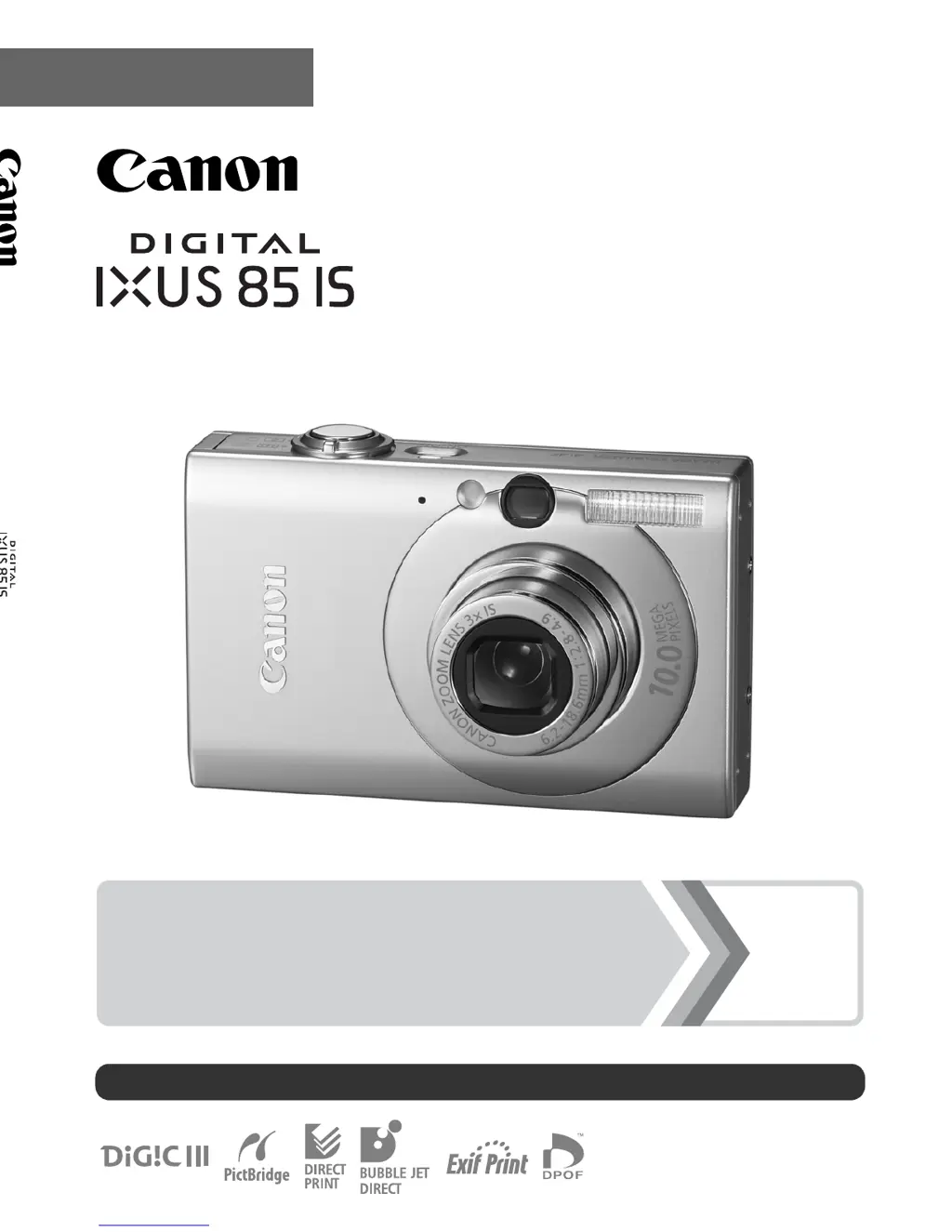
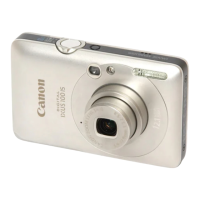
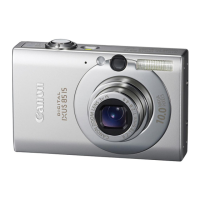
Canon IXUS 85 IS - User Manual

Canon IXUS 85 IS
224 pages
Print Icon
To Next Page IconTo Next Page
Loading...
CEL-SH9EA210 © CANON INC. 2008
Camera User Guide
Camera User Guide
ENGLISH
DIGITAL CAMERA
Ensure that you read the Safety Precautions (pp. 192–199).
Getting Started p. 7

Table of Contents

Questions and Answers

Summary

Getting Started with Your Camera

Camera Preparations and Setup

Step-by-step guide for inserting the battery and memory card correctly into the camera.

Basic Shooting Operations

Guide to taking still photographs, covering focus, shutter, and basic modes.

Image Playback and Management

Instructions for viewing, navigating, and erasing images on the camera.

Movie Recording and Playback

How to shoot and view movie clips using the camera's video functions.

Downloading Images to Computer

Steps for transferring image and movie files from the camera to a computer.

Camera Components and Controls Overview

System Overview and Components

Visual overview of camera components, accessories, and their connections.

Camera Controls and Indicators

Identification and explanation of camera parts, buttons, and indicator lights.

Navigating Camera Menus

How to navigate camera menus and perform fundamental operations.

Advanced Shooting Functions

Commonly Used Shooting Functions

Detailed explanations of common shooting modes and camera features.

Playback and Erasing Images

How to view, manage, and delete images and movies on the camera.

Print and Transfer Settings

Configuring camera settings for printing photos and transferring files.

Camera Configuration and Troubleshooting

Configuring Camera Settings

Customizing camera functions like power saving, time zones, and formatting.

Connecting to a TV

Steps to connect the camera to a television for viewing images or shooting.

Customizing Camera Settings (My Camera)

How to customize startup images, sounds, and other preferences.

Troubleshooting Camera Issues

Solutions for common camera problems, error messages, and operational issues.

Appendix: Safety and Specifications

Essential safety guidelines, specifications, and handling precautions.

Summary

Getting Started with Your Camera

Camera Preparations and Setup

Step-by-step guide for inserting the battery and memory card correctly into the camera.

Basic Shooting Operations

Guide to taking still photographs, covering focus, shutter, and basic modes.

Image Playback and Management

Instructions for viewing, navigating, and erasing images on the camera.

Movie Recording and Playback

How to shoot and view movie clips using the camera's video functions.

Downloading Images to Computer

Steps for transferring image and movie files from the camera to a computer.

Camera Components and Controls Overview

System Overview and Components

Visual overview of camera components, accessories, and their connections.

Camera Controls and Indicators

Identification and explanation of camera parts, buttons, and indicator lights.

Navigating Camera Menus

How to navigate camera menus and perform fundamental operations.

Advanced Shooting Functions

Commonly Used Shooting Functions

Detailed explanations of common shooting modes and camera features.

Playback and Erasing Images

How to view, manage, and delete images and movies on the camera.

Print and Transfer Settings

Configuring camera settings for printing photos and transferring files.

Camera Configuration and Troubleshooting

Configuring Camera Settings

Customizing camera functions like power saving, time zones, and formatting.

Connecting to a TV

Steps to connect the camera to a television for viewing images or shooting.

Customizing Camera Settings (My Camera)

How to customize startup images, sounds, and other preferences.

Troubleshooting Camera Issues

Solutions for common camera problems, error messages, and operational issues.

Appendix: Safety and Specifications

Essential safety guidelines, specifications, and handling precautions.

Canon IXUS 85 IS Specifications

General IconGeneral
TypeCompact
Image Sensor TypeCCD
Image Sensor Size1/2.5 inch
Effective Pixels10.0 Megapixels
Image ProcessorDIGIC III
Digital Zoom4x
ISO SensitivityAuto, 80, 100, 200, 400, 800, 1600
ISO RangeAuto, 80-1600
LCD Screen Resolution230, 000 dots
Image StabilizationOptical
Shutter Speed15 - 1/1500 sec
Movie ModeYes
Maximum Video Resolution640 x 480
LCD Monitor Size2.5 inches
Storage MediaSD/SDHC
Battery TypeNB-5L
Weight130 g
Aperturef/2.8 - f/4.9

Related product manuals