EasyManua.ls Logo

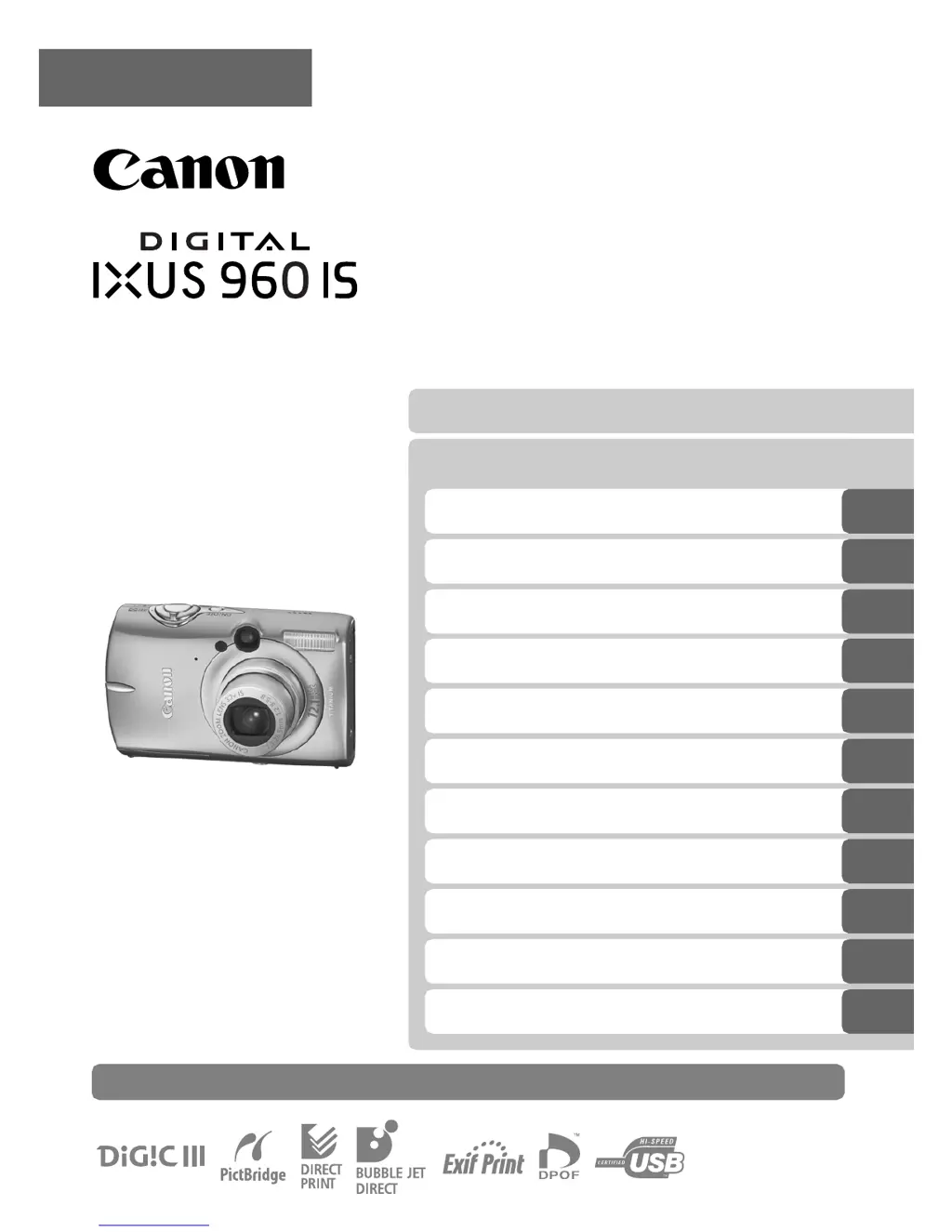
Canon IXUS 960 IS - User Manual

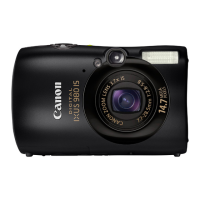
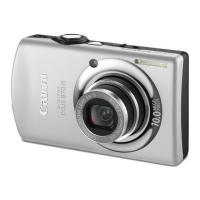
Canon IXUS 960 IS
234 pages
Print Icon
To Next Page IconTo Next Page
Loading...
Camera User Guide
ENGLISH
Ensure that you read the Safety Precautions (pp. 201209).
Getting Started
Learning More
Components Guide
Basic Operations
Commonly Used Shooting Functions
Various Shooting Methods
Playback/Erasing
Print Settings/Transfer Settings
Connecting to a TV
Customizing the Camera
Troubleshooting
List of Messages
Appendix

Table of Contents

Questions and Answers

  • T
    Tammy RodgersAug 7, 2025
    Why my Canon IXUS 960 IS Digital Camera will not turn on?
    • J
      Jared AndersonAug 7, 2025
      Your Canon Digital Camera might not be operating due to several reasons: the power might not be turned on (press the power button), the memory card slot or battery cover might not be securely closed, or the battery charge might be insufficient. If the battery is low, insert a fully charged battery, use the AC Adapter Kit ACK-DC30 (sold separately), or polish the terminals with a soft cotton swab before charging or using the battery.
  • B
    blynnAug 13, 2025
    What to do if nothing is displayed on my Canon IXUS 960 IS Digital Camera screen?
    • M
      Michelle SmithAug 13, 2025
      If nothing is displayed on your Canon Digital Camera screen, it could be due to several reasons. First, check if the LCD monitor is off and press the DISP. button to turn it on. Also, the LCD monitor might shut off during shooting if [Power Saving] is set to [Display Off]. If the camera screen is black at start-up, try changing the start-up image in the My Camera settings or restore the default settings using the supplied software. Finally, the display might darken, which is a normal occurrence and not a malfunction.
  • S
    shannonvillanuevaAug 26, 2025
    How to unlock the card on my Canon IXUS 960 IS?
    • M
      matthewrossAug 26, 2025
      If you see a "Card locked!" message on your Canon Digital Camera, the SD memory card’s or SDHC memory card’s write protect tab is set to "Write protect." To fix this, slide the write protect tab upward when recording to, erasing from, or formatting the memory card.
  • M
    Michelle AlvarezAug 31, 2025
    Why does the Date/Time menu keep appearing on my Canon Digital Camera?
    • A
      Ann ShortSep 1, 2025
      The Date/Time menu appears on your Canon Digital Camera because the built-in rechargeable lithium battery charge is low. Recharge the built-in battery immediately.
  • M
    Marco LeSep 10, 2025
    How to turn on LCD monitor on Canon IXUS 960 IS?
    • C
      Charles JacksonSep 12, 2025
      If the LCD monitor is off on your Canon Digital Camera, press the DISP. button to turn it on.

Summary

Please Read

Getting Started

Preparations

Initial setup steps, including battery, memory card, and strap installation.

Setting the Date and Time

Procedure for configuring the camera's date and time settings.

Setting the Display Language

How to change camera language and LCD monitor display.

Shooting Still Images

Instructions for capturing still photographs using the camera.

Viewing Still Images

How to navigate and view captured still images on the camera's LCD.

Shooting Movies

Guide to recording video clips using the camera.

Viewing Movies

Instructions for playing back recorded movie files on the camera.

Erasing Images

Method for deleting unwanted images from the memory card.

Downloading Images to a Computer

Steps for transferring images from the camera to a computer.

System Map

Diagram illustrating camera components and connections.

Learning More

Components Guide

Detailed identification and description of camera parts and controls.

Camera Operations and Settings

Using touch dial, playback button, mode dial, indicators, and menus.

Shooting Functions Overview

Explanation of common shooting functions like zoom, flash, and self-timer.

Commonly Used Shooting Functions

Zoom and Focus Operations

Using optical zoom, digital zoom, macro, and focus modes.

Flash and Timer Settings

Controlling the built-in flash and using the self-timer function.

Image Quality and Special Modes

Adjusting image resolution, compression, and using postcard mode.

Image Effects and Stabilization

Embedding dates, setting image stabilizer, and applying color effects.

Various Shooting Methods

Special and Manual Shooting Modes

Using scene modes, manual mode, and continuous shooting.

Advanced Shooting Techniques

Red-eye reduction, slow synchro, movie settings, focus, exposure, and white balance.

Creative Color and Image Effects

Using My Colors modes, color accent, color swap, and auto categorization.

Playback;Erasing

Image Viewing and Navigation

Magnifying, index playback, focus check, and jumping between images.

Image Organization and Management

Categorizing images, editing movies, rotating, and slideshows.

Image Correction and Effects

Correcting red-eye, applying My Colors effects, resizing, and adding sound memos.

Image Protection and Deletion

Methods for protecting and deleting images from the camera.

Playback Button Customization

Assigning functions to the playback button for quick access.

Print Settings;Transfer Settings

DPOF Print Settings

Configuring print settings for DPOF-compliant printers and selecting images.

DPOF Transfer Settings

Specifying transfer order for images before downloading to a computer.

Connecting to a TV

TV Connectivity and Usage

Connecting the camera to a TV for shooting and playback.

Customizing the Camera (My Camera Settings)

Changing My Camera Settings

Changing camera startup images, sounds, and operational preferences.

Registering Custom Settings

Adding custom images and sounds to camera settings.

Troubleshooting

Camera and Shooting Issues

Solutions for camera malfunctions, shooting errors, and movie problems.

Playback and Connectivity Issues

Resolving playback errors, battery issues, and TV output problems.

List of Messages

Common Camera Messages

Explanation of common messages like 'Busy', 'No memory card', and 'Card locked'.

Error Codes and File Issues

Troubleshooting communication errors, lens errors, and file-related messages.

Appendix

Safety Precautions and Warnings

Important safety guidelines and warnings for using the camera and accessories.

Equipment Care and Handling

Guidelines for maintaining camera equipment, batteries, and memory cards.

Specifications Overview

Technical details and features of the camera and its accessories.

Canon IXUS 960 IS Specifications

General IconGeneral
TypeDigital Camera
BrandCanon
ModelIXUS 960 IS
Megapixels12.1 MP
Optical Zoom3.7x
Digital Zoom4x
Lens Aperturef/2.8 - f/5.8
ISO Range80 - 1600
Screen Size2.5 inches
Video Resolution640 x 480
Image StabilizationOptical
LCD Screen Resolution230, 000 dots
Max Resolution4000 x 3000
Weight165 g
Image Sensor1/1.7 inch CCD
Battery Life240 shots
Supported Flash MemorySD, SDHC
Battery TypeNB-5L
Shutter Speed15 - 1/1600 sec
Storage MediaSD

Related product manuals