EasyManua.ls Logo

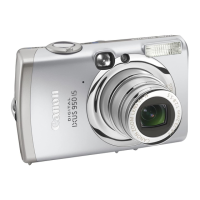
Canon IXUS 950IS - User Manual

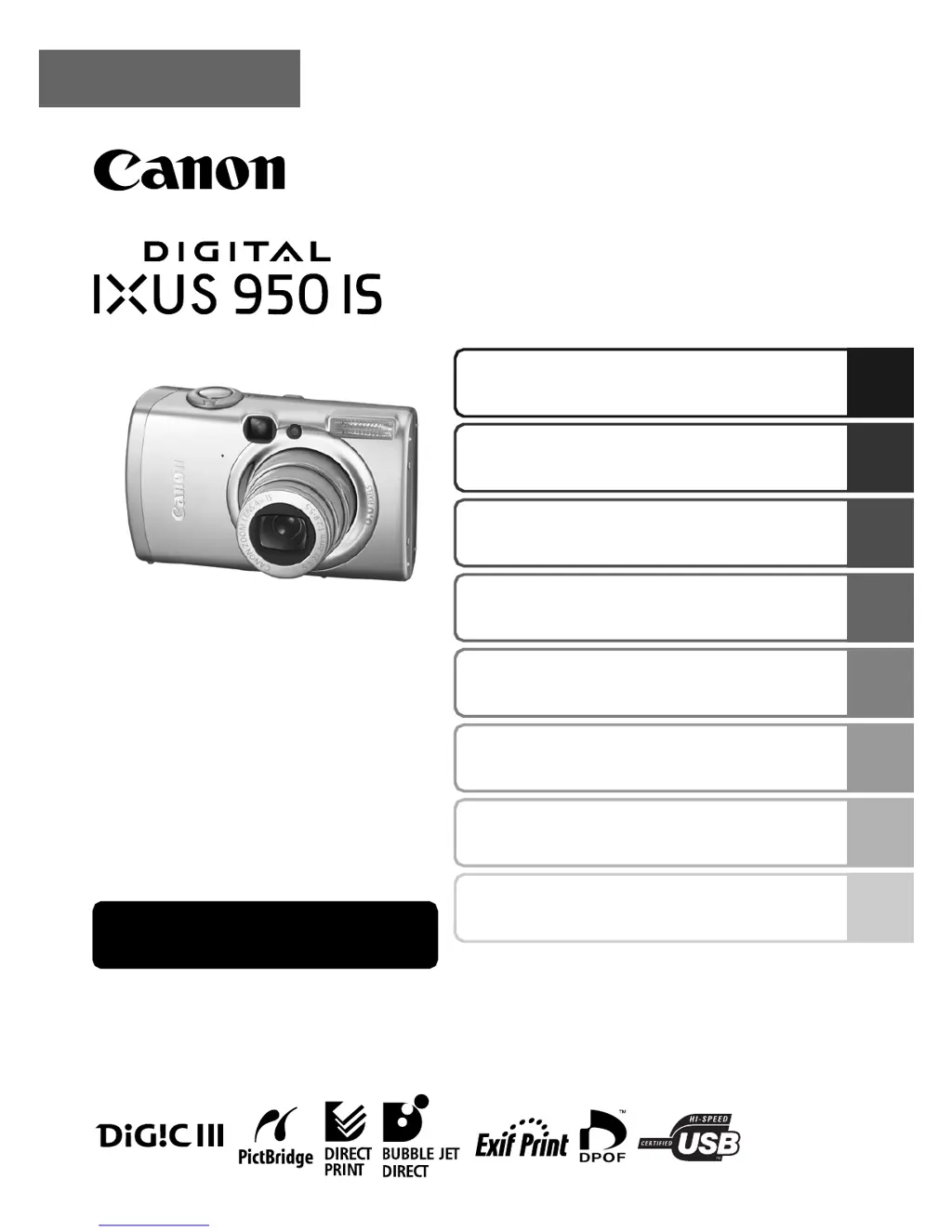
Canon IXUS 950IS
156 pages
Print Icon
To Next Page IconTo Next Page
Loading...
Shooting
Playback/Erasing
Print/Transfer Settings
Customizing the Camera
Troubleshooting
Before Using the Camera
List of Messages
Appendix
ENGLISH
Camera User Guide
Advanced
This guide explains camera features and procedures in detail.

Table of Contents

Questions and Answers

  • K
    kvelezAug 13, 2025
    Why won't my Canon Digital Camera record?
    • R
      Randy SimonAug 13, 2025
      Your Canon Digital Camera may not record for several reasons: * The mode dial may be set to Playback. If so, set the mode dial to one of the shooting modes. * The flash may be charging. Wait until the orange indicator light turns on, indicating it is charged. * The memory card may be full. Insert a new memory card or download images to a computer and erase them from the card. * The memory card may not be formatted correctly. Try formatting the memory card. If that doesn't work, the card may be damaged. * The SD memory card or SDHC memory card is write protected. Slide the write protect tab of the memory card upward.
  • U
    udoughertyAug 16, 2025
    What to do if my Canon IXUS 950IS will not operate?
    • D
      Dawn GrayAug 16, 2025
      If your Canon Digital Camera doesn't operate, check these potential causes: * Ensure the power is turned on by pressing the power button. * Confirm that the memory card slot/battery cover is securely closed. * Insert a fully charged battery into the camera if the battery charge is insufficient. * Polish the battery terminals with a soft cotton swab if there is poor contact between camera and battery terminals.
  • C
    Caitlin HollowayAug 20, 2025
    What does 'Card locked!' message mean on my Canon IXUS 950IS?
    • A
      Andrew McknightAug 20, 2025
      The 'Card locked!' message on your Canon Digital Camera indicates that the SD memory card's or SDHC memory card's write protect tab is set to "Write protect". When recording to, erasing from, or formatting the memory card, slide the write protect tab upward.
  • J
    Jerry Carrillo MDAug 25, 2025
    How to turn on LCD monitor on Canon IXUS 950IS?
    • S
      shillAug 25, 2025
      To turn on the LCD monitor on your Canon Digital Camera, press the DISP. button.
  • S
    Sarah ShafferAug 27, 2025
    Why does the Date/Time menu appear on my Canon Digital Camera?
    • A
      Aaron BradyAug 27, 2025
      The Date/Time menu appears on your Canon Digital Camera because the built-in rechargeable lithium battery charge is low. Recharge the built-in battery immediately.
  • B
    Barbara MurrayAug 31, 2025
    What to do if image seen in viewfinder differs from recorded image with Canon IXUS 950IS?
    • R
      Robert QuinnAug 31, 2025
      Confirm the actual image size with the LCD monitor on your Canon Digital Camera. Use the LCD monitor when taking close-up shots.
  • T
    Tina BestSep 4, 2025
    What does it mean when my Canon IXUS 950IS displays settings from other cameras?
    • G
      Gerald ForbesSep 4, 2025
      This display indicates that you are using a memory card that has print settings, transfer settings, or slide show image selections set by other DPOF-compliant cameras. Take note that these settings will be overwritten by those set by your camera.
  • L
    Lawrence KingSep 8, 2025
    What to do if incompatible image has been selected as the start-up image in the My Camera settings of Canon Digital Camera?
    • A
      Amanda GarzaSep 8, 2025
      Change the start-up image in the My Camera settings or use the supplied software program ZoomBrowser EX or ImageBrowser to restore the default settings.

Summary

Conventions Used in this Guide

Please Read

Essential user information and warnings before operating the camera.

Safety Precautions

Guidelines to prevent injury and equipment damage during camera operation.

Before Using the Camera-Basic Operations

Shooting

How to Use the IS Mode

Guide to using the Image Stabilizer to reduce blur.

Adjusting ISO Speed

How to control camera sensitivity to light for better shots.

Focusing Modes and Controls

Covers AF modes, focus lock, exposure lock, and metering.

Playback;Erasing

Troubleshooting

Camera Issues

Common problems with camera operation and power.

Shooting Problems

Solutions for issues encountered during photography.

Battery;Charger Issues

Troubleshooting battery consumption and charging problems.

List of Messages

Common Error Messages

Explanations for various messages displayed on the camera.

Appendix

Canon IXUS 950IS Specifications

General IconGeneral
TypeDigital Camera
BrandCanon
ModelIXUS 950 IS
Image Sensor TypeCCD
Image Sensor Size1/2.5 inch
Optical Zoom4x
Digital Zoom4x
LCD Screen Size2.5 inches
Video Resolution640 x 480
Shutter Speed15 - 1/1600 sec
Image StabilizationOptical
Effective Pixels8.0 MP
Maximum Aperturef/2.8
ISO RangeAuto, 80, 100, 200, 400, 800, 1600
Battery TypeNB-5L
Weight165 g (body only)
Storage MediaSD/SDHC

Related product manuals