Need help?
Do you have a question about the Canon KS-1200TS and is the answer not in the manual?
Demonstrates mixed calculations, power, fraction, square root, add mode, floating point, reciprocal, and percentage examples.
Details setting, recalling, adding, and deducting tax amounts with examples.
Illustrates how to calculate cost, selling price, and profit margin.
Shows an example of an overflow error and its handling.
Explains the dual power source (solar and lithium battery) and reset procedure.
Details the switch for designating the decimal point position for results.
Describes the switch for selecting round-up, round-off, or round-down.
Explains the conditions under which the 'E' overflow error occurs.
Lists power source, auto power off, operating temperature, dimensions, and weight.
Instructions for replacing the battery and safety precautions.
Details the terms and conditions of the limited warranty for the calculator.
 General
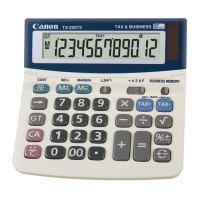
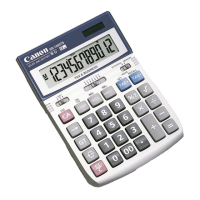
| Type | Desktop Calculator |
|---|---|
| Display | 12-digit LCD |
| Battery Type | LR44 |
| Key Rollover | Yes |
| Tax Calculation | Yes |
| Grand Total Memory | Yes |
| Power Source | Solar and Battery |
| Key Features | Tax Calculation |

 To Next Page