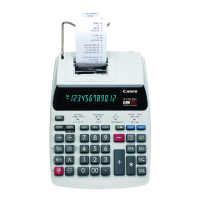
Need help?
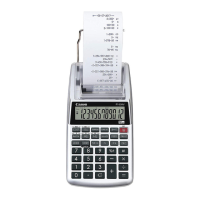
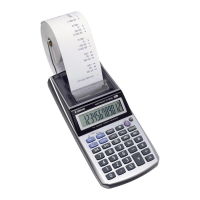
Do you have a question about the Canon P27-DH and is the answer not in the manual?
Load 4 new AA batteries as illustrated and replace the cover.
Replace batteries if display is dim, printing speed decreases, or 'Low Batt' icon appears.
Use only the Canon AC Adapter AC-380. Turn power off before connecting/disconnecting.
Replace ink roller after approx. 8 rolls of printing paper for clear printing.
Controls power, printing output, item counting, and rate setting modes.
Clears overflow when result exceeds 12 digits, divides by zero, or speed is too fast.
 General
| Brand | Canon |
|---|---|
| Model | P27-DH |
| Category | Calculator |
| Language | English |


 To Next Page