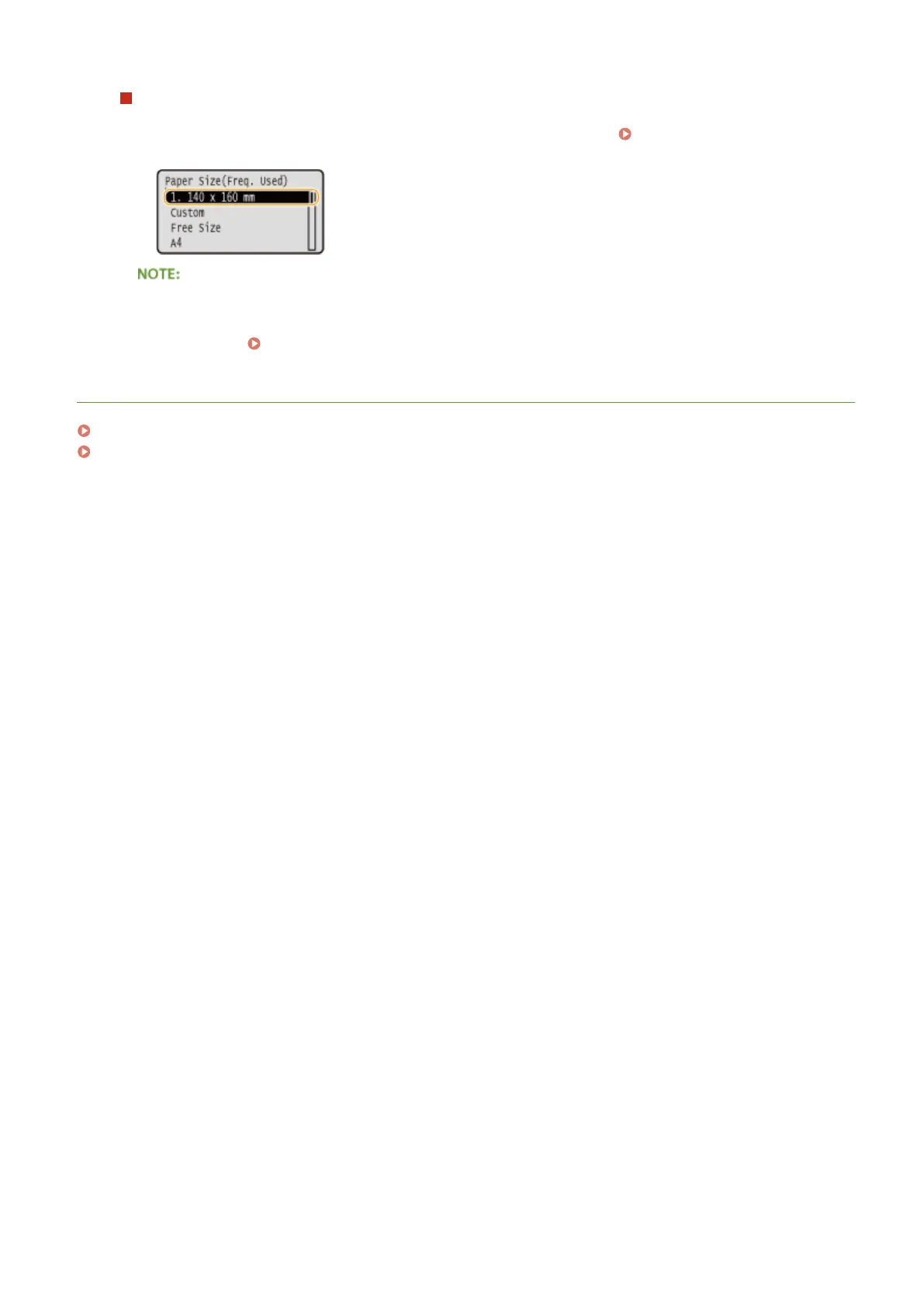
When selecting the paper size for the multi-purpose tray
When paper is loaded in the multi-purpose tray, the screen for selecting the paper size for the multi-purpose
tray is displayed. The registered paper sizes are displayed on this screen. Specifying Paper Size and Type
in the Multi-Purpose Tray(P. 53)
● The registered paper sizes are displayed when you set the default paper settings for the multi-purpose
tray. From the screen, you can select one of the displayed sizes as thedefault paper size for the multi-
purpose tray. Registering Default Paper Settings for the Multi-Purpose Tray(P. 55)
LINKS
Loading Paper in the Paper Drawer(P. 37)
Loading Paper in the Multi-Purpose Tray(P. 41)
Basic Operations
59



 To Next Page