0F40-088
1
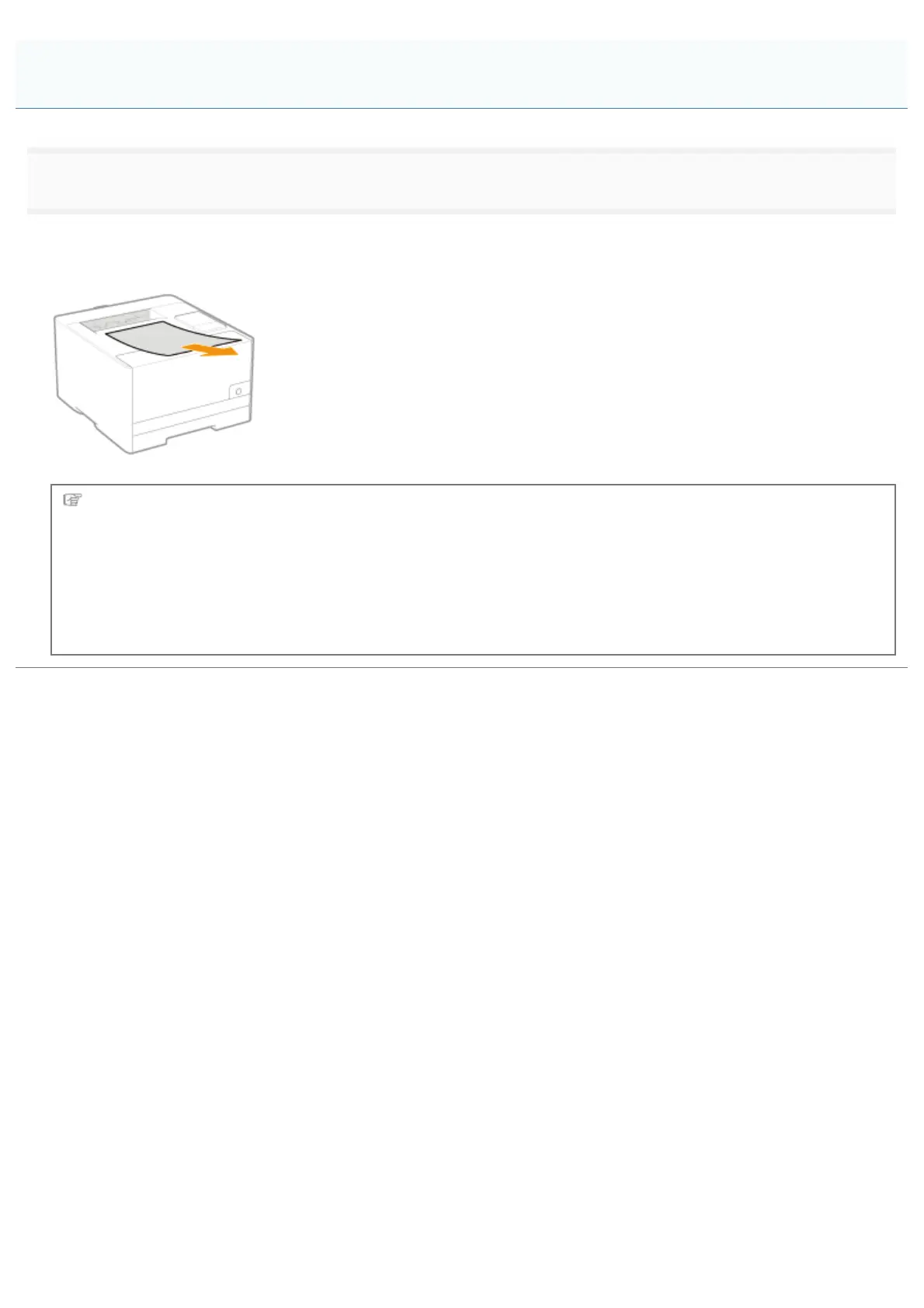
Remove the paper by pulling it gently.
If you cannot remove the paper easily, do not try to remove it forcefully but perform a procedure for another area which is
displayed in a message.
Next, proceed to the procedure for clearing the paper jam which is occurred in another area displayed in the
message.
(1) "Clearing Paper Jams (Paper Drawer)"
(2) "Clearing Paper Jams (Output Area)"
(3) "Clearing Paper Jams (Inside the Rear Cover)"
Clearing Paper Jams (Output Area)
㻠㻠㻡㻌㻛㻌㻡㻝㻠












 To Next Page