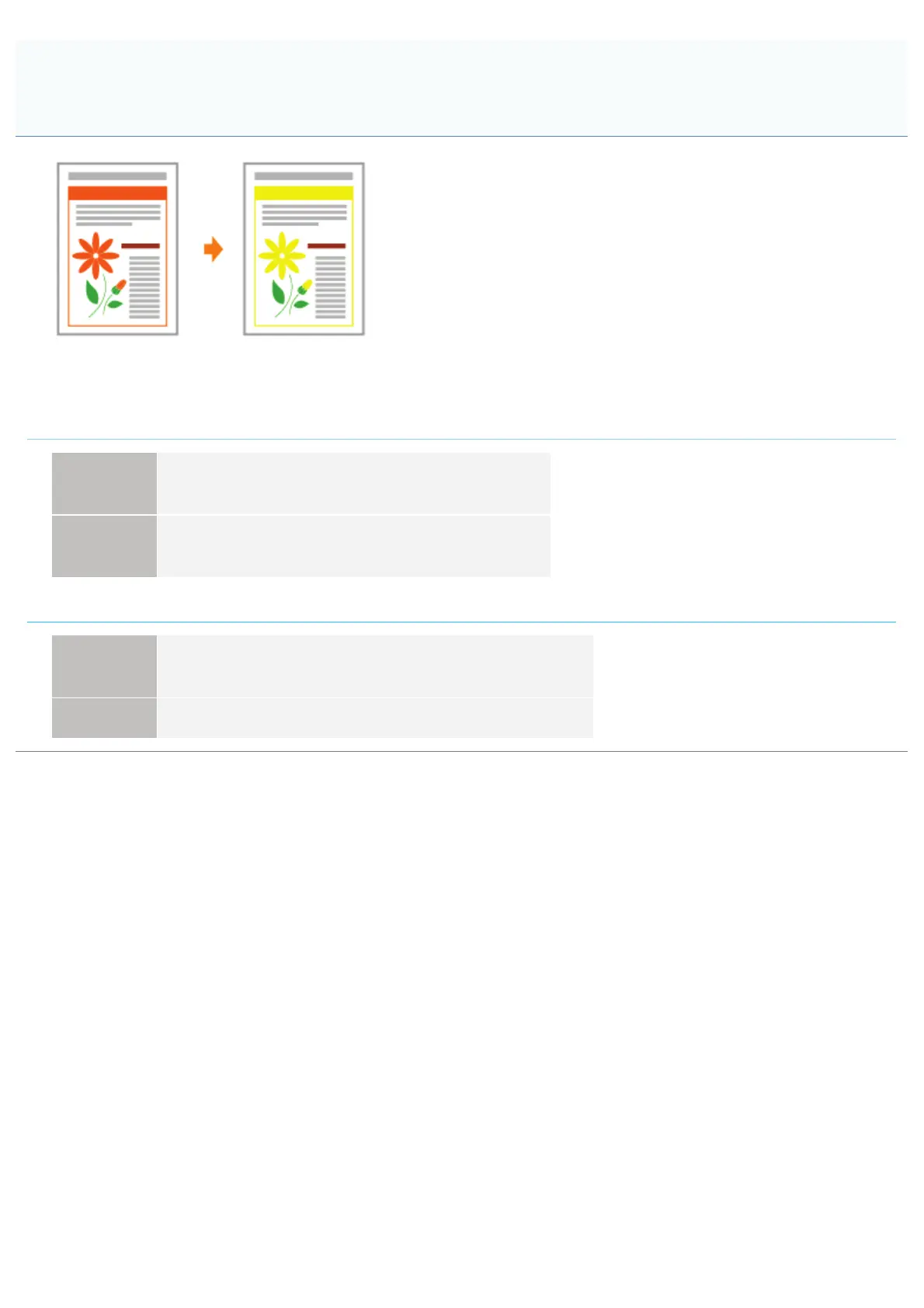
0F40-099
Perform one of the following solutions according to the cause.
<Cause 1> Some of the colors cannot be reproduced because of the combination of colors or
patterns.
Solution 1
Adjust the colors in the application and print again.
See the instruction manual supplied with the application.
Solution 2
Change the patterns in the application and print again.
See the instruction manual supplied with the application.
<Cause 2> The colors may appear different depending on the halftone pattern.
Solution 1
Readjust to a darker color and print again.
See the instruction manual supplied with the application.
Solution 2 Reload paper to change the feeding direction, then print again.
Thin Lines or Fill Patterns Are Not Printed with the Specified Colors or
Do Not Appear At All
㻠㻤㻝㻌㻛㻌㻡㻝㻠












 To Next Page