You can specify the hour from 0 to 24 and specify the minute in increments of 10 minutes.
5. Tap OK to confirm the time to turn the machine on.
After confirming the time to turn the machine on, the screen to specify the day is displayed. Tap
the day, tap Enable or Disable, then tap OK. The setting is valid on the day(s) you select Enable
for.
When you specify the time and day to turn the machine off:
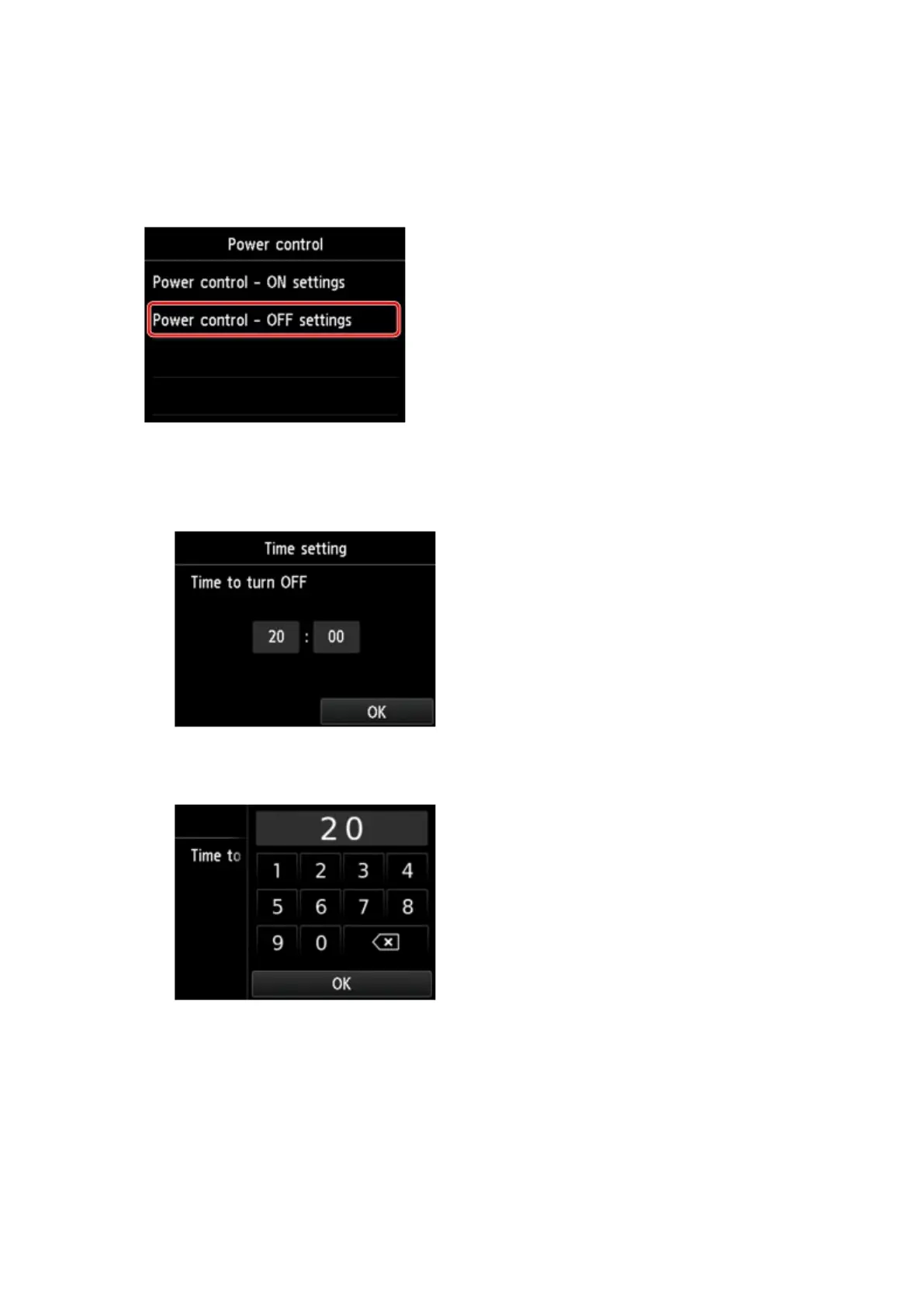
1. Tap Power control - OFF settings.
2. Tap ON on the displayed screen.
The screen below is displayed.
3. Tap the time.
The screen below is displayed.
4.
Tap the numbers to specify the time to turn the machine off.
You can specify the hour from 0 to 24 and specify the minute in increments of 10 minutes.
5.
Tap OK to confirm the time to turn the machine off.
After confirming the time to turn the machine off, the screen to specify the day is displayed. Tap
the day, tap Enable or Disable, then tap OK. The setting is valid on the day(s) you select Enable
for.
273













 To Next Page