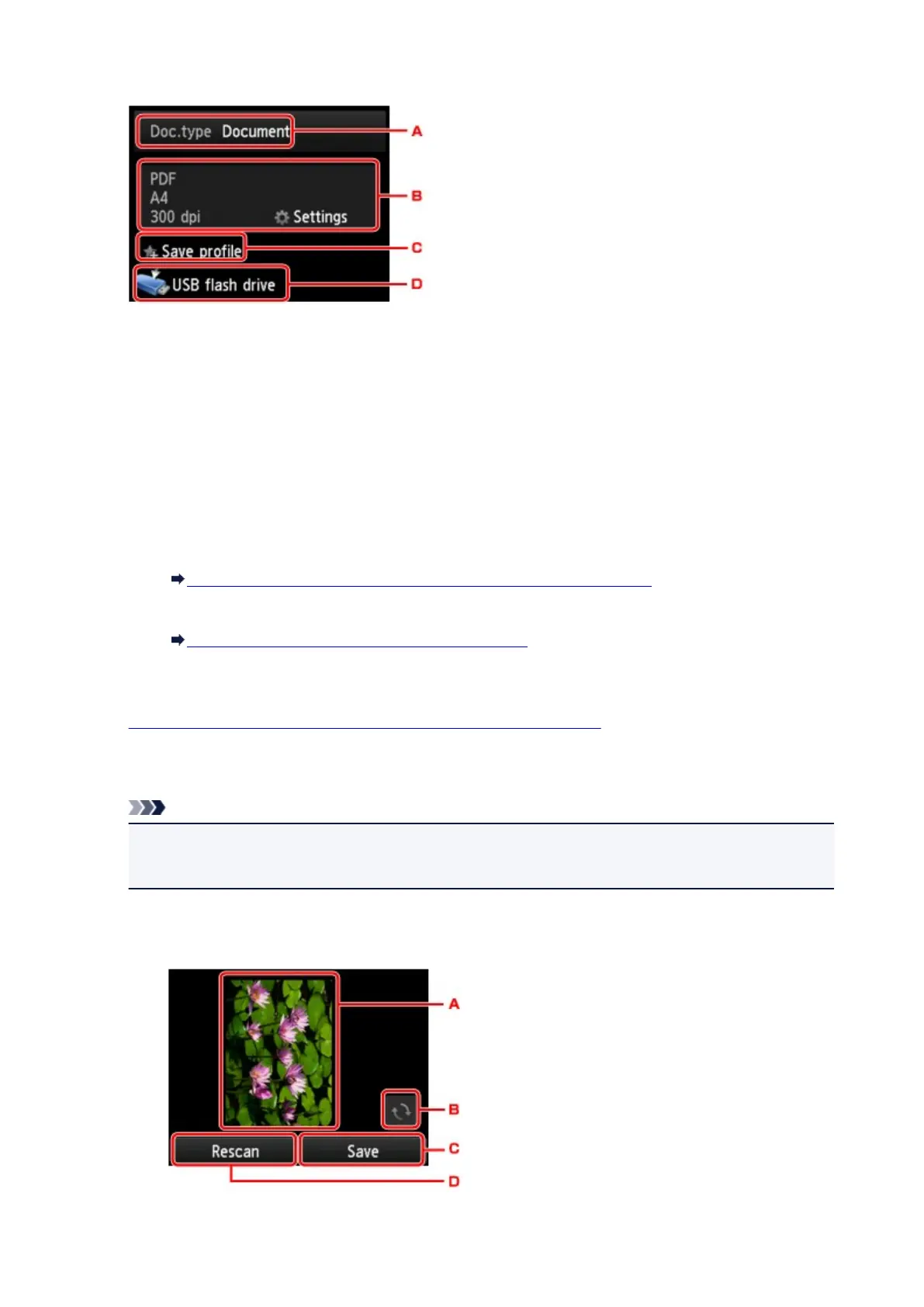
6. Adjust the settings as necessary.
A.
Tap to select the document type.
Document
Scans the original on the platen glass or the ADF as a document data applying the settings
specified in Scan settings.
Photo
Scans the original on the platen glass as a photo data applying the settings specified in Scan
settings.
B. Tap to display Scan settings screen.
For details on the setting items:
Setting Items for Scanning Using the Operation Panel of the Machine
C. Tap to register the current scan settings as a custom setting.
Registering the Favorite Settings (Custom profiles)
D.
Tap to display the screen to select the destination.
7.
Load the original document on the platen glass or in the ADF.
8.
Press the Color button for color scanning, or the Black button for black & white scanning.
Note
• If the original is not loaded properly, a message is displayed on the touch screen. Load the
original on the platen glass or in the ADF according to the scan settings.
•
If you select ON for Preview on the scan setting screen:
The preview screen is displayed before saving the scanned original on the USB flash drive.
A.
The preview screen of the scanning data is displayed.
762













 To Next Page