Specify the number of time and tap OK.
Setting the DRPD Ring Pattern (US and Canada only)
If you have subscribed to a Distinctive Ring Pattern Detection (DRPD) service provided by your telephone
company, your telephone company will assign two or more telephone numbers with distinctive ring
patterns to your single telephone line, allowing you to have different numbers for fax calls and voice calls
using only one telephone line. Your machine will automatically monitor the ring pattern, and will
automatically receive the fax if the ring pattern is a fax call.
To use DRPD, follow the procedure below to set the fax ring pattern that matches the pattern assigned by
your telephone company.
Note
• Contact your local telephone company for detailed information on this service.
1.
Make sure that the machine is turned on.
2.
Flick the HOME screen, then tap FAX.
Using the Operation Panel
3.
Tap Function list.
The Function list screen is displayed.
4.
Tap Receive mode settings.
5.
Tap DRPD.
6.
Tap Advanced.
7.
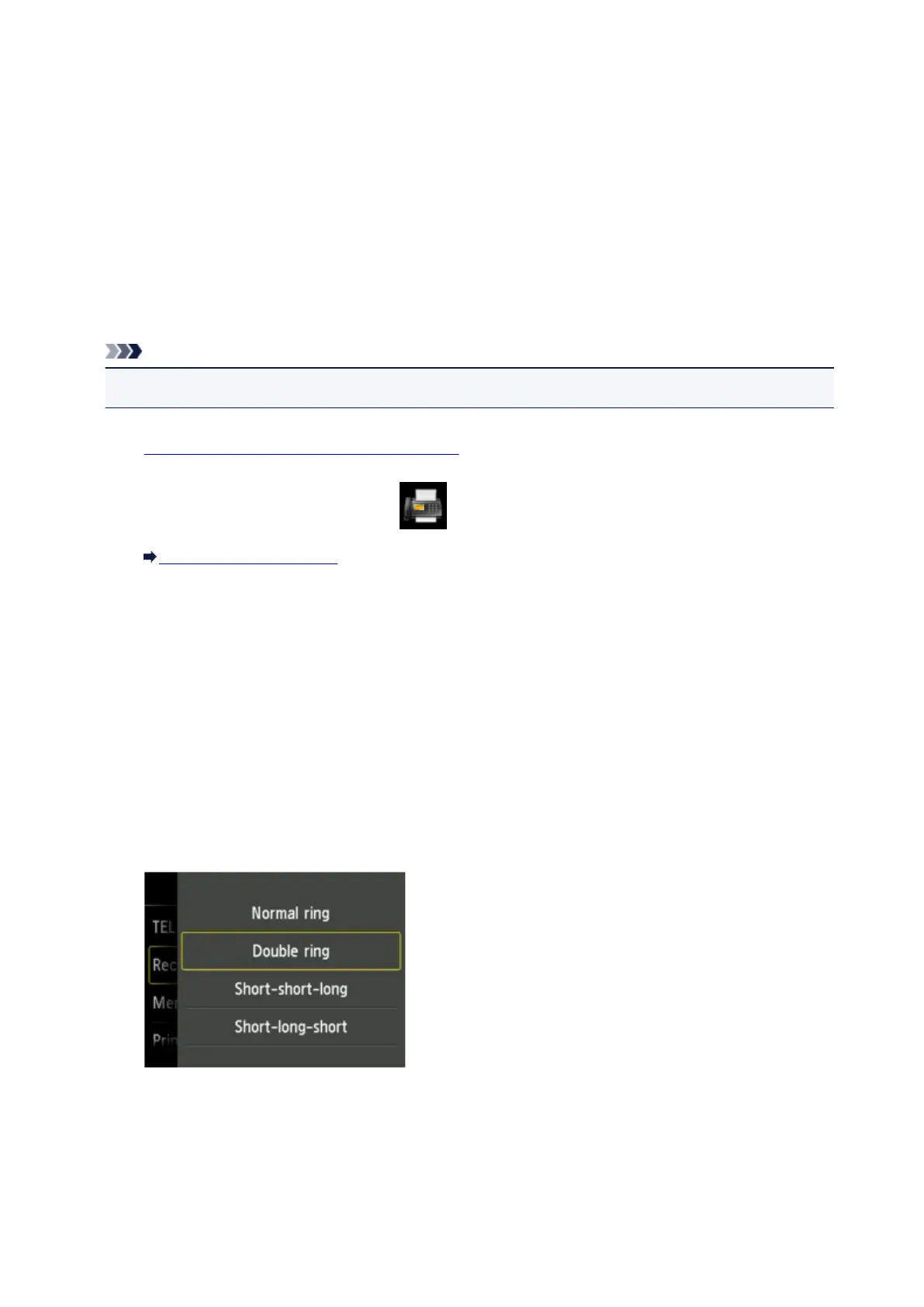
Select the ring pattern that your telephone company assigned to your fax number.
8. Specify the number of time and tap OK.
9. Tap OK.
The Function list screen is displayed.
787













 To Next Page