Setting Up the Network Connection
14 14
Continue to follow on-screen instructions.
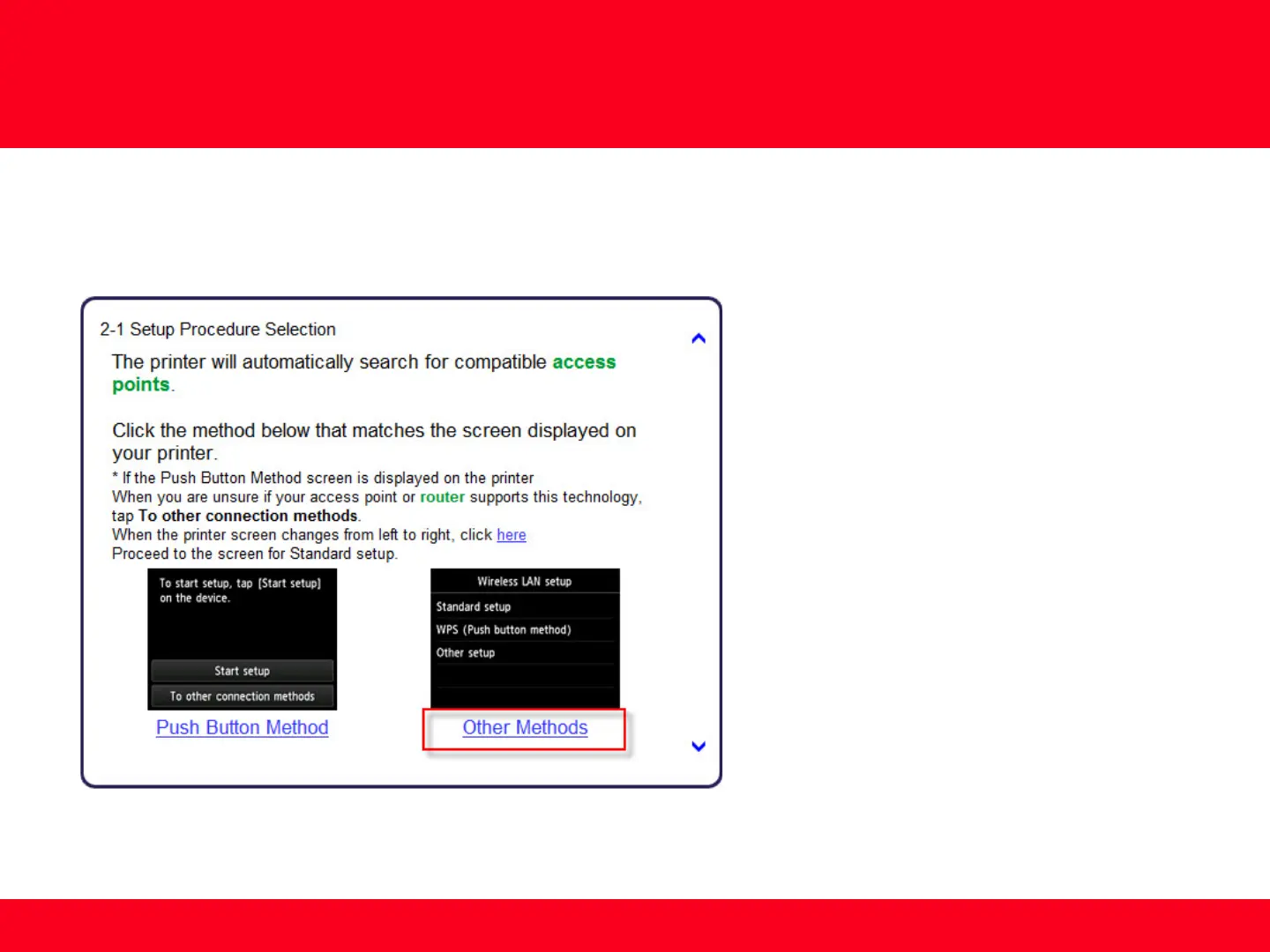
Select Other Methods on the Setup Procedure Selection screen (2-1).
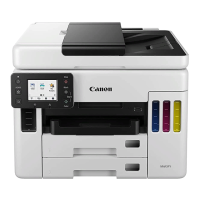
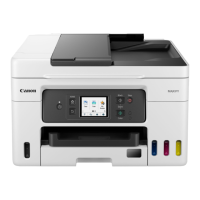
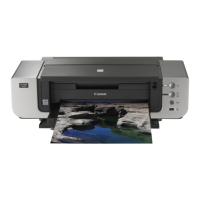
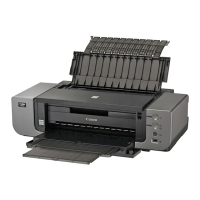
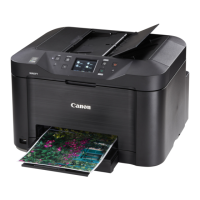
*Note: If your printer’s display looks like the
screen shown above Push Button Method in
the Setup Procedure Selection screen (2-1), tap
To other connection methods before
proceeding to the next instruction




 To Next Page