EasyManua.ls Logo

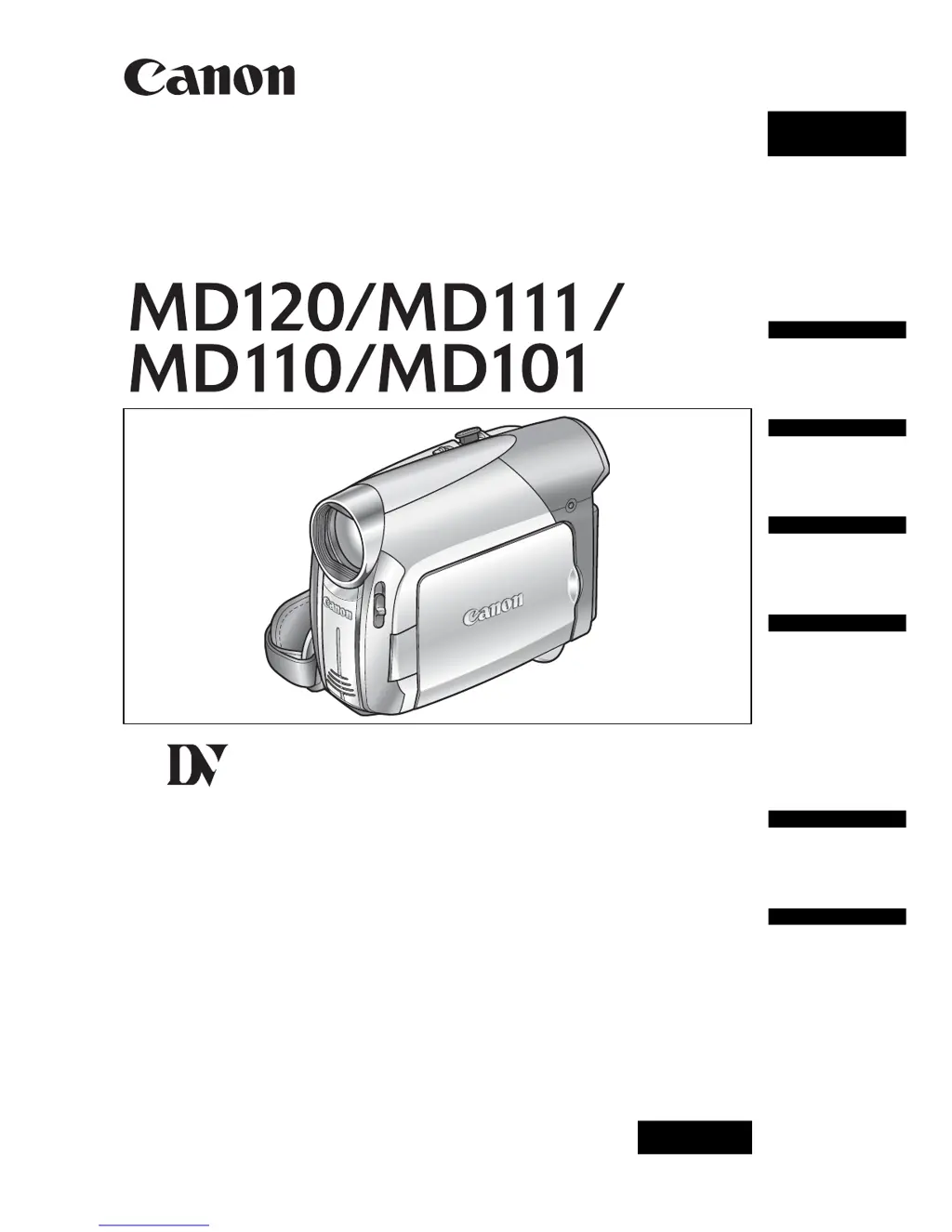
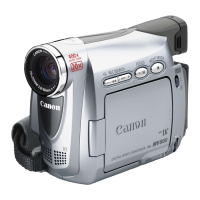
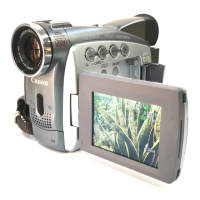
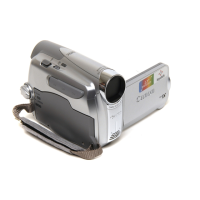
Canon MD120 - User Manual

Canon MD120
63 pages
Print Icon
To Next Page IconTo Next Page
Loading...
PUB.DIE-274
PAL
Digital Video Camcorder
Instruction Manual
English
Introduction
Prerparations
Basic
Functions
Advanced
Functions
External
Connections
Additional
Information
Mini
Digital
Video
Cassette

Table of Contents

Questions and Answers

  • M
    Molly NewmanSep 9, 2025
    What to do if Canon MD120 Camcorder says 'set the time zone, date and time'?
    • K
      Kimberly CochranSep 9, 2025
      If the Canon Camcorder shows “SET THE TIME ZONE, DATE AND TIME” on the screen, set the time zone, date, and time. If the issue persists, replace the backup lithium battery and then set the time zone, date, and time.
  • K
    Karen WagnerAug 22, 2025
    Why Canon MD120 battery pack will not charge?
    • T
      Thomas GuerreroAug 23, 2025
      If your Canon Camcorder battery pack won't charge, it might be too hot or too cold. Charge it in temperatures between 0°C and 40°C. If that doesn't work, the battery pack may be damaged, so try using a different one. Also, check that the compact power adapter is correctly connected to the camcorder.
  • S
    scarterAug 25, 2025
    How to eliminate video noise on Canon MD120 screen?
    • A
      Ashley WilsonAug 25, 2025
      If video noise appears on the Canon Camcorder screen, when using the camcorder in a room where a plasma TV is located, keep a distance between the camcorder and the plasma TV.
  • H
    hollyayersAug 26, 2025
    Why Canon Camcorder will not focus?
    • E
      Elizabeth HigginsAug 26, 2025
      If the Canon Camcorder will not focus, it may be because autofocus does not work on that subject, so try to focus manually. If you are using the viewfinder, adjust it with the dioptric adjustment lever. Also, the lens might be dirty, so clean it with a soft lens-cleaning cloth, but never use tissue paper.
  • M
    Matthew WoodsAug 27, 2025
    How to fix video noise on Canon Camcorder TV screen?
    • A
      Amy GrahamAug 28, 2025
      If video noise appears on the Canon Camcorder TV screen, when using the camcorder in a room where a TV is located, keep a distance between the compact power adapter and the power or antenna cables of the TV.
  • L
    Lisa MccoyAug 29, 2025
    How to fix blurred viewfinder picture on Canon MD120?
    • M
      Maria GarzaAug 29, 2025
      If the Canon Camcorder viewfinder picture is blurred, adjust the viewfinder with the dioptric adjustment lever.
  • A
    andersonkarenSep 17, 2025
    Why sound is distorted on Canon MD120 Camcorder?
    • T
      timothy00Sep 18, 2025
      When recording near loud sounds (such as fireworks or concerts) with your Canon Camcorder, sound may become distorted.
  • J
    James SmithSep 18, 2025
    Cannot record with Canon MD120 Camcorder video input from an external video device connected using a DV cable?
    • M
      michaelnelsonSep 19, 2025
      If you cannot record with your Canon Camcorder using video input from an external video device connected via a DV cable, the signal standard may be wrong. Refer to the instruction manual of the connected device.
  • N
    Nicole WilliamsSep 7, 2025
    Why tape stops during record pause or playback pause on Canon Camcorder?
    • J
      Justin PayneSep 8, 2025
      If the Canon Camcorder tape stops during record pause or playback pause, note that to protect the tape and video heads, the camcorder will enter the stop mode if left in playback pause or record pause mode for 4 minutes 30 seconds. To resume the operation press Start/Stop (when recording) or push the joystick towards / (during playback).
  • A
    Adrienne HicksSep 4, 2025
    What to do if Canon MD120 Camcorder says 'remove the cassette'?
    • A
      Anna ReynoldsSep 4, 2025
      If the Canon Camcorder shows “REMOVE THE CASSETTE” on the screen, remove the cassette and reinsert it.

Summary

Cleaning the Video Heads

Important Usage Instructions

Getting to Know Your Camcorder

About this Manual and Conventions

Information about the manual's content, conventions, and joystick usage.

Camcorder Operating Modes

Explanation of the camcorder's different operating modes (e.g., Camera, Playback).

Supplied Accessories

List and images of items included with the camcorder.

Camcorder Components Guide

Detailed identification of camcorder parts and their locations.

Screen Displays Explained

Explanation of icons and information shown on the camcorder's LCD and viewfinder screens.

Getting Started and Initial Setup

Charging the Battery Pack

Step-by-step guide on how to charge the camcorder's battery pack before first use.

Installing the Backup Battery

Instructions for inserting the small backup battery to retain settings when the main power is off.

Inserting and Removing a Tape

Guide on how to properly insert and remove Mini DV cassettes from the camcorder.

Initial Camcorder Setup and LCD Adjustment

Steps for turning on the camcorder and adjusting the LCD screen for usability.

First Time Settings: Language and Time

Procedure to set the camcorder's language, time zone, and current date/time.

Recording Operations

Recording Movies

Step-by-step instructions on how to record video footage using the camcorder.

Zooming Operation

How to use the zoom lever to adjust magnification for recording.

Playback Operations

Playing Back Recorded Movies

Guide on how to play recorded video tapes using the camcorder's screen or viewfinder.

Playback Search and Magnification

Features for finding recording ends and zooming in on playback content for detailed review.

Advanced Functions: Menus and Settings

Menu Options Lists

Overview of various menu options available for customizing camcorder functions.

Recording Programs and Scene Modes

Explains various preset recording modes optimized for specific shooting conditions.

Picture Adjustment: Exposure, Focus, White Balance

How to manually adjust picture settings like exposure, focus, and white balance.

Audio Recording and Playback Modes

Options for selecting audio quality, channels, and playback modes.

Digital Effects and Faders

Applying visual effects like faders, wipes, and other digital enhancements to recordings.

External Connections

Connecting to TV or VCR

Visual guides and instructions for connecting the camcorder to televisions and VCRs.

Connecting to a Computer

Steps and diagrams for connecting the camcorder to a computer via DV cable for data transfer.

Troubleshooting

Power Source and Basic Operation Issues

Solutions for common problems like the camcorder not turning on or battery issues.

Recording and Playback Error Resolution

Troubleshooting steps for common recording, playback, and image/sound quality issues.

Understanding Error Messages

Explanations and solutions for various warning messages displayed by the camcorder.

Dos and Donts

Camcorder Handling and Precautions

Guidelines for safe operation, handling, and care of the camcorder.

Battery Pack and Cassette Care

Proper handling, charging, storage, and protection of battery packs and video cassettes.

Condensation Prevention and Management

How to avoid and handle condensation issues to protect the camcorder from moisture damage.

General Information

Using the Camcorder Abroad

Information on power compatibility and TV system requirements for international use.

System Diagram and Optional Accessories

Overview of camcorder components, connections, and available accessories.

Specifications

Camcorder Technical Specifications

Detailed technical data for video systems, optics, sensors, and terminals.

Power Adapter and Battery Specifications

Technical details for the compact power adapter and battery pack, including dimensions and weight.

Canon MD120 Specifications

General IconGeneral
BrandCanon
ModelMD120
CategoryCamcorder
LanguageEnglish

Related product manuals