EasyManua.ls Logo

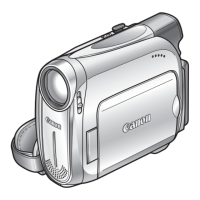
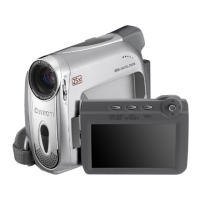
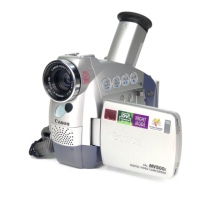
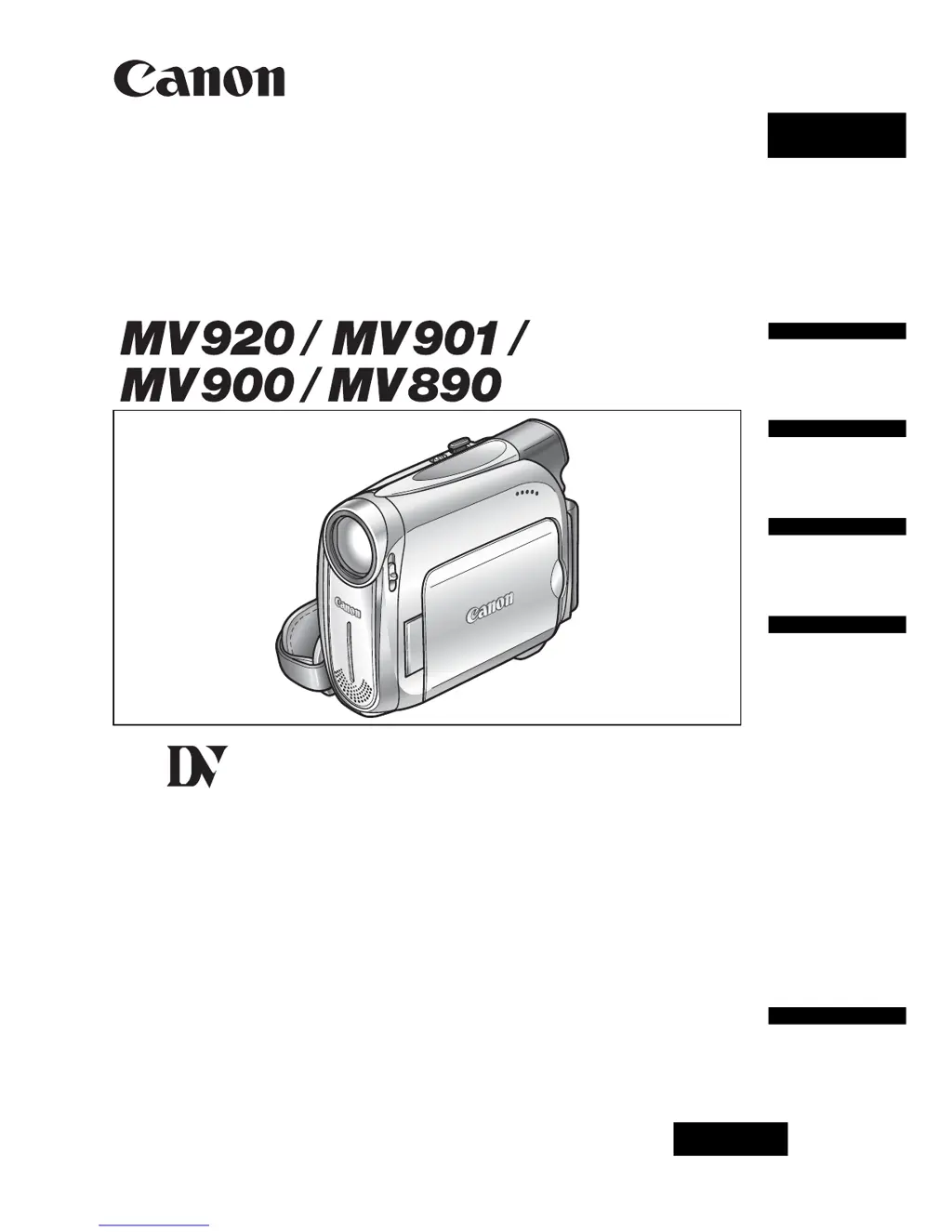
Canon MV900 - User Manual

Canon MV900
86 pages
Print Icon
To Next Page IconTo Next Page
Loading...
English
PUB.DIE-253
PAL
English
Introduction
Basic
Functions
Advanced
Functions
Editing
Additional
Information
Digital Video Camcorder
Instruction Manual
Mini
Digital
Video
Cassette

Table of Contents

Questions and Answers

  • T
    Tyler HollandAug 20, 2025
    What to do if my Canon MV900 Camcorder switches off by itself?
    • E
      Elizabeth HuntAug 20, 2025
      If your Canon Camcorder switches off by itself, it could be due to an exhausted battery pack. Replace or charge the battery pack. It's also possible that the power save function has been activated; in this case, simply turn the camcorder back on.
  • A
    anthonygrahamAug 22, 2025
    What to do if pressing the start/stop button will not start recording on my Canon Camcorder?
    • P
      parkchristopherAug 22, 2025
      If pressing the start/stop button will not start recording on your Canon Camcorder, check the following: * Ensure the camcorder is turned on. * Verify that a cassette is loaded. * Rewind the tape or replace the cassette if the tape reached the end. * Change the position of the protect switch if the cassette is protected. * Set the camcorder to the correct mode.
  • A
    Amber JonesAug 25, 2025
    Why won't my Canon MV900 Camcorder turn on?
    • J
      James ShannonAug 25, 2025
      Your Canon Camcorder may not turn on because the battery pack is exhausted. Replace or charge the battery pack. Also, ensure that the battery pack is correctly attached.
  • D
    dcontrerasAug 26, 2025
    How to fix Canon Camcorder if it will not focus?
    • K
      Kathy WolfAug 27, 2025
      If your Canon Camcorder will not focus, try focusing manually as the autofocus may not work on that subject. Also, adjust the viewfinder with the dioptric adjustment lever. Finally, clean the lens if it is dirty.
  • L
    Lisa HernandezAug 28, 2025
    Why does my Canon MV900 Camcorder battery pack will not charge?
    • G
      Glenda JacksonAug 28, 2025
      Your Canon Camcorder battery pack may not charge because the temperature is outside the range of 0°C and 40°C. Charge the battery pack in temperatures between 0°C and 40°C. Also, battery packs become hot with use and may not charge, so wait until the battery pack temperature is below 40°C and retry charging. Finally, the battery pack might be damaged; try using a different battery pack.
  • S
    Stacy GarciaAug 29, 2025
    How to fix a blurred viewfinder picture on Canon Camcorder?
    • T
      Tyler VaughanAug 30, 2025
      If the viewfinder picture is blurred on your Canon Camcorder, adjust the viewfinder with the dioptric adjustment lever.
  • W
    William NewmanAug 31, 2025
    What to do if pressing the playback button does not start playback on Canon MV900?
    • M
      Mary GatesAug 31, 2025
      If pressing the playback button does not start playback on your Canon Camcorder, make sure that the camcorder is turned on and set to the correct mode. Also, ensure that a cassette is loaded. If the tape has reached the end, rewind it.
  • A
    Andrew GallagherSep 2, 2025
    How to fix Canon MV900 Camcorder if buttons will not work?
    • T
      Thomas GordonSep 2, 2025
      If the buttons on your Canon Camcorder will not work, first ensure that the camcorder is turned on. If it is on, check if a cassette is loaded into the camcorder, as this may be preventing the buttons from functioning.
  • J
    jay94Sep 4, 2025
    What to do if “SET THE TIME ZONE, DATE AND TIME” appears on the screen of my Canon MV900?
    • J
      James EllisonSep 4, 2025
      If “SET THE TIME ZONE, DATE AND TIME” appears on the screen of your Canon Camcorder, it means the time zone, date, and time are not set. Set the time zone, date, and time. Alternatively, the backup battery may be exhausted. Replace the backup battery and reset the time zone, date, and time. Another possibility is that the backup battery is inserted the wrong way. Insert the backup battery with the + side facing outward and set the time zone, date, and time.
  • E
    Elizabeth JacksonSep 6, 2025
    What to do if cassette compartment stopped during loading/ unloading in Canon Camcorder?
    • C
      Carolyn DavisSep 6, 2025
      If the cassette compartment stopped during loading/ unloading in your Canon Camcorder, it could be due to an exhausted battery pack. Replace or charge the battery pack. If that doesn't solve the issue, the camcorder may be malfunctioning, consult a Canon Service Center.

Canon MV900 Specifications

General IconGeneral
Digital zoom800 x
Optical zoom25 x
Focal length range43.6 - 1090 mm
Sensor typeCCD
Total megapixels0.8 MP
Optical sensor size1/6 \
Display diagonal2.7 \
Display resolution112000 pixels
I/O portsA/V - in
Auto focusYes
Camcorder tape typeMini-DV
Compatible memory cardsMMC, SD
Camera shutter speed1/2000 - 1/6 s
Minimum illumination2 lx
Product colorSilver
Battery typeBP-2L5
Weight and Dimensions IconWeight and Dimensions
Depth92 mm
Width49 mm
Height115 mm
Weight445 g

Related product manuals