EasyManua.ls Logo

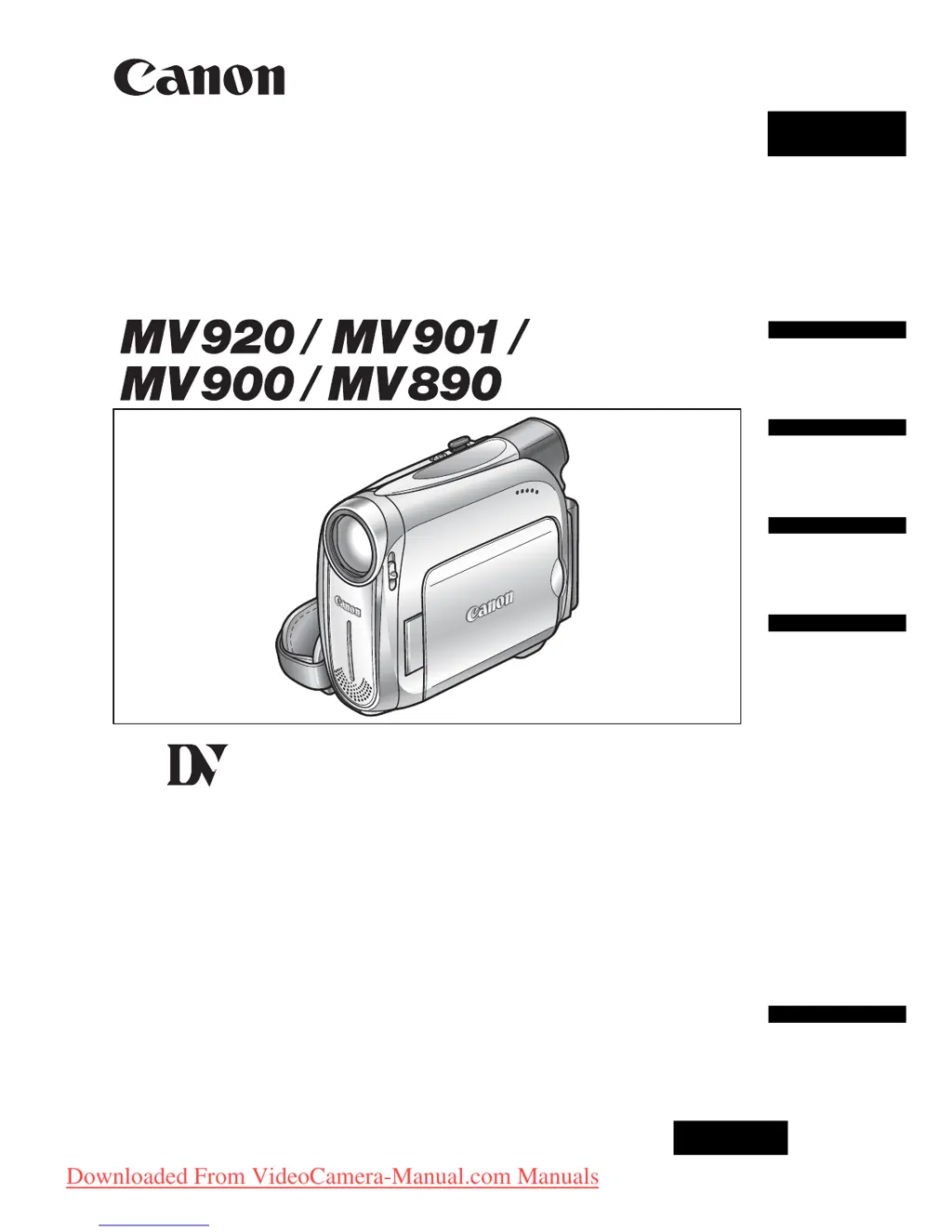
Canon MV920 - User Manual

Canon MV920
86 pages
Print Icon
To Next Page IconTo Next Page
Loading...
English
PUB.DIE-253
PAL
English
Introduction
Basic
Functions
Advanced
Functions
Editing
Additional
Information
Digital Video Camcorder
Instruction Manual
Mini
Digital
Video
Cassette
Downloaded From VideoCamera-Manual.com Manuals

Table of Contents

Questions and Answers

  • B
    Bruce HernandezAug 20, 2025
    Why does my Canon MV920 Camcorder battery pack will not charge?
    • M
      Michael HowardAug 20, 2025
      Your Canon Camcorder battery pack may not charge because the temperature is outside the range of 0°C and 40°C. Charge the battery pack in temperatures between 0°C and 40°C. Also, battery packs become hot with use and may not charge, so wait until the battery pack temperature is below 40°C and retry charging. Finally, the battery pack might be damaged; try using a different battery pack.
  • I
    Ian RivasAug 22, 2025
    What to do if pressing the start/stop button will not start recording on my Canon MV920?
    • J
      Jason HoAug 22, 2025
      If pressing the start/stop button will not start recording on your Canon Camcorder, check the following: * Ensure the camcorder is turned on. * Verify that a cassette is loaded. * Rewind the tape or replace the cassette if the tape reached the end. * Change the position of the protect switch if the cassette is protected. * Set the camcorder to the correct mode.
  • B
    Brendan MorrisAug 25, 2025
    Why won't my Canon MV920 turn on?
    • C
      Christopher BurnettAug 25, 2025
      Your Canon Camcorder may not turn on because the battery pack is exhausted. Replace or charge the battery pack. Also, ensure that the battery pack is correctly attached.
  • J
    Joseph RileyAug 27, 2025
    How to fix Canon Camcorder if it will not focus?
    • H
      hensleymichaelAug 27, 2025
      If your Canon Camcorder will not focus, try focusing manually as the autofocus may not work on that subject. Also, adjust the viewfinder with the dioptric adjustment lever. Finally, clean the lens if it is dirty.
  • A
    Adam SimsAug 27, 2025
    What to do if my Canon MV920 Camcorder switches off by itself?
    • J
      Jeffrey RossAug 28, 2025
      If your Canon Camcorder switches off by itself, it could be due to an exhausted battery pack. Replace or charge the battery pack. It's also possible that the power save function has been activated; in this case, simply turn the camcorder back on.
  • E
    Elizabeth CannonAug 30, 2025
    How to fix a blurred viewfinder picture on Canon MV920 Camcorder?
    • M
      Mark HicksAug 30, 2025
      If the viewfinder picture is blurred on your Canon Camcorder, adjust the viewfinder with the dioptric adjustment lever.
  • G
    George OlsonSep 1, 2025
    What to do if LCD/viewfinder switches on and off on Canon MV920 Camcorder?
    • A
      ashley11Sep 1, 2025
      If the LCD/viewfinder switches on and off on your Canon Camcorder, it is likely that the battery pack is exhausted. Replace or charge the battery pack.
  • C
    Christopher CookSep 2, 2025
    What to do if pressing the playback button does not start playback on Canon Camcorder?
    • D
      dweaverSep 2, 2025
      If pressing the playback button does not start playback on your Canon Camcorder, make sure that the camcorder is turned on and set to the correct mode. Also, ensure that a cassette is loaded. If the tape has reached the end, rewind it.
  • M
    Ms. Brittany Thomas DDSSep 4, 2025
    How to fix Canon MV920 if buttons will not work?
    • J
      Jason StokesSep 4, 2025
      If the buttons on your Canon Camcorder will not work, first ensure that the camcorder is turned on. If it is on, check if a cassette is loaded into the camcorder, as this may be preventing the buttons from functioning.
  • R
    Ryan WardSep 6, 2025
    What to do if “SET THE TIME ZONE, DATE AND TIME” appears on the screen of my Canon MV920?
    • L
      Lisa YoungSep 6, 2025
      If “SET THE TIME ZONE, DATE AND TIME” appears on the screen of your Canon Camcorder, it means the time zone, date, and time are not set. Set the time zone, date, and time. Alternatively, the backup battery may be exhausted. Replace the backup battery and reset the time zone, date, and time. Another possibility is that the backup battery is inserted the wrong way. Insert the backup battery with the + side facing outward and set the time zone, date, and time.

Summary

Introduction to Your Camcorder

Important Usage Instructions

Essential safety warnings and initial usage guidelines for the camcorder.

Using This Manual

Guide to manual structure, symbols, references, and joystick operation.

Camcorder Components

Detailed diagram and labels for camcorder parts and controls.

Supplied Accessories

Lists and depicts the items included with the camcorder.

Basic Functions and Operations

Power Supply and Charging

Guides on attaching, charging battery packs, and using AC power.

Cassette Handling

Instructions for inserting and removing MiniDV cassettes.

Initial Setup and Adjustments

Steps for adjusting viewfinder, grip belt, strap, and LCD screen.

Time and Date Settings

Procedures for setting the camcorder's time zone, date, and time.

Recording Movies

Step-by-step guide to recording video onto a tape.

Playback Operations

How to play back recorded tapes, control volume, and connect to a TV.

Zooming and Framing

Explains how to use optical and digital zoom, and adjust zoom speed.

Video Recording Tips

Advice on holding the camcorder, stability, and lighting for better video quality.

Advanced Functions and Features

Menu System and Settings

Explains how to access and navigate the camcorder's menus and settings.

Recording Program Selection

Details on various recording modes like Program AE, Portrait, Sports, Night, etc.

Image Quality Control

Guides on manually adjusting exposure, focus, and white balance for optimal image.

Shutter Speed and Effects

Instructions for adjusting shutter speed, image effects, and recording modes.

Audio Settings and External Mic

Settings for audio recording, including mode selection, wind screen, and external microphone use.

Digital Effects and Widescreen

How to apply various digital effects and set up 16:9 widescreen recording.

Playback Enhancements

Features for enhancing playback, like zooming, displaying data, and searching.

Editing and System Information

Video Editing and Transfer

Guides for recording to VCRs, DV dubbing, and transferring to computers.

System Settings and Customization

Customizing display language, date format, beep sound, and other system settings.

Troubleshooting

Solutions for common camcorder problems.

Maintenance and Handling

Guidelines for safe operation, storage, cleaning, and condensation management.

Optional Accessories

Information on available optional accessories for the camcorder.

Technical Specifications

Detailed technical specifications of the camcorder.

Copyright Precautions

Warnings about unauthorized recording of copyrighted material.

Canon MV920 Specifications

General IconGeneral
TypeMini DV
Optical Zoom20x
Digital Zoom400x
Image StabilizerElectronic
FocusAuto/Manual
Exposure ControlAuto, Manual
Minimum Illumination2 Lux
Recording MediaMini DV Tape
Power SupplyLithium-ion battery
Image Sensor1/6" CCD
LCD Screen2.7 inches
Video Resolution720 x 576 pixels
Audio Format16-bit PCM stereo
Weight410 g
Zoom20x optical / 400x digital
ViewfinderColor
White BalanceAuto, Preset
MicrophoneStereo
Recording Time90 minutes (LP mode)
InterfaceIEEE 1394 (FireWire), USB

Related product manuals