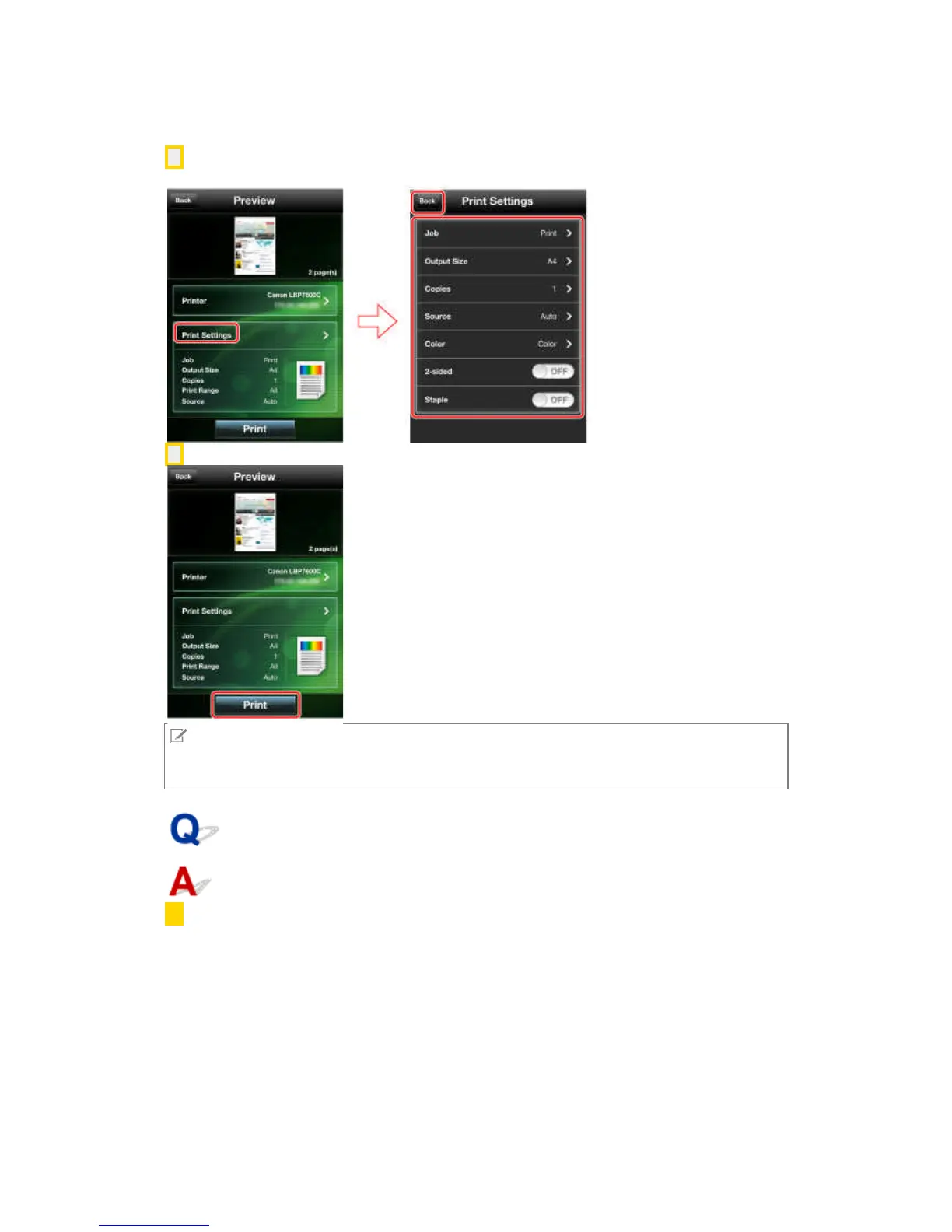
6. If you want to configure detailed print settings, tap [Print Settings] → make the required settings
→ tap [Back].
7. Tap [Print] in the [Preview] screen.
NOTE
You cannot start Canon Mobile Printing directly from Safari and print. Copy the URL from Safari,
then paste the URL into the [Web] screen of this app to display and print the web page.
What is the procedure for printing files?
1. Open the file you want to print in the corresponding app.



 To Next Page