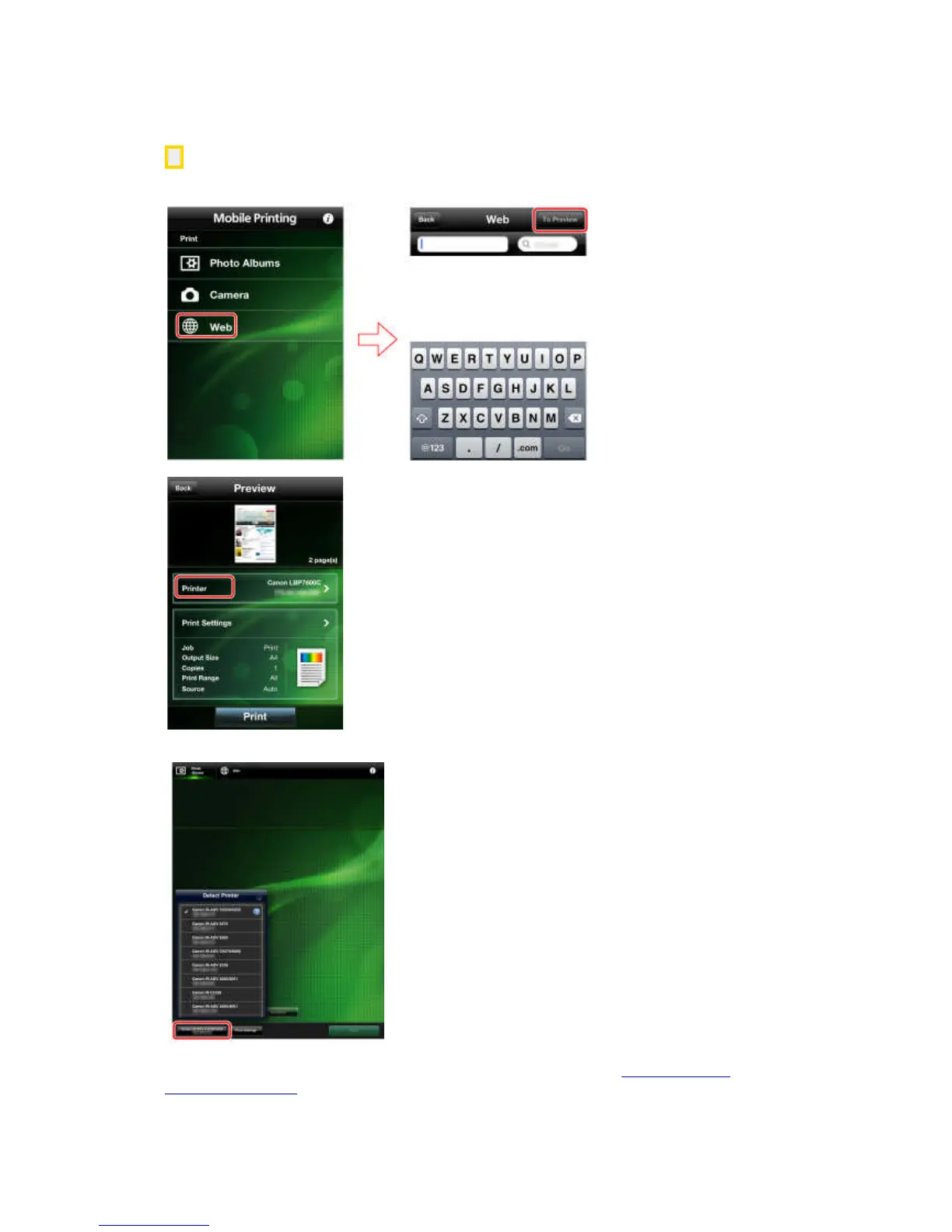
2. Find the printer by displaying the [Detect Printer] screen.
iPhone:
Tap [Web] → [To Preview].
In the [Preview] screen, tap [Printer].
iPad:
Tap [Detect Printer] in the lower left corner of the screen.
Printers on the same network are automatically detected and displayed.
If the message [Cannot communicate] is displayed, follow the procedure "Manual Search by
Specifying IP Address" below.



 To Next Page