3. Select the printer you want to use from among the detected printers.
Manual Search by Specifying IP Address
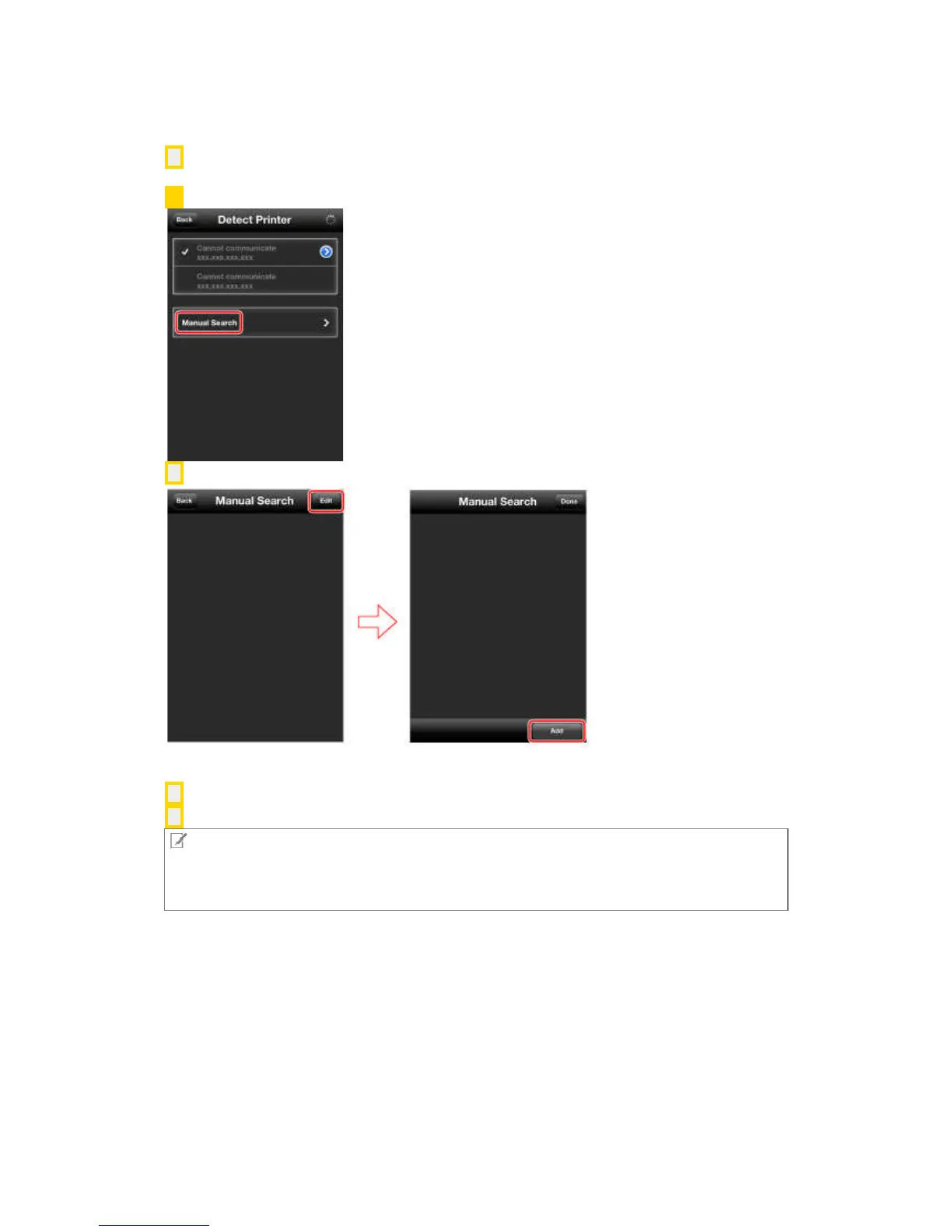
1. Tap [Manual Search] in the [Detect Printer] screen.
2. Tap [Edit] then [Add] and enter the IP address of the printer you want to use.
If you have entered the correct IP address, it is registered as the manual search address and the
[Manual Search] screen is displayed.
3. Tap [Back].
4. In the [Detect Printer] screen, select the manually detected printer.
NOTE
You can also perform printer detection and selection when printing photographs, web pages, and
files. On an iPhone, tap [Printer] in the [Preview] screen. On an iPad, tap [Detect Printer] in the
lower left corner of the screen.



 To Next Page