What is the procedure for printing photographs?
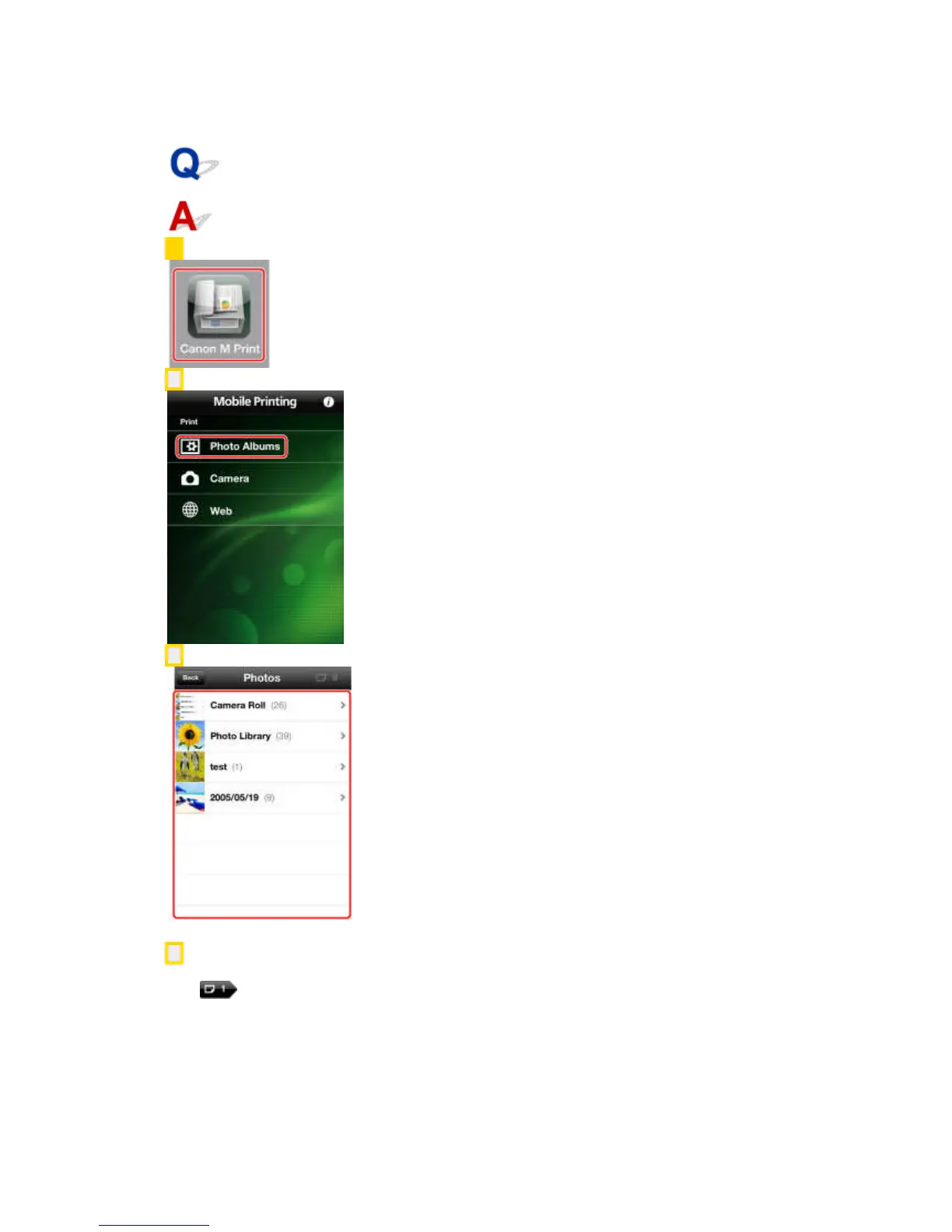
1. In the Home screen of your iPhone or iPad, tap [Canon M Print].
2. Tap [Photo Albums].
3. Select an album → select the photograph(s) you want to print.
You can select up to 20 photographs at one time.
4. Confirm or select the printer you want to use.
iPhone:
Tap [ ] in the upper right corner of the screen (the number is the number of photographs you
have selected).
Check whether the name of the printer is displayed in [Printer] in the [Preview] screen.



 To Next Page