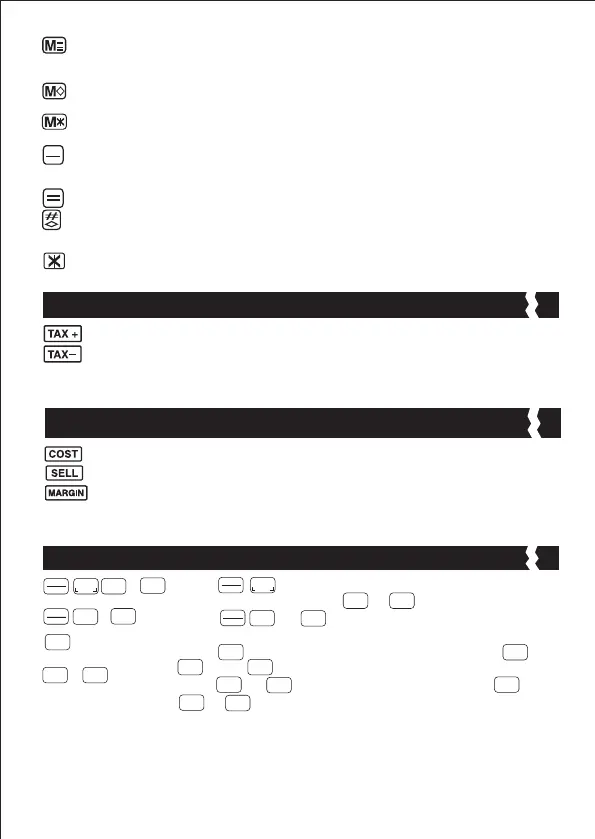
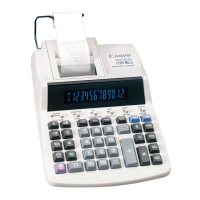
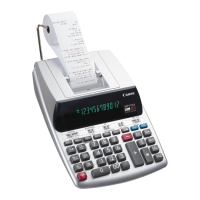
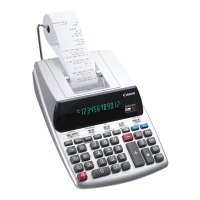
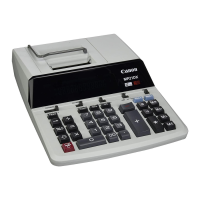
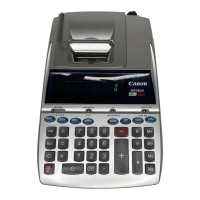
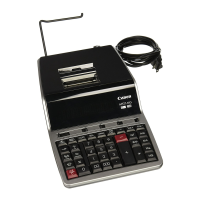
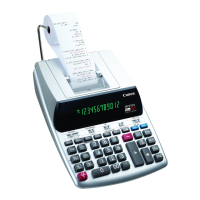
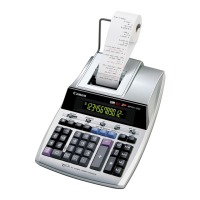
Paper Feed Key: Used for advancing the paper.
Right Shift Key: Used for shifting and correcting an entered numeral.
A single press deletes the last digit on the right.
Percent Plus-Minus Key: Used for performing percentage, add-on and
discount calculations.
Sign Change Key: Used for changing the sign (+ or –) of the displayed numbers.
Memory Plus Equal Key: Used for obtaining a calculation result and
adding the result automatically to the memory. This key is also used for
adding number to the memory.
Add Tax Key : Used for adding the tax amount to the displayed figure.
Deduct Tax Key : Used for deducting the tax amount from the displayed
figure.
Tax Calculation Function
: Used for calculating the cost, selling price and profit margin
amount. Enter the value of any 2 items to obtain the balance
value item. (e.g. enter the value of the cost and the selling price
to obtain the profit margin %.)
Cost-Sell-Margin Calculation Function
: Press and hold for 1 second, then enter the currency
conversion rate and press or to store the rate.
: Press or to recall the stored currency
conversion rate.
: Press to convert currency figure displayed from or
to the .
: Press or to convert displayed figure from to
or .
Currency Conversion Function
$
C1
C2
CE
C
Set
CE
C
C1
Set
C1
CE
C
C1
C2
$
C1
C2
$
C1
C1
C2
$
C1
C2
C2
CE
C
Memory Minus Equal Key: Used for obtaining a calculation result and
subtracting the result automatically from the memory. This key is also used
for subtracting a number from the memory.
Memory Subtotal Key: Used for obtaining the intermediate result of the
memory calculation. This key will not clear memory contents.
Memory Total and Memory Clear Key: Used for obtaining the total of
memory contents. This key will clear memory contents at the same time.
Clear Entry and Clear Key: Press once to clear last entered value. Press
again to clear all entered values except memory. This key is also used for
clearing the overflow error.
Equal Key: Used for obtaining multiplication and division results.
Non-Add / Subtotal Key: Used for printing out information which does not
affect the calculation such as dates and serial numbers. Figures are printed on
the left-hand side of the paper. It is also used for obtaining intermediate results.
Total Key: Used for obtaining addition and subtraction results.
CE
C
/
C2
/
C2
/
5


 To Next Page