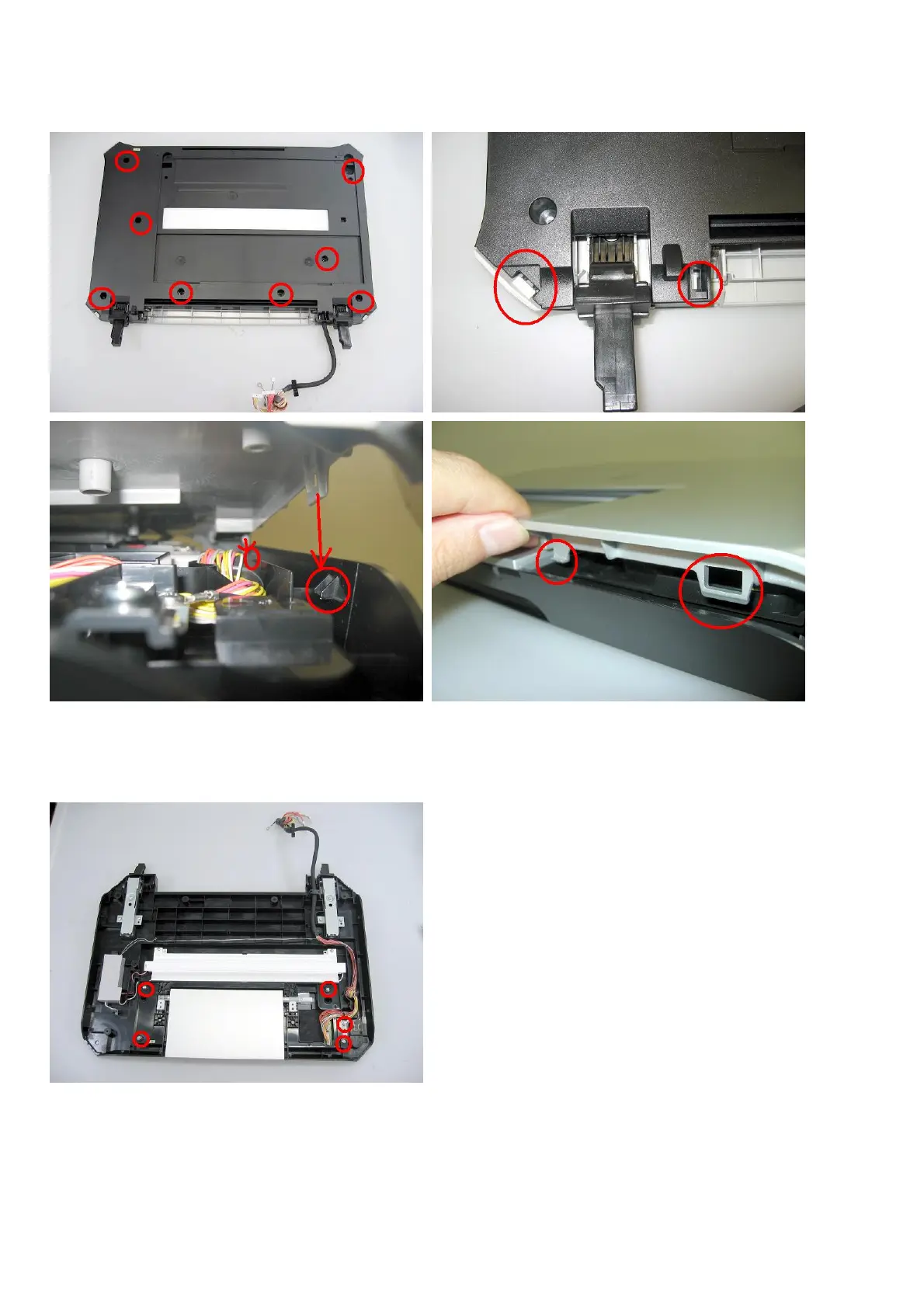
(2) Operation panel removal
1) Remove the FAU protective sheet, then remove the screws from the bottom of the document cover (8 screws).
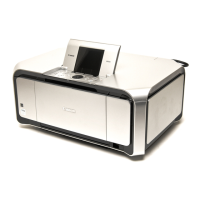
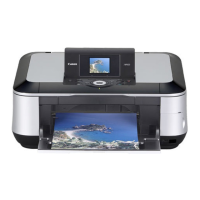
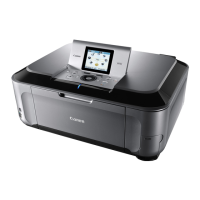
<Remove the top cover from the base, while exercising caution not to break the claws.>
2) Remove the panel frame from the bottom cover (5 screws - one screw fastens the panel harness ground wire to the
chassis).
<The FFC core is fixed to the unit with filament tape, as shown in the photo.>


 To Next Page