Important Usage Instructions ....................2
Thank you for Choosing a Canon ..............4
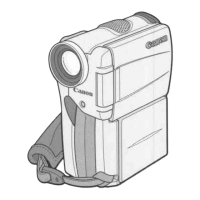
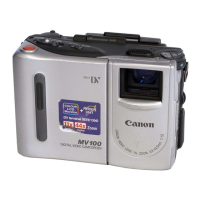
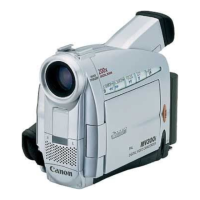
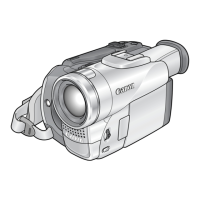
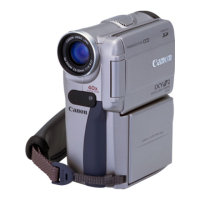
Introducing the MV4/MV4i/MV4i MC ....5
Finding Your Way Around the Camera ......6
~ Preparations ~
Powering Your Camcorder ........................9
Loading a Cassette ..................................12
~ Basic Recording ~
Basic Recording ......................................14
Zooming ..................................................19
Using the LCD Screen ............................20
~ Basic Playback ~
Playing Back a Cassette ..........................23
Connections for Playback on a TV Screen
....27
Tips for Making Better Videos ................31
~ General
...
~
Turning the Image Stabilizer Off ............33
Using the Menus ......................................34
Using the Wireless Controller/Tally Lamp
..43
~ For Recording ...~
Setting the Date and Time........................46
Recording in Progressive Scan Mode ....49
Taking Still Pictures to a Cassette............50
Searching and Reviewing While Recording
..52
Using the Various Recording Programs ..53
Using Digital Effects................................57
Using the Multi-Image Screen ................63
Audio Recording ......................................65
Setting the Self-Timer ..............................67
~ When Making Manual Adjustments ...~
Adjusting Exposure Manually..................69
Adjusting Focus Manually ......................72
Setting the White Balance........................73
~ For Playback ...~
Displaying Date, Time and Camera Data
(Data Code) ........................................75
Searching the Tape (Photo Search/
Date Search) ........................................78
Returning to a Pre-Marked Position ........79
Editing to a VCR......................................80
Dubbing with Digital Video Equipment ..81
Recording from a VCR, TV or Analog Camcorder–
Analog Line-in (MV4i and MV4i MC only)..
84
Recording Over Existing Scenes–A/V Insert
Editing (MV4i and MV4i MC only)
..........86
Audio Dubbing ........................................89
Setting the Audio Mix ..............................95
Connecting to a PC ..................................97
Memory Card Introduction ......................98
Recording Still Images to a
Memory Card ....................................103
Recording an Image from a Cassette
as a Still Image..................................105
Recording from Another DV Device
as a Still Image..................................106
Viewing Still Images ..............................107
Settings of the Still Image recorded to
memory card......................................109
Preventing Accidental Erasure (Protect)
..112
Marking a Still Image for Printing
(Print Mark) ......................................113
Erasing Still Images................................115
Combining Images and Recording
Them to a Cassette (Card Mix) ........117
Copying Still Images from a Cassette....120
Copying Memory Card Still Images
to a Cassette ......................................121
Formatting a Memory Card....................122
Other Information and Precautions ........123
Preparing the Camera ............................126
Notes on Using the Batteries..................127
Maintenance ..........................................130
Troubleshooting......................................134
The MV4/MV4i/MV4i MC
System Diagram ................................138
Optional Accessories ..............................139
Screen Displays ......................................142
Specifications ........................................149
Index ..................................................151
Menu at a Glance................................154
Contents
Introduction Editing
Using the Full Range of
Features
Using a Memory Card
(MV4i MC only)
Mastering the Basics
Additional Information
3
E
Introduction
#1_MV4/MV4 MC-i_E(02-05) 01/7/31 9:47 Page 3 (1,1)


 To Next Page